


 English
  Tiếng Việt
 How to change wifi password It sounds easy, but only for those who are knowledgeable about information technology or have experience with computers, but what about those who are doing this for the first time or are not proficient with computers? So in this article, 3GWIFI will share with you theways to change wifi passwordfor Vietnamese network providers and the most commonly used modem brands today. Besides, I will tell you why you need to set a password for your wifi.
Detailed guide on how to change wifi password in the following articles
How to change wifi password for FPT, VNPT, Viettel network providers
If you are using FPT network and don't know how to change your wifi password, this article will show you the most detailed way to easily change your wifi password without worrying about others hacking and using it without your permission.
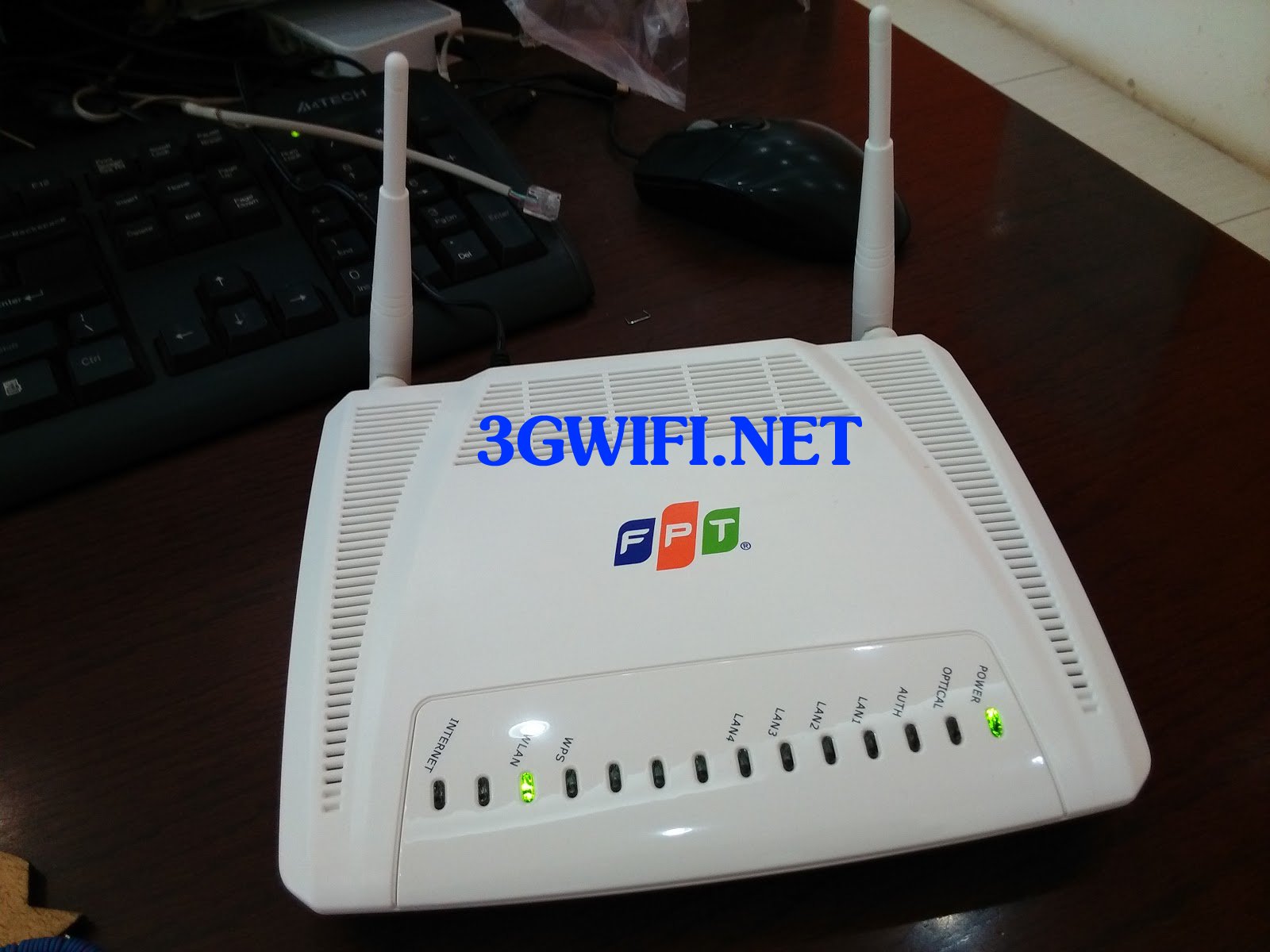
For FPT network users, this article guides you on how to change your password in the simplest way, it only takes about 5 minutes to read and practice, and you can easily change your password without needing anyone's help.
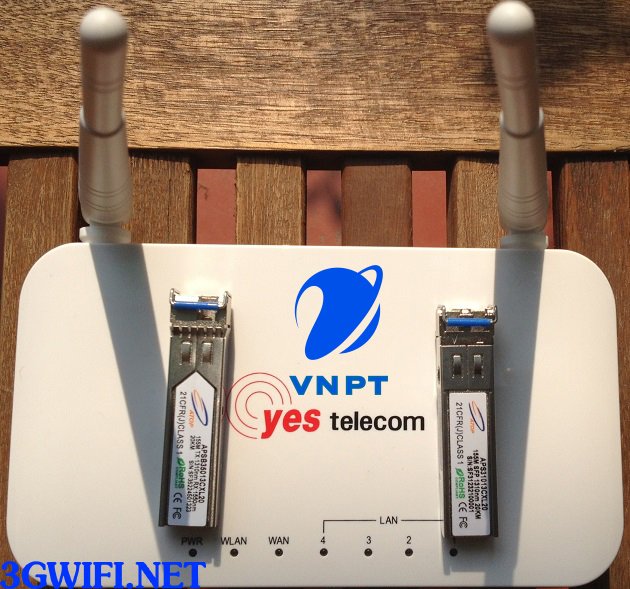
How to change Viettel Wifi password
This article shares how to change Viettel password, which will guide those who are using Viettel modems to change their wifi name and password to hide it from neighbors or anyone else knowing it's your home wifi.
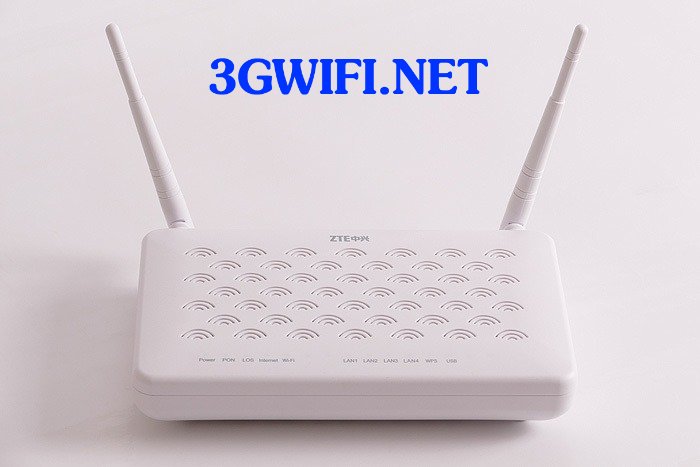
How to change wifi password for other wifi modem models
Similar to popular FPT, Viettel, or VNPT wifi modem models. You just need to access the IP address printed on the back of the modem. Then go to the WLAN section to change the password. If you encounter difficulties, just type "How to change wifi password Modem ABC" on Google.

>>>Surf the web freely without worrying about wifi hacking: cheap 4g sim wifi hotspot device
Advantages of regularly changing Wifi password
If you frequently change your wifi password, you will avoid the prying eyes of hackers who exploit wifi vulnerabilities to steal your information and personal data, and you won't have to worry about neighbors using your wifi for free, leading to your wifi slowing down, making you uncomfortable every time you have to wait to load websites, play games...

Your wifi password should not be too simple, such as just consecutive numbers from 1 to 6, your full name, or the name of a family member, because those password settings are quite simple and easy to guess with just a few simple steps. Instead, you should set a complex password that only you can remember, like combining letters and numbers, such as: "100%iloveyou" is a way to set a password that ensures it cannot be guessed even if someone tries for a lifetime.
>>>You might be interested in: cheap 4g usb

After reading this article, you know how to change your home wifi password, right? Set strong passwords so no one can steal your wifi. Good luck! If you encounter any difficulties, leave a comment below.
Video tutorial on changing wifi password
https://youtu.be/SeLJKH0KwWc





