


 English
  Tiếng Việt
 - 1. Things you should note when changing your FPT wifi password
- 2. Sincere advice for customers using FPT wifi network
- 2.1. Turn off your wifi modem when you are no longer using it
- 2.2. Change FPT wifi password should have special characters and uppercase letters
- 2.3. Should use genuine modems from network service providers.
You are using FPT's internet provider and want to change your FPT wifi password but you don't know how to successfully change it. If you are not tech-savvy and have never changed your password before, the process can be complicated and difficult. Therefore, this article will guide you on how to quickly change your FPT wifi password.
Things you should note when changing your FPT wifi password
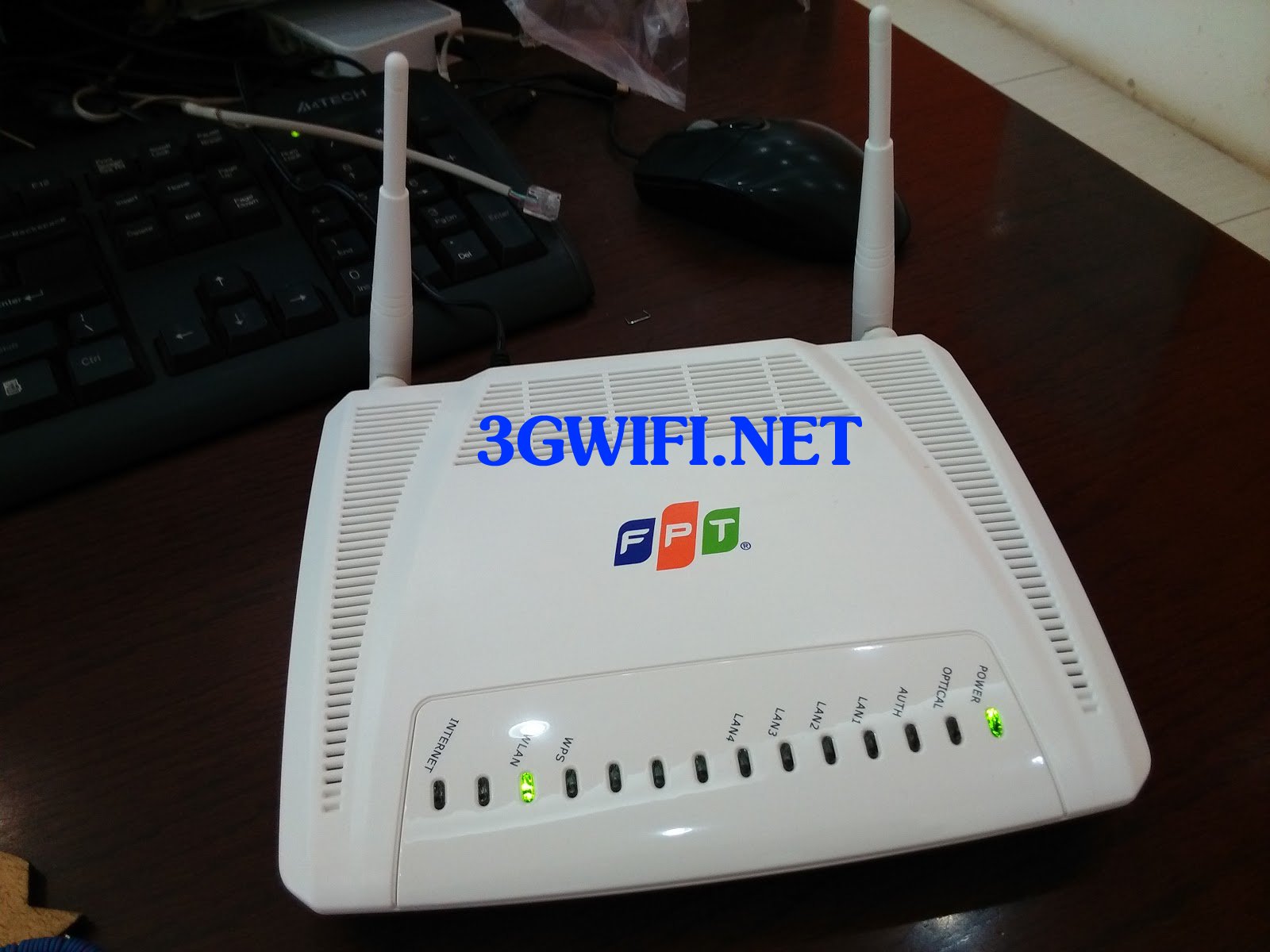
To succeed, you need to clearly understand the type of modem you are currently using, such as: Tp Link, Tenda, Dlink. To know the brand of your wifi modem, just turn the modem over; the manufacturer will be listed underneath.

If you are not using FPT's internet service, the following instructions may not work. However, most wifi modems have similar password changing steps.

FPT Telecom often provides its customers with different types of wifi modems at different times. Sometimes it's TP Link, other times it's Tenda or Dlink. Therefore, please choose the password changing guide that corresponds to the modem type you are currently using.
https://youtu.be/EP-55cRq6fI>>> Use the internet anytime, anywhere with the device: mobile wifi
Sincere advice for customers using FPT wifi network
For the best wifi network security, you should change your FPT wifi password about once a month because:
If you share your wifi password with someone, they may share it with others they know, leading to many people connecting to your wifi. This can affect your internet connection, making it slower than when fewer people are using it, which can be frustrating.
Turn off your wifi modem when you are no longer using it

>>> Refer to more high-speed products: 4g sim wifi router
When you no longer use the wifi network, such as when you go to sleep or are not at home, you should turn off the device and turn it back on when you need to use wifi. Because the device is like a person, it needs to rest, and anything that operates overload is not good. If you turn off the wifi modem when you are no longer using it, it will make your connection more stable and the wifi device will have a longer lifespan.
Change FPT wifi password should have special characters and uppercase letters
If you set the password as above, it will help the wifi pass have a high level of security, making it very difficult for others to guess your pass.
Should use genuine modems from network service providers.
>>> Are you looking for: Huawei 4g wifi router
If you use genuine Modems from network service providers, you will receive the best warranty and support, and most products provided by network operators are the best.
If you still have any questions aboutchanging FPT wifi passwordplease leave a message below3GWIFI.NET will assist you in changing the pass quickly if you encounter difficulties.





