


 English
  Tiếng Việt
 - 1. 7 Rules to help you not fear hackers stealing information on your phone
- 1.1. Do not connect to suspicious Wi-Fi networks
- 1.2. Set up a firewall on your device
- 1.3. Use a Virtual Private Network
- 1.4. Do not access bank accounts
- 1.5. Limit access to unencrypted websites
- 1.6. Update software regularly
- 1.7. Use two-factor authentication for important accounts
Connecting to public Wi-Fi can easily pose risks related to personal data security if you don't know how to protect your phone.

It is known that the Internet has become an indispensable part of most people's lives. And from here, wireless network systems have also become more popular, allowing people to easily access the Internet everywhere. But connecting to public Wi-Fi can pose many risks to the security of personal data if you don't know how to protect yourself. The following article will help youavoid being hacked when using public Wi-Fi.
7 Rules to help you not fear hackers stealing information on your phone
Do not connect to suspicious Wi-Fi networks
Nowadays, free Wi-Fi hotspots are everywhere, from office companies to cafes, airports, or hotels. Most of these places have a large number of users, so hackers often choose these ideal locations to carry out their activities.
>>> No need to use public Wi-Fi when you have: portable 3G Wi-Fi hotspot
Therefore, hackers will create fake Wi-Fi connection networks with such names, and if you accidentally connect to that Wi-Fi network, users can still connect and browse the web as usual, but hackers will steal your information when you open websites.

Therefore, if there are two or more identical Wi-Fi networks at the same access point, it is best not to connect to the Wi-Fi network there because we cannot distinguish between real and fake.
Set up a firewall on your device
>>> Use a 4G USB to avoid hackers stealing information at: 4g lte usb
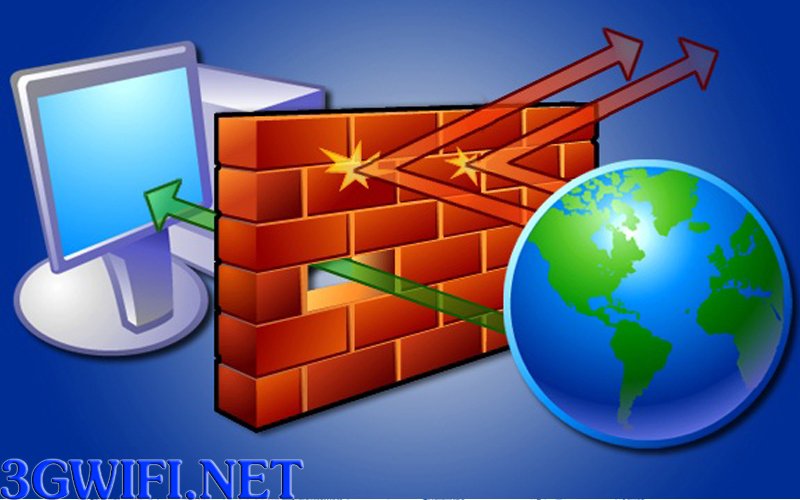
In case you have an urgent matter and want to connect to Wi-Fi, it is best to activate the firewall first, because the firewall will create a protective layer to prevent others from accessing your phone, thereby ensuring the safety of your personal information.

Use a Virtual Private Network
Besides the firewall, you can also use VPN (Virtual Private Network) applications to ensure safety. Specifically, VPN will help you hide your device's IP address, and hackers will have difficulty intruding into your phone.
Do not access bank accounts
You must remember to never access your bank account while using public wifi. No matter what firewall or security measures you use, because hackers will always find ways to steal personal information, leading to all the money in your account disappearing for no reason.

>>> 4G speed wifi hotspot, extremely high security. See more at: wireless 4G wifi hotspot
Limit access to unencrypted websites
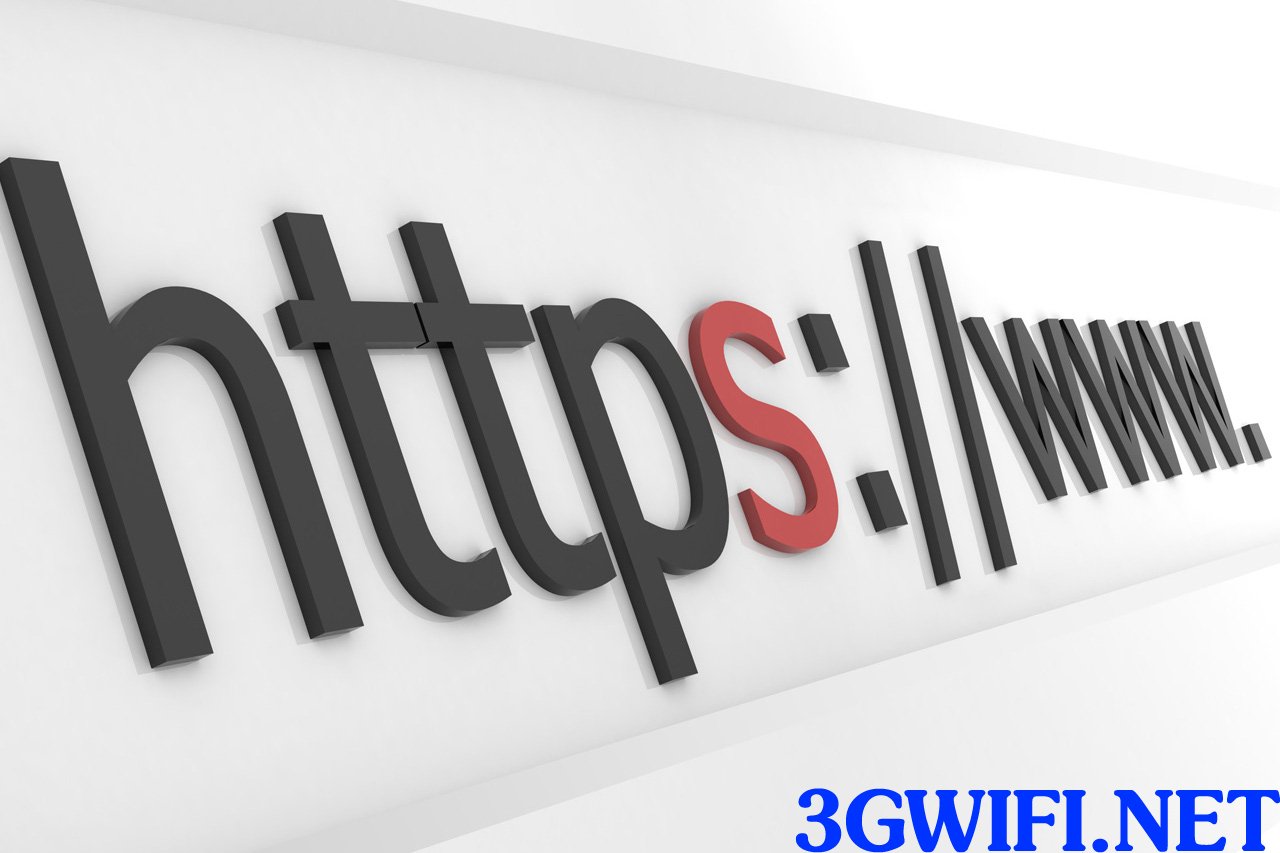 Do not access unencrypted websites
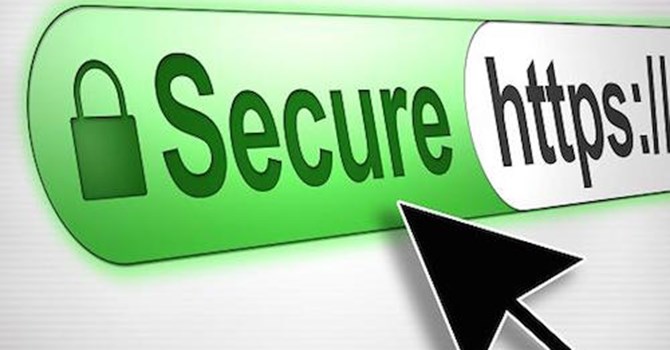
Besides that, you should also limit accessing unencrypted websites. More specifically, websites with HTTPS will encrypt the information you access, thereby helping to avoid the possibility of hackers intruding to the maximum extent. Therefore, if you do not see the HTTPS prefix before the link, you should not click on it.
Update software regularly
Every day that passes, hackers find vulnerabilities in operating systems or web browsers, which hackers then exploit to access user devices. Therefore, when manufacturers release new versions of operating systems, update them as quickly as possible.

Use two-factor authentication for important accounts
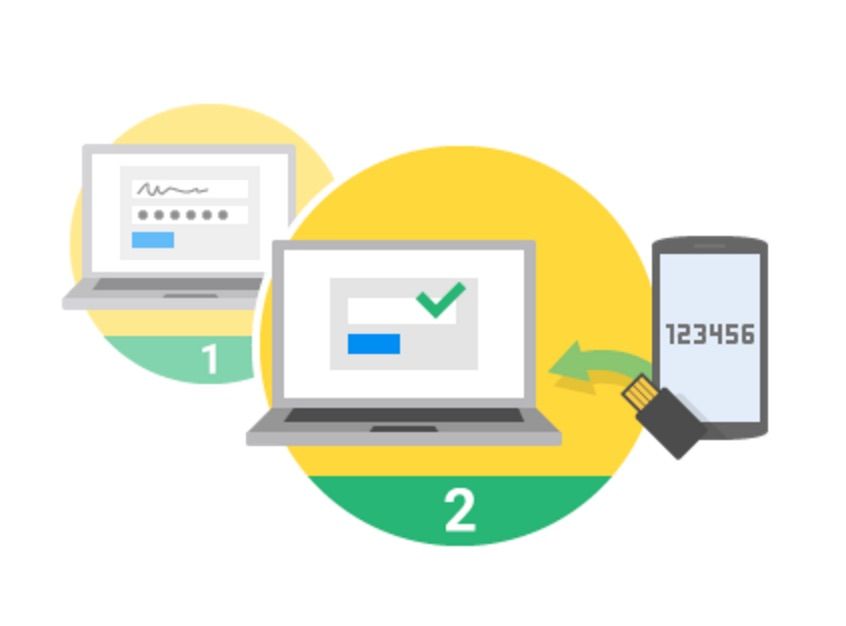 Use two-factor authentication for important accounts
Currently, many large websites allow users to enable two-factor authentication for their accounts. Specifically, when logging into an account with a regular password, the system also requires you to log in with the security code that was just sent to your registered Email or phone number.

Therefore, for important accounts such as Facebook, Email, and bank accounts, you should activate this feature to ensure the highest possible security.
These are all the rules you need to follow to avoid being hacked when using public wifi. Remember and apply them to avoid information theft.





