


 English
  Tiếng Việt
 Phone cannot connect to wifi is a common error on phone devices, however, not everyone knows how to fix those errors. Today we would like to guide you on how to fix the phone error of not being able to connect to wifi.
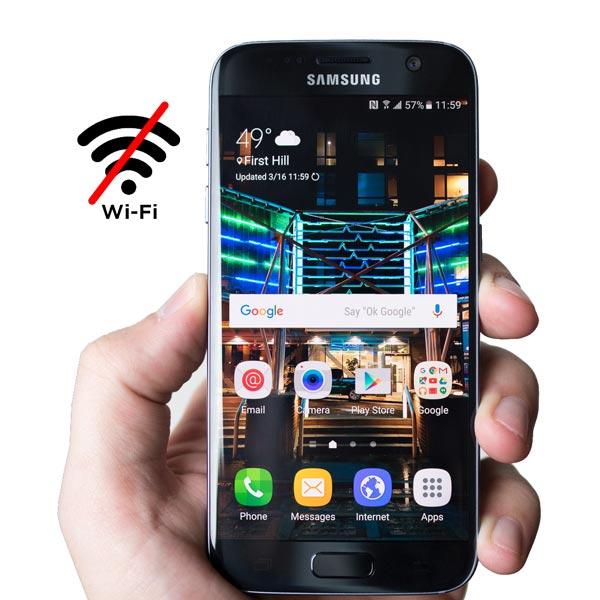
Phone connects to wifi but cannot access the internet
This error is usually a wifi exclamation mark error or wifi still has full signal but still cannot access the internet. To check and fix the error, do the following.
First, check if the wifi modem has any problems? If it's your wifi, you can check it yourself by plugging the network cable into a laptop or computer, or connecting the laptop to wifi. If there is still internet, it means your phone has a problem. You can check and fix the error by setting a static IP for wifi on your phone by.
Go toSettings >> Connection >> wifi and select the connected wifi. This part varies depending on the device!
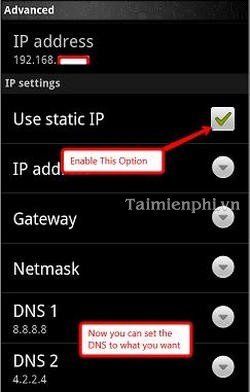 Settings are as follows
- Gateway : 192.168.1.4
- Netmask: 255.255.255.0
- DNS1: 8.8.8.8
- DNS2: 8.8.4.4 or 4.2.2.4
After installation, check your wifi connection. Another case is that you typed the wifi password incorrectly. Please show the password to see if you typed it correctly.
Phone's wifi connection is unstable
This error can be fixed by deleting the access point and reconnecting from the beginning. To delete the access point, select the connected wifi and choose Forget Network or delete access point depending on your device. After deleting the access point, try reconnecting to wifi to see if it works. If it happens frequently, you might be too far from the wifi router or the wifi signal is too weak.
>>> For high-speed wifi anytime, check out: Affordable 3G wifi routers
Wifi on phone disconnects continuously
This error usually occurs because your device has an issue, causing frequent disconnections. First, check if the wifi modem is too far from your phone and if the wifi signal is strong.
If the wifi signal is strong and you frequently get disconnected, you should check your phone. Your phone's operating system might have an issue, so you should update or reinstall the ROM for better performance.
Or update the wifi driver for your device by downloading the following software on your Android device.
Also, this error is often encountered by users who enable battery saver mode, which can cause this issue.
Phone cannot connect to wifi after unlocking, installing ROM
This is a software error on the phone. Please restore to default or a previous version to fix the error quickly. Unlocking or installing ROM requires some knowledge. Do not attempt it yourself and risk damaging the wifi.
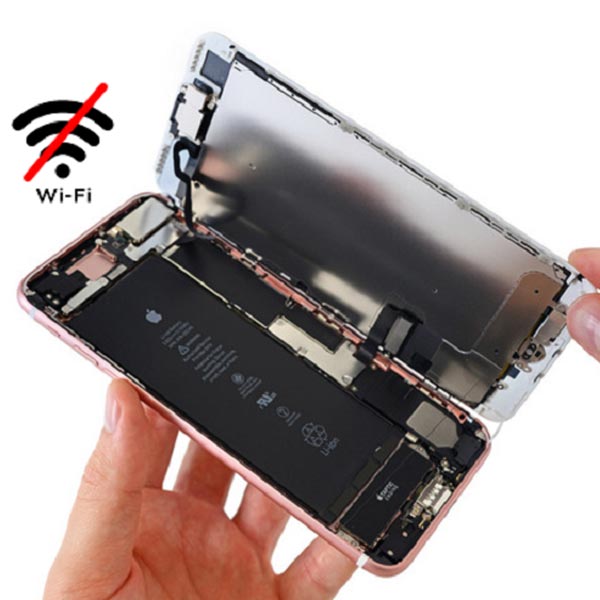
Your home wifi router is broken.
This is the most undesirable scenario when the phone cannot connect to wifi. Please try connecting to wifi with another phone or laptop. If it still cannot connect, try reinstalling the wifi on the router. If trying everything else still doesn't work, you'll have to buy a new wifi router.
If your wifi router is damaged and you want to replace it, please refer to the very useful wifi routers at our store.
>>> View specifications of: Affordable 4G wifi routers





