


 English
  Tiếng Việt
 In the era of rapid IT development, almost all current jobs require internet access. Especially for those who travel for business, they always need to equip themselves with a 3G Dcom to access the internet anytime, anywhere. But currently, to ensure their exclusivity, carriers like Viettel, MobiFone, Vinaphone, etc., produce 3G Dcoms and USB 3G that are exclusively for their own network.
So, if you buy a 3G Dcom from one carrier and try to use a SIM card from another, it won't work. In this article, I will share some ways tounlock 3G Dcom from carriers so you can freely use different networks.
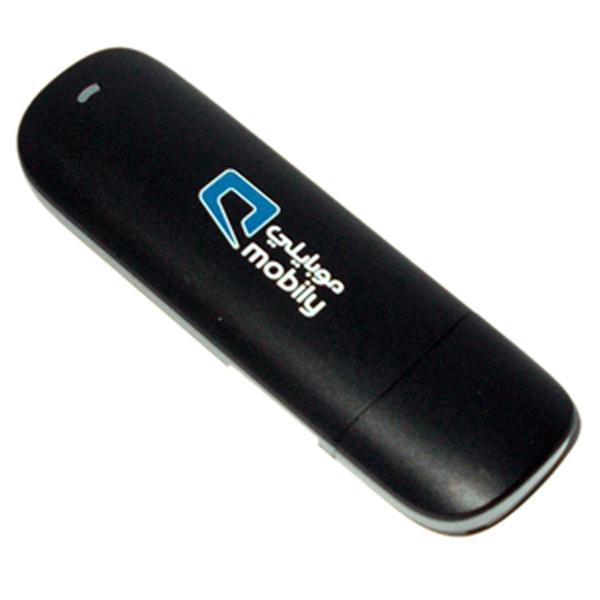
Unlock Viettel 3G Dcom E173u-1
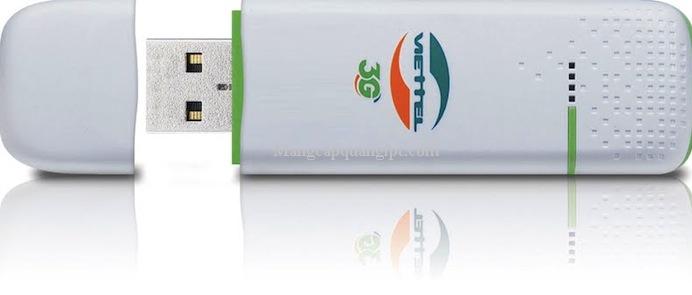
Right now you can buy a multi-network 3G Dcom very easily at Viettel stores.
Step 1: Insert a Vinaphone or MobiFone 3G SIM, or any SIM in Vietnam, into the Viettel 3G Dcom.
Step 2: You must use theHuawei Temp Unlockingsoftware to perform the next steps. You can download the software here:
https://www.mediafire.com/file/z6q160161v17b8b/Huawei_Temp_Unlocking_Application_Ver1.0.rar
Step 3: After downloading, extract the file and find and runHuawei Temp Unlocking Application Version 1.0Your remaining task is to wait a moment for the software to do the rest.
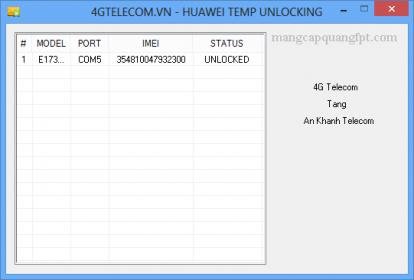
Step 4: Turn off the program and restart the Dcom 3G, click connect, and you are done.
>>> Refer to these Dcom 4G that can be used extensively without unlocking: However, remote and rural areas often have weak signal levels. Therefore, you can use multi-network devices to adapt to all terrains and all network operators without worrying about your work being hindered. For an area like Can Tho, a multi-network 3g modem is a very suitable device.
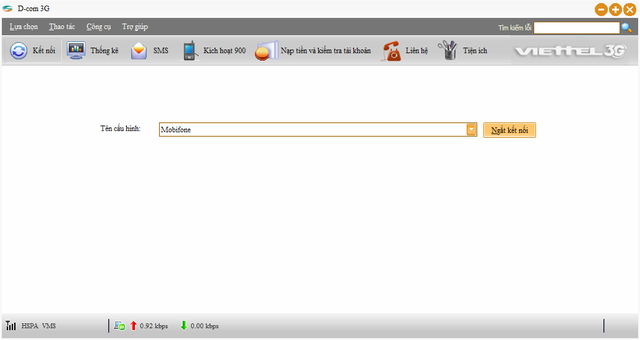
After unlocking, you need to reconfigure your Viettel 3G Dcom to suit this new network 3G SIM. Go to Tools → Profile Management → New to perform.
Some network settings you should know:
| package of Viettel | .... | Mobifone | |
| Service | Mobile Internet | Mobile Internet | Mobile Internet |
| APN | v-internet | m3-world | m-world |
| Username | ----- | mms | mms |
| Password | ----- | mms | mms |
| Service | always with you wherever you are | Mobile BroadBand | Fast connect |
| APN | e-connect | ----- | m-world |
| Username | ----- | ----- | mms |
| Password | ----- | ----- | mms |
| S-fone | EVN Telecom | VietNammobile | |
| Service | no information | E-mobile (CDMA) | GPRS |
| APN | ----- | internet | |
| Username | ----- | evntelecom | ----- |
| Password | ----- | evntelecom | ----- |
| Service | ----- | EVNTelecomNet(3G) | Mobile internet |
| APN | ----- | e-internet | ----- |
| Username | ----- | ----- | ----- |
| Password | ----- | ----- | ----- |
Unlock USB 3G Mobifone E8231s-1 permanently 100%
To unlock the USB 3G MobiFone E8231s-1, you must use our Dcom 3G unlocking service. If you use this service, you won't have to do anything at all; just stay at home and call us at our 24/7 hotline.19002106.
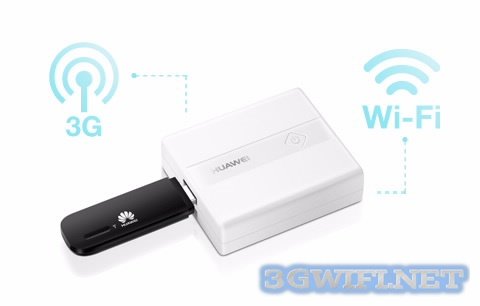
After sending the IMEIL code, our staff will serve you wholeheartedly and attentively, providing detailed instructions on how to unlock without affecting any of your devices.IMEIL codeThe IMEIL code of the E8231 USB is usually on the USB casing or under the SIM card slot cover.
You can refer to other unlocked 3G Dcoms Mobifoneunlocked for all networks, you can insert any carrier's SIM card and it will work fine.
Benefits of using the dcom unlock service at 3gwifi
- Commitment to unlock successfully 100% without affecting any of your other devices.
- Performed no matter where you are.
- Lifetime warranty
- Performed quickly, saving time.
Above are some typical products we recommend for you. If you have any other modem or 3G Dcom that needs unlocking, please call us. With the motto "always with you wherever you are", we will surely satisfy you.Article revised and updated on 14/01/20203gwifi.net
Article title





