


 English
  Tiếng Việt
 Many people still don't know what is My Viettel? This is a real shame because it is a very good application for Viettel subscribers. Here I will share with you how to guide the use and installation of the My Viettel appWhat is My Viettel?.

>>
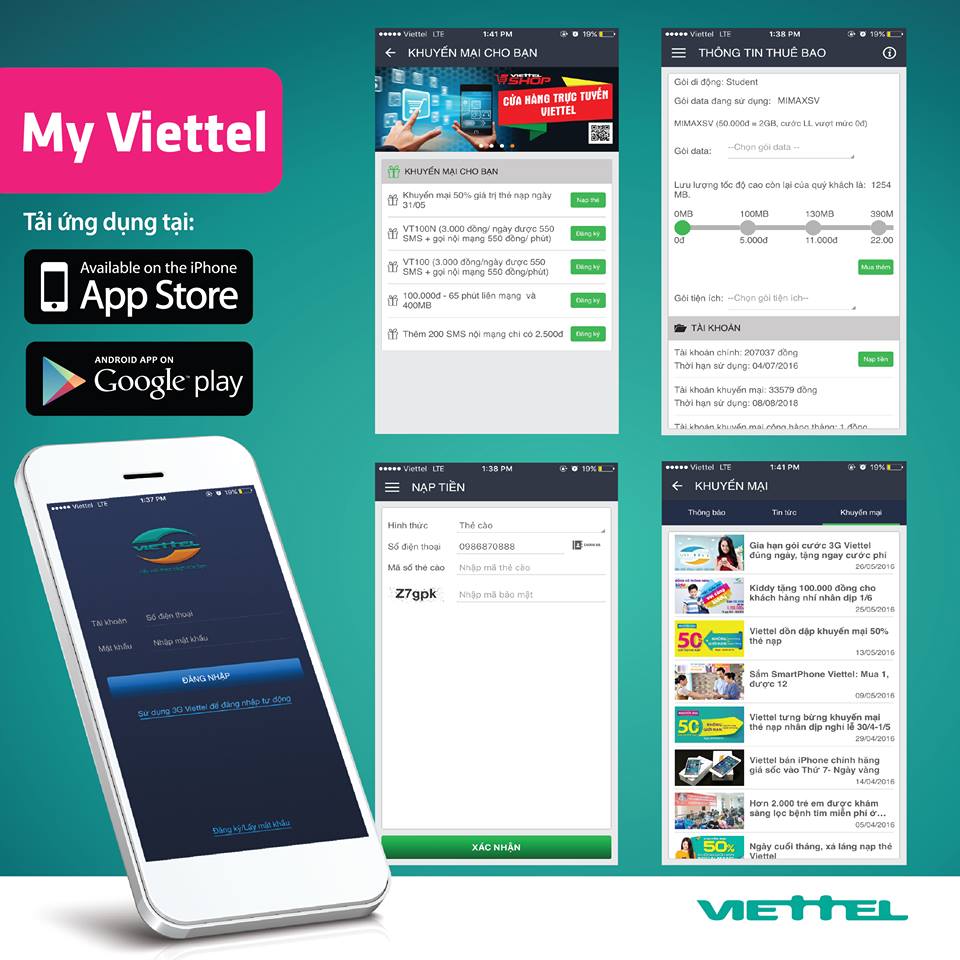
Access high-speed 3G/4G anytime, anywhere with: >>> This interface will display full information about the SIM you have registered as well as promotional services for the subscriber you are using.
is an application that provides complete information about subscribers, services and promotions of Viettel. The application is provided free of charge by Viettel to help you look up complete information from the network operator.Look up consumption history or recharge card information along with package details
- Look up and receive promotional information specifically for customers.
- Register, switch, and cancel value-added services
- Features of My Viettel
Look up more subscriber information and history to avoid possible errors.
- Top-up prepaid or pay bills.
- Check remaining 4G data capacity.

- Find the nearest Viettel store location for customers.
- Find the nearest Viettel store location for customers.

- Information about Viettel applications currently being provided.
- Access the "Promotions for you" section to receive the latest promotion notifications.

then wait a moment for an authentication code to be sent to the phone number you registered.Connect to Viettel 4G network everywhere with:>>> Viettel 4G Modem
Hướng dẫn cài đặt ứng dụng My Viettel
Phầm mềm This interface will display full information about the SIM you have registered as well as promotional services for the subscriber you are using.supported by the most popular operating systems today, Android and iOS, and downloading and installing is quick with the following steps:
Step 1: Select the CH Play icon for Android or the App Store on iOS.
Step 2: Go to the search bar.
Step 3: Type "My Viettel" in the search bar.
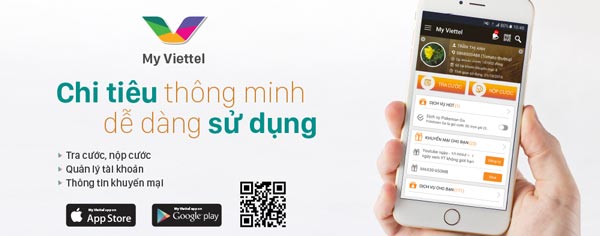 You can scan the QR code or go to the app store to download
Step 4: Click on My Viettel (Viettel Media Inc).
Step 5: Select Install.
Step 6: Press accept in the terms and conditions to proceed with the installation.
Step 7: After installation is complete, open the My Viettel app and select Open.
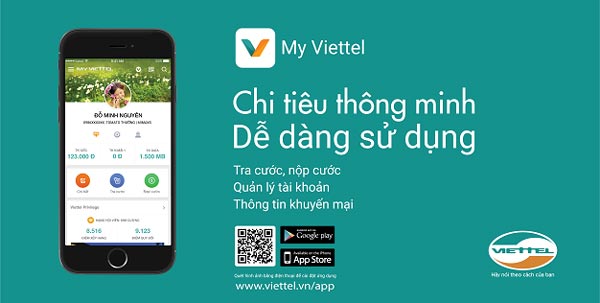
Step 8: The My Viettel app icon will appear on your phone screen, indicating a successful installation.
If you want to know more details about My Viettel, watch the video below:
My Viettel User Guide
Open the My Viettel app on your mobile phone. The icon is as shown in the image below. You can scan the QR code or find it on your phone's app stores.
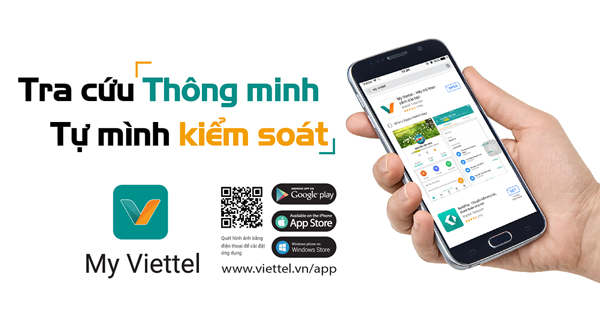
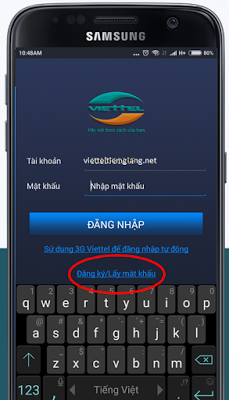
Select register/get password, you can also select the auto-login section for subscribers currently using the phone, if registering for a new one, continue with the following steps.
Enter your phone number then press
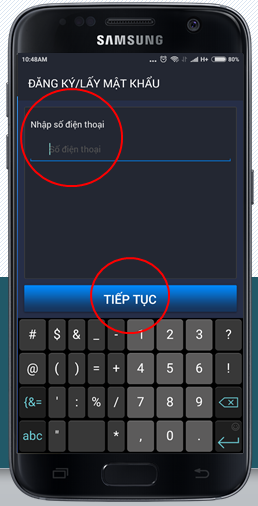
Continue
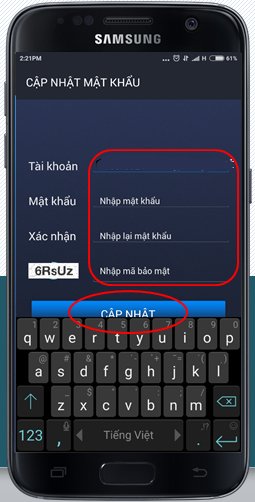
then wait a moment for an authentication code to be sent to the phone number you registered.When you receive the authentication code sent to you, enter it exactly as in the following image:>>> No need to register MiMax, still browse the internet freely with:
Viettel 4G SIM with unlimited data
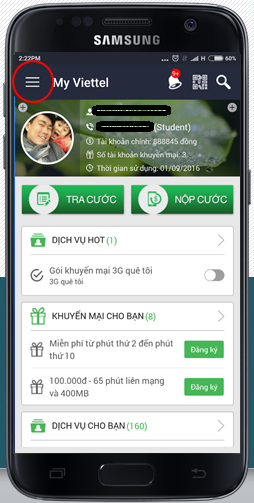
The password is chosen by you, while the account is your phone number. After entering, the screen will appear as shown below:This interface will display full information about the SIM you have registered as well as promotional services for the subscriber you are using.If you have any further questions about using and setting up
- This interface will display full information about the SIM you have registered as well as promotional services for the subscriber you are using.
- please leave a comment below or contact Viettel Customer Care directly
- My Viettel





