


 English
  Tiếng Việt
 Perhaps one of the most anticipated features for iPhone users and a feature that iOS users envy Android for is the quick mobile data (3G) toggle. But don't worry, from now on you can toggle 3G on iPhone on iOS without needing to Jailbreak.
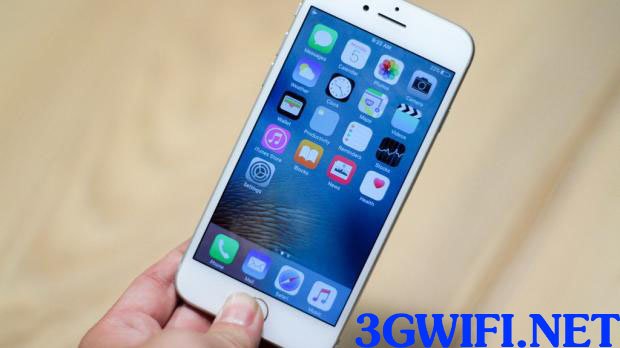 Quickly toggle 3G on iOS 10 without Jailbreak
Some of the features that iPhone and iPad users have been anticipating the most through iOS updates likely include improvements in quality and quick 3G toggle buttons in the Control Center. However, it's a pity that despite user experience improvements through updates, even in iOS 10, users still cannot experience the quick 3G toggle feature.
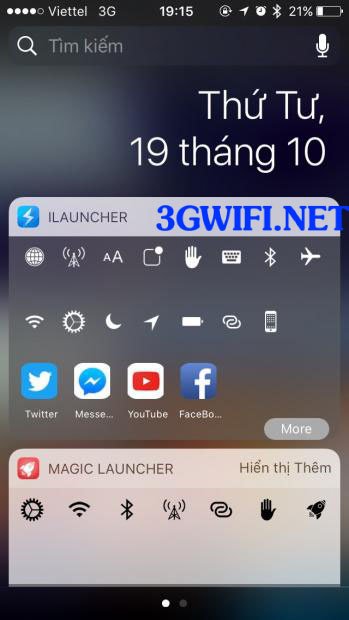
But that problem has been solved by the iLauncher software, which only takes up about 7MB of memory.
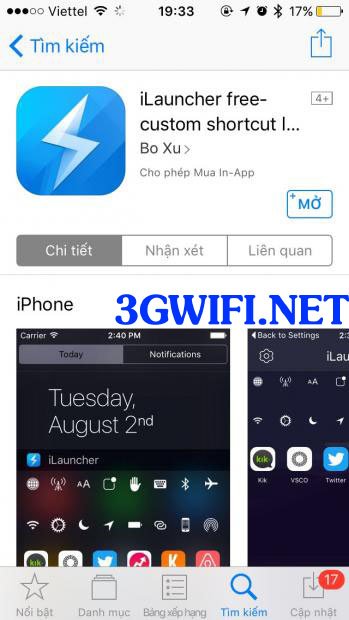
>>> You might be interested in: cheap 4g usb
The iLauncher app will allow users to operate and use the iOS operating system more easily and save time, and is suitable for simple manual operations or is very useful for users switching from Android to iOS.
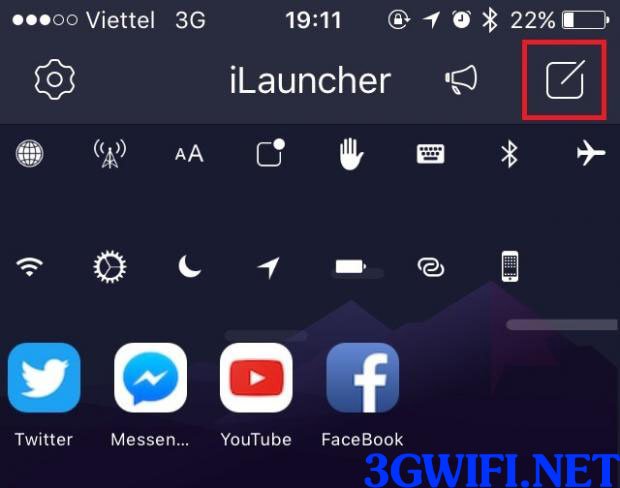
After completing the app installation, to display it on the notification bar, simply pull down the notification bar and select to edit the widgets within iLauncher, and you're done.
>>> Refer to our best Wi-Fi routers: best 4G wifi router currently
Besides toggling 3G, you can also quickly toggle apps like Facebook, Instagram, or YouTube. Additionally, you can quickly toggle features on iOS such as your mobile data or personal hotspot...
>>> Connect iPhone to Wi-Fi with: 4g sim wifi hotspot device
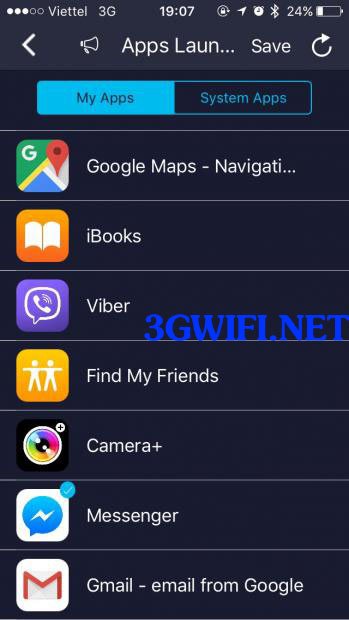
To be able to customize the sizes as well as add or remove applications you want to quickly toggle in the software. You just need to choose as shown in the picture.
Overall, this software is very easy to use and does not consume much phone memory, so it is great to experience IOS. You should download this application right now to get acquainted with it.





