


 English
  Tiếng Việt
 The concept of wifi hotspot is widely used. So, what is a hotspot ? How to set up a wifi hotspot? Let's explore issues related to wifi hotspot.
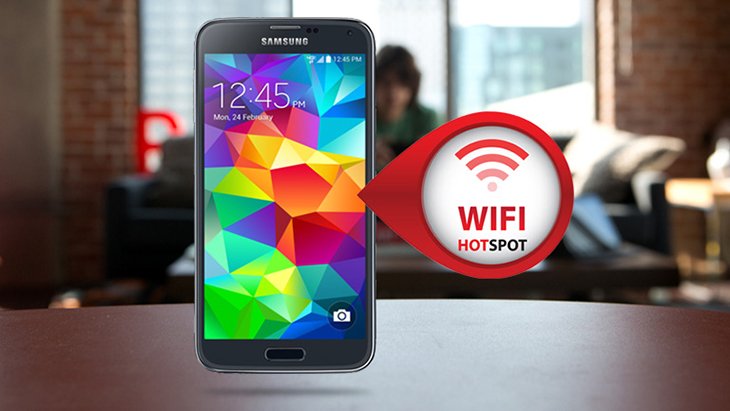
What is Wifi Hotspot?
What is Wifi Hotspot?
According to the basic definition, wifi hotspot is a technology on a phone. It allows using that phone to broadcast wifi for many other devices to use. In simpler terms, wifi hotspot is the tool that turns your phone into a wifi hotspot.
Your phone can have a SIM card and use 4G, 3G features. By turning on the wifi hotspot, the phone will provide wifi signals for laptops, phones, smart TVs. This feature is also known as mobile hotspot.
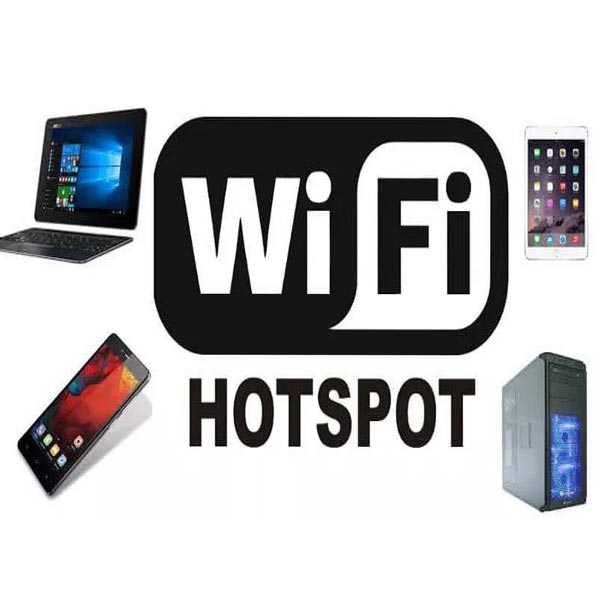
Uses of Hotspot
>>> If you need to broadcast wifi to multiple devices at once without Hotspot, check out: 4G wifi router
If multiple devices connect to one phone at the same time, it will weaken your device's signal. The quality and speed of internet access will decrease.
Benefits of Wifi Hotspot
Thanks to the feature of turning your phone into wifi via wifi hotspot, it will be very convenient. You will have more flexible solutions for using the internet. For example, in emergency situations when you are working and lose internet connection. You can immediately use your phone to broadcast wifi.
If you are traveling or on a business trip and there is no wifi network available. You can use your phone to broadcast wifi.
Wifi hotspot makes internet usage convenient
>>> If you are abroad and want to use hotspot but it's not supported abroad, check out: international wifi
However, when sharing Wi-Fi broadcasts with other devices, it will consume more data. Therefore, before using, you need to register for large data packages. During use, you also need to regularly check if the data is running out. If you don't use large data SIMs or pre-registered packages, this feature will drain your money quite quickly. In addition, this feature will cause the phone to consume battery faster.
How to set up and use Wi-Fi Hotspot
Currently, smartphones with Wi-Fi Hotspot feature use 3 main operating systems: iOS, Android, and Windows. The usage of Wi-Fi hotspot is based on these 3 operating systems:
For Apple iOS (iPhone): Follow these steps: Settings => Turn on 4G => Turn on Personal Hotspot => Set Wi-Fi name and password => OK.
For Android (Samsung phones or brands like Oppo,...): Go to Settings => More => Personal Hotspot => Turn on Personal Hotspot => Set name and password => OK.
For Windows Phone: Settings => Internet connection sharing => Turn on sharing => Set name and password => OK.
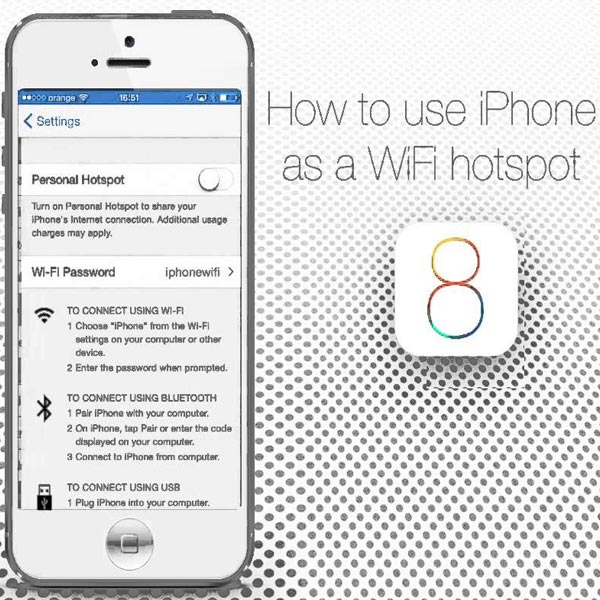
Set up Wi-Fi Hotspot for iPhone
In general, the setup for common software is quite similar. The basic principle is that you only need to turn on 3G, 4G network and personal hotspot. Then you can use Wi-Fi hotspot.
Conclusion
So, Wi-Fi hotspot is a smart feature of the phone that allows the phone to broadcast Wi-Fi. Thanks to this feature, it will help you use the internet conveniently anytime, anywhere. However, you should pay attention to the cost and phone battery. To use Wi-Fi hotspot economically, you should use one connected device. You should only use it when necessary and avoid watching many videos, which will cost more.





