


 English
  Tiếng Việt
 Video Call is a language that has become popular nowadays. Especially with young people, video calls are no longer strange. So, what is a video call? This article will answer the concept of video call and the applications that allow free video calls.

Applications that support video calls
What is Video Call?
Video Call translated into Vietnamese means a call with accompanying audio and video. Or, in other words, it is a video call. This is a significant advancement in network infrastructure. The call supports both video and audio simultaneously, allowing callers to see and talk to each other directly through their phone screens. With just a phone, thanks to video calls, you can feel as if your loved ones are right beside you.
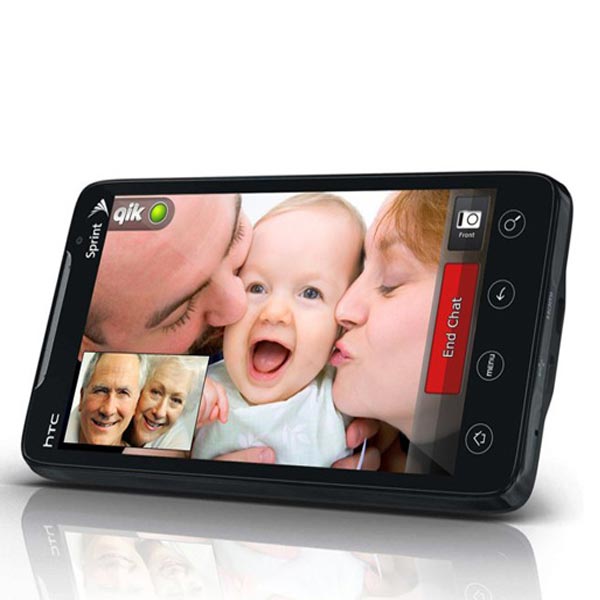
Video call
>>> Want to use video calls but don't have a Wi-Fi device yet? Check out: 4G WiFi Router
Uses of Video Call
The biggest advantage of Video Call over regular calls is its ability to transmit both audio and video simultaneously. It is very useful for calls that require direct communication or when callers want to see the surroundings or location of the other person. Additionally, video calls are convenient for guiding someone through a task.
Best apps for free video calls
Facebook Messenger
It is Facebook's messaging application. You can download it on your phone or computer. Besides regular texting and calling, this application supports video calls. As long as you have an internet connection, your smartphone or laptop can make video calls.
The speed and quality of audio and video depend heavily on the network quality of both parties. You can also make group video calls simultaneously.

Video call
>>> How to use video calls abroad most economically with the solution: international SIM card
Skype
Is an old application that supports video calls. Just like Facebook Messenger, you need an internet connection. Skype's video quality is better than Messenger calls. Users often use Skype calls on laptops. Groups of people also often call via Skype. The application is well-supported on computers.
Zalo
Zalo is an application registered by phone number that synchronizes contacts well. Zalo now allows video calls. The quality of sound and image is also rated well. Like other applications, Zalo requires an internet connection.
Viber
Viber is an application very similar to Zalo. With a beautiful interface and allowing easy location of the caller, Viber is quite popular. Viber now also allows video calls. You need an internet connection and can make video calls like any other application.
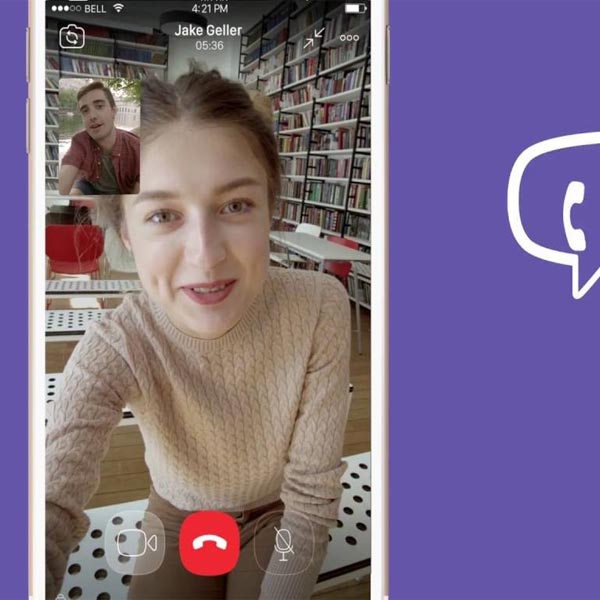
Free video call applications
Facetime
Is a free call between Apple devices such as iPhone or iPad. The condition is also an internet connection. Other phone models specifically do not have this function. The sound and image quality are very good. Far superior to other applications. Users of Apple products prefer to use this application. It is usually pre-installed on the device and cannot be purchased elsewhere.
Conclusion
So, video calls have brought many useful benefits to people. Above are applications that allow free video calls. Hope you have chosen an application for video calls with your loved ones.





