


 English
  Tiếng Việt
 Mục lục
- 1. Summary of common 3G USB errors and how to fix them
- 1.1. 3G USB error keeps disconnecting
- 1.2. Cause
- 1.3. Cách khắc phục
- 1.4. 3G Dcom plugged in but no network appears error
- 1.5. Cause
- 1.6. Cách khắc phục
- 1.7. 3G USB error does not install automatically on the computer
- 1.8. Cause
- 1.9. Cách khắc phục
- 1.10. Usb 3G reports error 619
- 1.11. Cause
- 1.12. Cách khắc phục
- 1.13. Usb 3G error, connection successful but cannot access the network
- 1.14. Cause
- 1.15. Cách khắc phục
- 1.16. Usb 3G error reports device disconnected or unavailable
- 1.17. Cause
- 1.18. Cách khắc phục
3G USB for laptops đang trở thành thiết bị thiết yếu trong cuộc sống hàng ngày của rất nhiều nhân viên văn phòng, học sinh… Việc sử dụng USB 3G rất đơn giản tuy nhiên trong quá trình sử dụng bạn có thể gặp 1 số 3G USB errors. Let's look at the causes and how to fix them in this article.
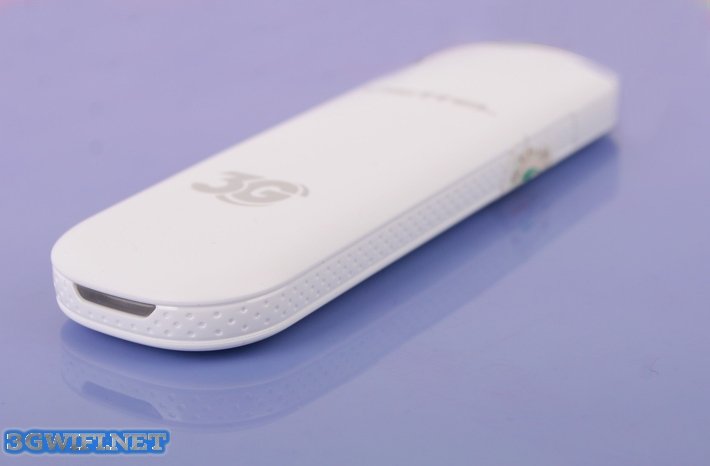
Tổng hợp các lỗi USB 3G thường gặp và cách sửa
Lỗi Usb 3G tự ngắt kết nối liên tục
Nguyên nhân
- The device is too hot, affecting the connection of the desktop, laptop.
Cách khắc phục
- Use a cooling fan to cool the device.
- You can go to Network and Connection → Option → check Redial if line is Dropped.
Lỗi cắm Dcom 3G vào nhưng không hiện mạng
Nguyên nhân
- When you haven't installed enough Drivers, the computer doesn't recognize the device, or the SIM card is inserted incorrectly.
Cách khắc phục
- Check if the SIM card is inserted correctly. Does the SIM still have data?
- Uninstall the driver and reinstall it, try a different USB port.
- Restart the computer.
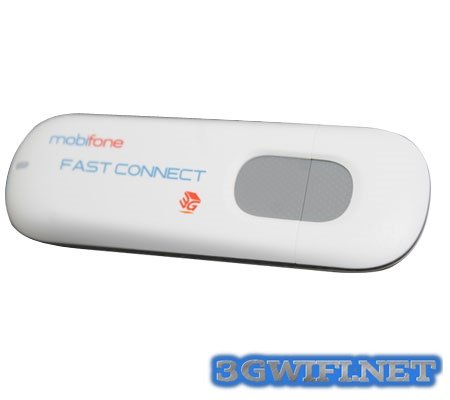
Lỗi Usb 3G không tự cài đặt trên máy tính
Nguyên nhân
- Autorun program does not run automatically.
Cách khắc phục
- Disable Antivirus program then restart the computer and reinstall or manually install the Driver for Dcom 3G.
- Go to My Computer → Dcom 3G → run Autorun file → install normally
Usb 3G báo lỗi 619
Khi sử dụng USB 3G trên máy tính báo lỗi “A connection to the remote computer could not be established, so the port used for thí connection was closed”.
Nguyên nhân
- Usb 3G is only compatible with 1 network provider
- SIM card has not been activated
Cách khắc phục
- Reactivate the data SIM card
- Unlock the USB 3G device locked by the network provider
- Reinstall the configuration for the device
Lỗi Usb 3G kết nối thành công nhưng không truy cập vào mạng được
Nguyên nhân
- You are using a data SIM plan outside the registered address range or the Usb 3G device has been unlocked
Cách khắc phục
- Go to Viettel store or service provider to change the registered address for the plan
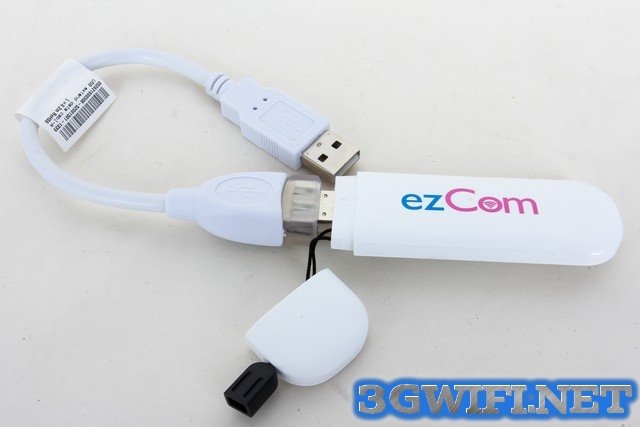
Usb 3G lỗi báo thiết bị đã ngắt kết nối hoặc không sẵn sàng
Nguyên nhân
- Do antivirus, do xung đột với một phần mềm tích hợp trong máy tính, do kết nối giữa usb và máy tính gặp vấn đề
Cách khắc phục
- Gỡ phần mềm ra cài lại
- Khởi động lại máy tính chạy phần mềm usb 3
- Thử cắm vào cổng usb khác
Trên đây là một số lỗi thường gặp khi sử dụng usb, mời bạn đọc tham khảo tránh trường hợp gặp phải mà không biết cách khắc phục.





