English
  Tiếng Việt
 - 1. Some errors of losing Viettel 3G DCOM Driver Installation CD
- 2. Summary of the latest Viettel 3G DCOM Drivers 2015
- 2.1. Instructions to download the latest Viettel 3G DCOM E173u-1 Driver
- 2.2. How to download the latest Viettel Dcom 3G D6602 Driver
- 2.3. How to download the latest Viettel Dcom 3G 190s Driver
- 3. Instructions for installing Dcom 3G Viettel E173u-1, D6602, MF190 Driver
Viettel 3G Driver is very important, it is a sufficient condition for your computer to connect to the internet via 3G DCOM. Viettel 3G DCOM Driver is built into the 3G USB when you buy it, but there are many cases where you lose it and cannot connect. The following article Viettel multi-network 3G modem specialized for tablets will guide you on how to download the latest Viettel 3G USB driver and how to install it.
Some errors of losing Viettel 3G DCOM Driver Installation CD
Your Viettel 3G DCOM Driver Installation CD is brokenViettel 3G DCOM because when you removed the Viettel 3G software from your computer, you forgot to unplug the 3G USB, accidentally breaking the installation CD. It is also possible that your computer's antivirus software ate the Viettel Dcom driver CD. But it is very rare to have such a case because a virus that can eat this type is probably not a simple one.
Summary of the latest Viettel 3G DCOM Drivers 2015
Here are the driver packages we have compiled, hoping they will be helpful to you during use.
Instructions to download the latest Viettel 3G DCOM E173u-1 Driver
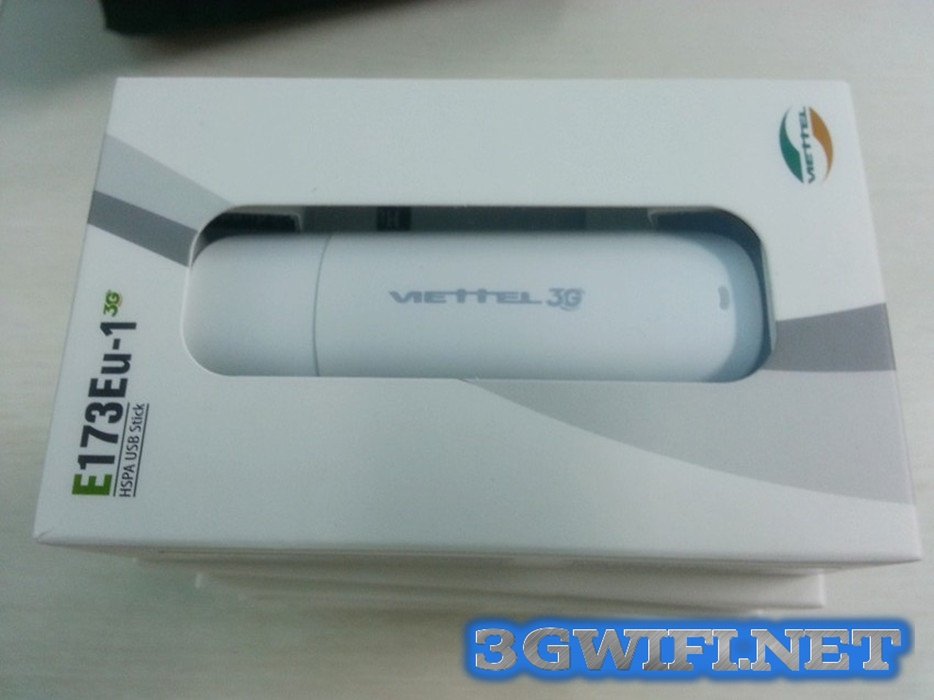
Viettel 3G DCOM E173u-1
- Download free Driver Dcom 3G Viettel E173u-1 at: https://www.fshare.vn/file/IFAU62I2H1FQ
- Extract with pass: 3gwifi.net
- See instructions below
How to download the latest Viettel Dcom 3G D6602 Driver
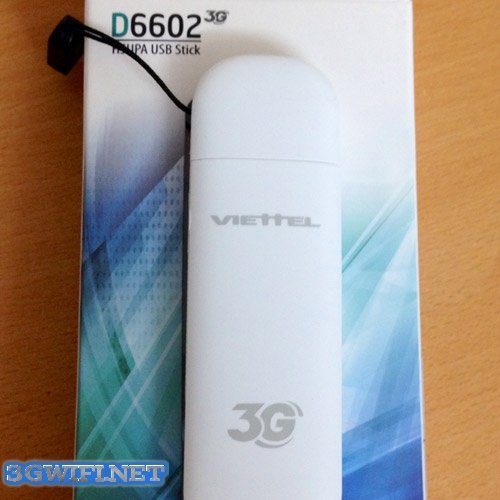
Viettel Dcom 3G D6602
- Download free Driver Dcom 3G Viettel D6602 at: https://www.fshare.vn/file/7QUS4URX3EHX
- Extract with pass: 3gwifi.net
- See instructions below
How to download the latest Viettel Dcom 3G 190s Driver
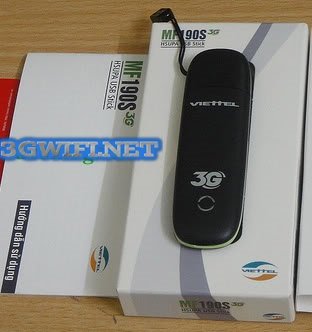
Viettel Dcom 3G 190s
- Download free Driver Dcom 3G Viettel MF190s at: https://www.fshare.vn/file/I3NRLFZH7BLR
- Extract with pass: 3gwifi.net
- See installation instructions below.
These 3 Viettel Dcom 3G products have the same installation method, so 3G WIFI has combined them.
Instructions for installing Dcom 3G Viettel E173u-1, D6602, MF190 Driver
Step 1:
Insert the 3G SIM into the DCOM 3G -> Plug the DCOM 3G into the computer after turning off all antivirus software
Step 2:
Wait for your computer to recognize the DCOM, then:
- For Win XP, it prompts to install the Driver for DCOM 3G via a CD/DVD. In this case, select update driver and point to the driver folder you just downloaded above.
- For Win 7, 8, right-click on My Computer -> Manage -> Device Manager, you will now see a list of missing drivers with yellow question marks. Right-click on the text with the yellow dot and update the driver, pointing to the folder you just downloaded.
You have completed it, but if the new hardware window does not appear, right-click on My Computer -> Manage
Select Device Manager, click the plus sign next to Modems and Ports (Com&LPT), and if there are no more yellow dots, it is successful.
Step 3:
Download the AutoRunTool_temp tool and extract it.
Step 4:
- Run the extracted tool "AutoRunTool_temp.exe", select "Open autorun and close download mode". It will report OK.
- Close the tool, unplug the USB, and plug it back in. The DCOM CD will appear in My Computer. Now you can proceed with installing the Viettel 3G DCOM as usual.(If the tool reports 'no post', it means the Driver installation was unsuccessful and you need to start over.)
For the normal installation steps for Viettel 3G DCOM, you can refer to the article:Installation GuideUSB3G Vinaphone from A – Z
Here is the entire method for retrieving drivers and installation for the 3 types of Viettel 3G USB which are currently the best sellers on the market. We wish you success.