English
  Tiếng Việt
 Not everyone can afford an expensive Wi-Fi router with strong signal and wide coverage. Therefore, many users have come up with various ways to create devices to boost their Wi-Fi router's performance. But the most popular method shared among users is making a Wi-Fi booster antenna a super strong booster that is extremely simple.
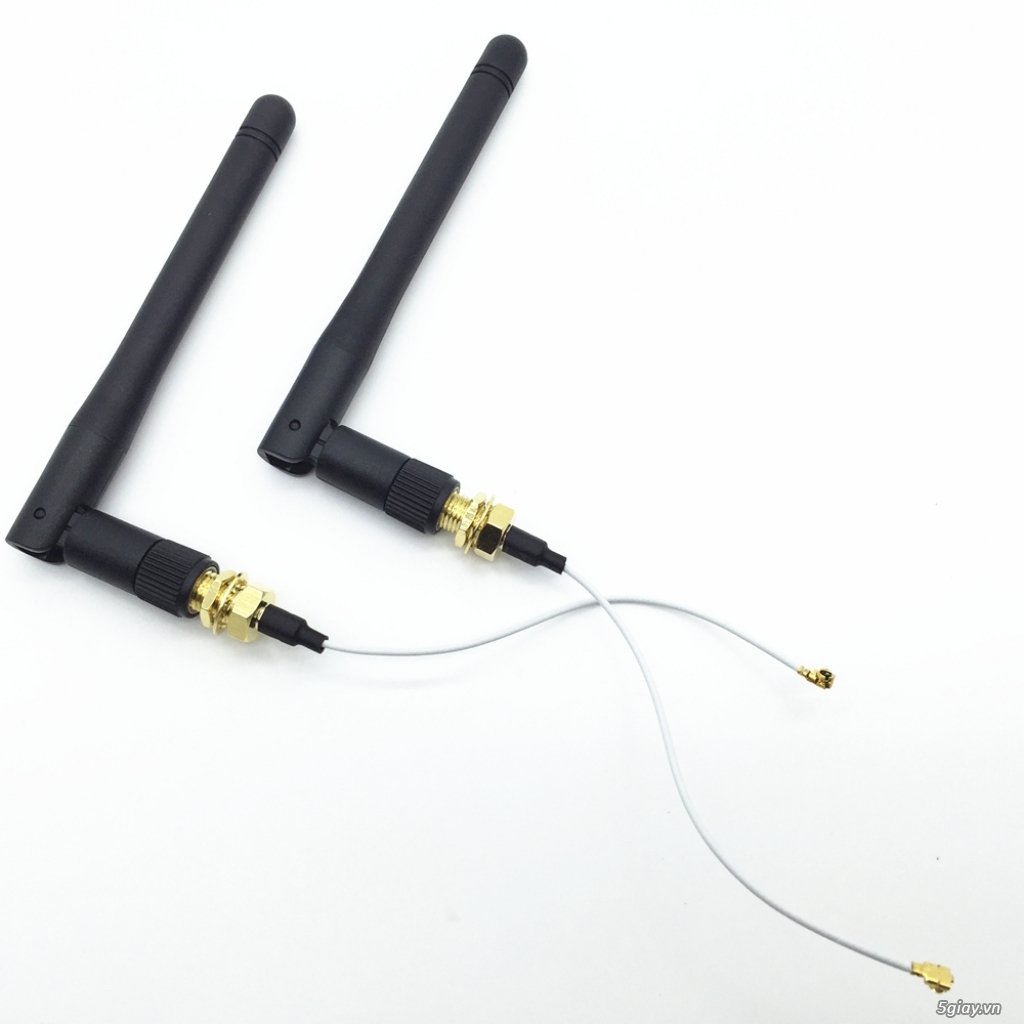
How to make a DIY Wi-Fi booster antenna
Forget the image above, as that device surely has to be purchased from a manufacturer. The antenna we need to make is designed based on old radio antennas, called Yagi-Uda. This antenna array was designed by Japanese engineers Hidetsugu Yagi and Shintaro Uda. It operates on the principle of a signal director in wireless communication.
>>>Check out our best Wi-Fi routers at: best wifi router today

Step 1: Prepare all the necessary materials.
- Tongue depressors or thin wooden sticks (can be bought at pharmacies).
- Glue.
- Large paper clips or wire.
- USB Wi-Fi adapter with cable or antenna extension.
- Soldering iron and solder.
- Scissors, pliers, electrical tape.
Step 2: Search Google for some Yagi-Uda antenna designs, choose one, and draw it on paper.
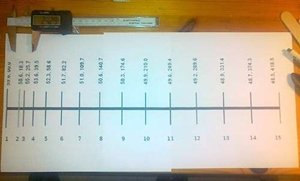
Step 3: Straighten the paperclip and cut it into pieces of different lengths corresponding to the numbered positions on the sketch. Skip position number 2 as it relates to subsequent steps.
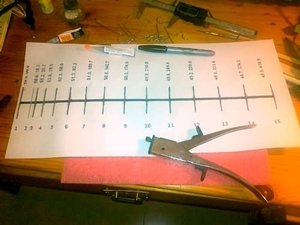
Step 4: Cut the tongue depressors into small pieces and connect the gaps between the paperclips from positions 2 to 15 made in the previous step, then proceed to step 5.
>>>Boost wifi speed with a long-lasting battery for up to 6 hours using: portable wifi hotspot
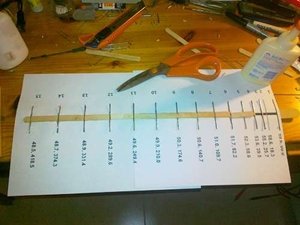
Step 5. At position number two, bend the paperclip into a closed loop, attach scissors, and secure with a long stick.
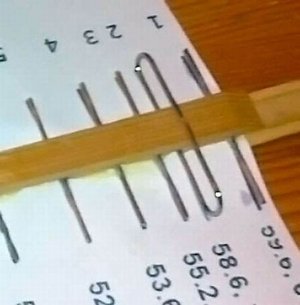
>>>No need to boost your wifi signal when you have the fastest wifi hotspot: 4g sim wifi hotspot
Step 6: At the đầu section, we attach an additional handle for easy use, then remove all the paper.
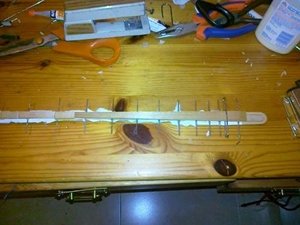
Step 7: Solder the paperclip at position number 2 to a USB output, then connect the remaining part to the wifi modem cable.
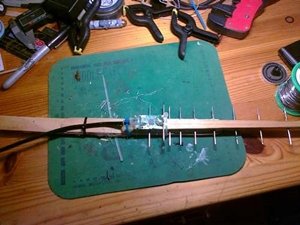
>>>Are you looking for: wireless wifi device
Step 8: Use rubber bands to tightly wrap the connection part of the USB cable to the handle. You can add a base to make the product more eye-catching and easier to adjust the direction.
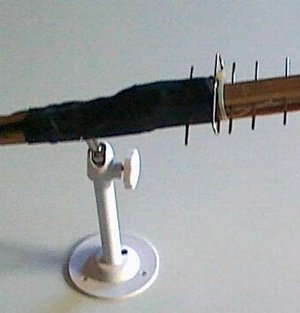
And finally, we have the finished product after a few simple steps. Wish you success in designing your antenna. If you have better ideas, please share them with us.