


 English
  Tiếng Việt
 iPhone is currently the smartest and most trusted smartphone due to its high stability. However, it can still encounter some errors, the most common being the inability to connect to 3G wifi. So, how to fix this error?
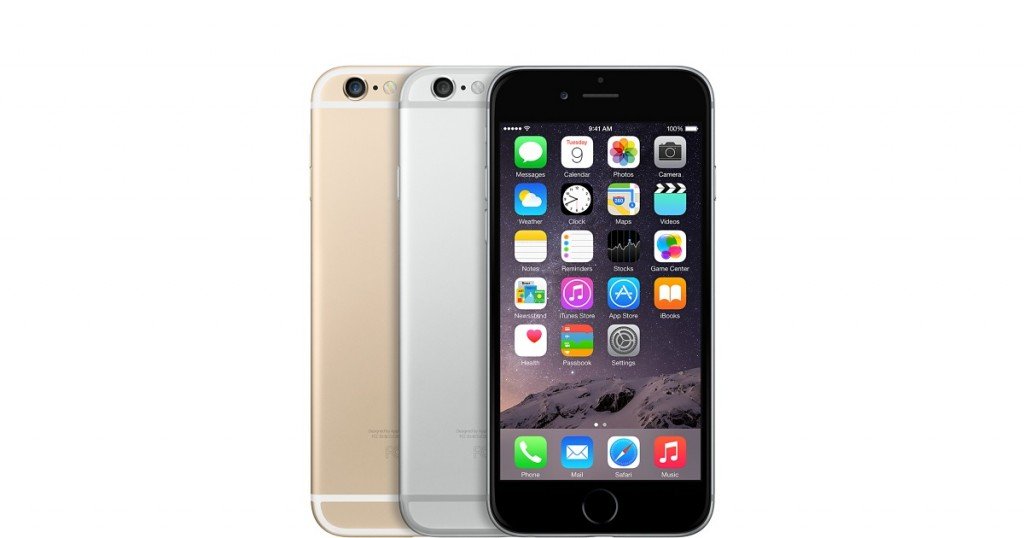
Why can't iPhone connect to wifi
This error often occurs on iPhone 4/4S/5 devices. Users speculate that this issue may be related to the power-saving feature. Accordingly, the iPhone will automatically turn off unused hardware components, including Wi-Fi, Bluetooth and baseband (EDGE, 3G) radio.
Another reason is that you entered the wrong Wi-Fi password, so when connecting, it will report an error. Or the Wi-Fi network password has been changed and you don't know it.
In addition, when the Wi-Fi transceiver chip overheats, it will also automatically disable, leading to the Wi-Fi on/off option being unusable.
How to fix iPhone's Wi-Fi connection error
First, users need to access Settings and ensure that Airplane Mode has been disabled. Next, you need to navigate to General > Reset > Reset Network Settings to erase all network settings on the iPhone. (Note, this will also delete all saved Wi-Fi passwords on the device).
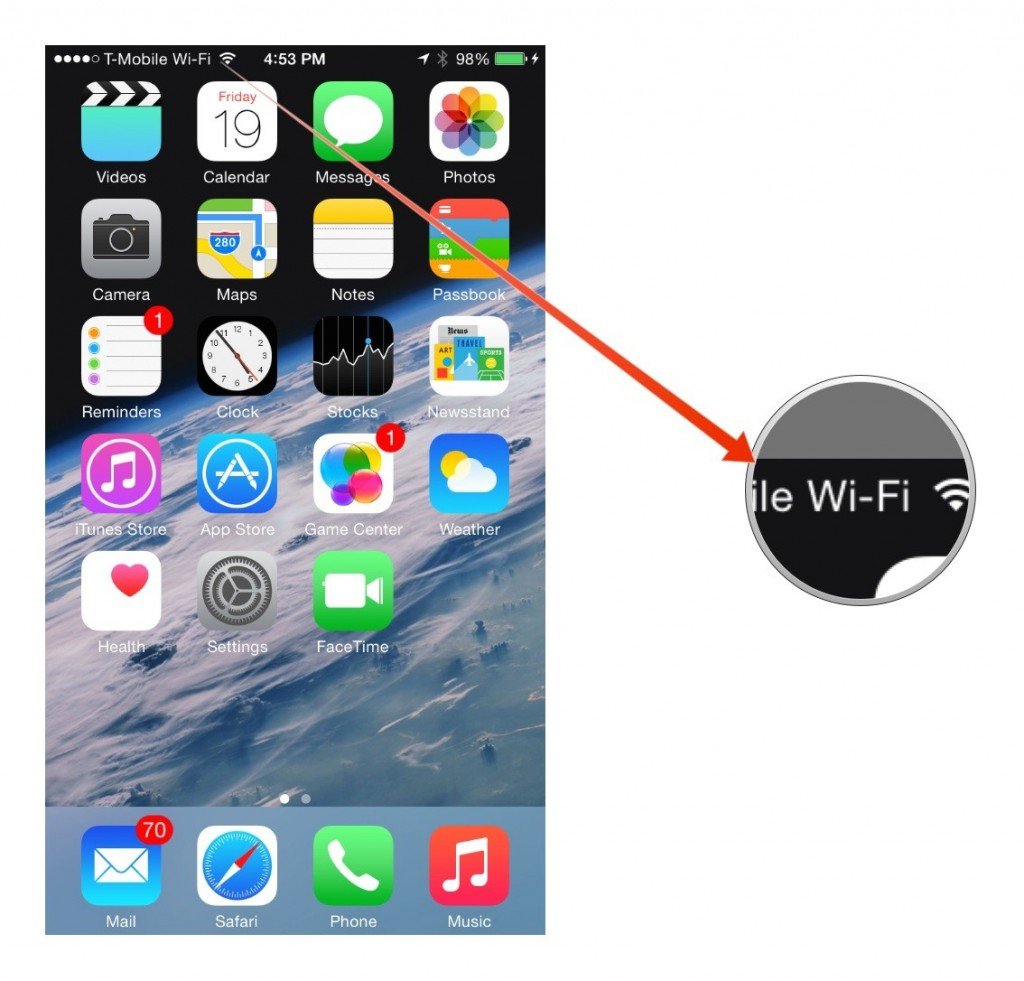
How to fix iPhone's Wi-Fi connection error
Finally, restart the iPhone by pressing and holding the power button and the Home button until the Apple logo appears. If this method does not solve the problem, you should upgrade iOS to the latest version or use iTunes to restore the iPhone. (Note, before upgrading or restoring, please back up all data on the device).
The second way is to recheck your Wi-Fi password. See if you entered it correctly or check if the Wi-Fi password has been changed. Try connecting to Wi-Fi with another device to see if it works.
The third way is to put the iPhone in a zipped bag and then put it in the refrigerator. The reason behind this is that the temperature of the Wi-Fi transceiver chip will be reduced. However, this method is not recommended as the rapid temperature change can completely damage the iPhone.
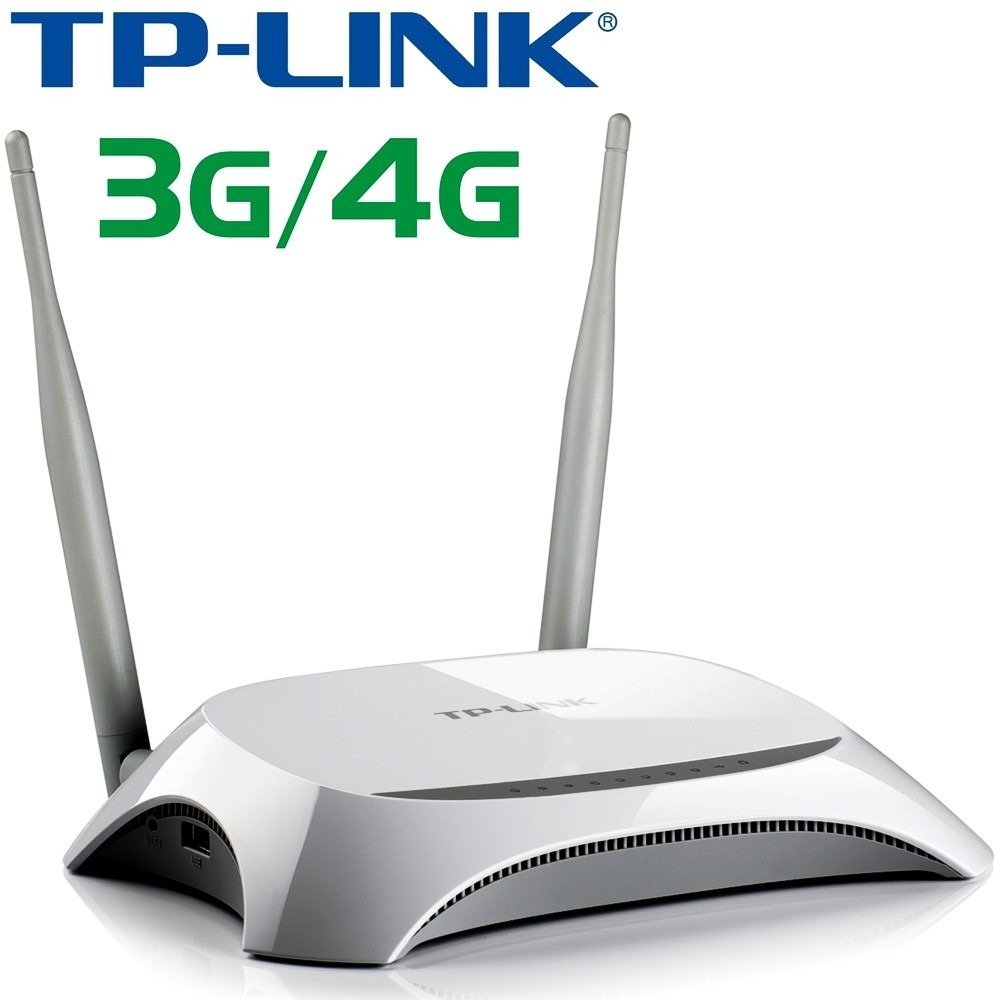
Additionally, we are a provider 4G wifi hotspot device genuine from some famous brands such as: Tp-link, Tenda, Huawei at the cheapest price on the market. If you are in need of owning 3G sim wifi hotspot device then this is the number 1 address to choose and buy.
iPhone not connecting to Wi-Fi errors will be fixed by the following methods. If you have any better methods, please leave a comment below.





