


 English
  Tiếng Việt
 You own a Dcom 3G MF665C but don't know how to use it. Read this article. The article will guide you onhow to use the MF665c 3g usb fully and in detail.
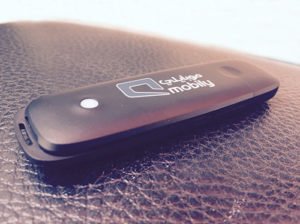
Step 1: Please insert the 3g sim into the device by prying the lid up, with the copper side facing down, the beveled side of the sim facing outwards, the two square sides of the sim facing in first. Then push it in.
>>> Refer to more 3g/4g usb wifi routers at: 4g usb wifi router
Step 2: Plug the 3g usb into your computer and wait 2-3 minutes. Then open MY COMPUTER and a setup for the device will appear. See the image below.
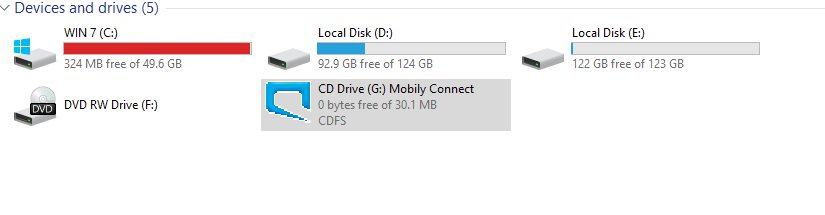
Step 3: Please double-click twice to open the installation. Or left-click and select INSTALL OR RUN PROGRAM FROM YOUR MEDIA. Then select YES.
>>> See more of the highest quality 4G sim wifi routers at: Huawei 4G WiFi router
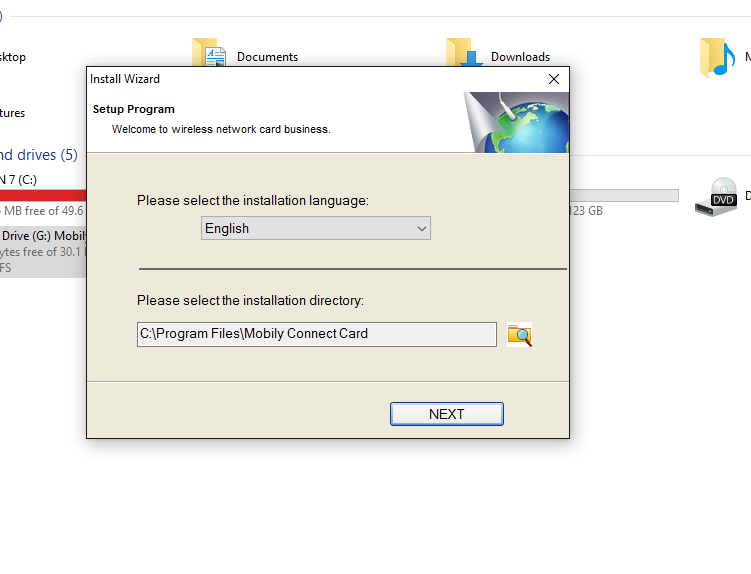
Step 4: Please select NEXT for the computer to install the software. After installation is complete, an icon will appear on the Desktop. Click on it to run the software and connect to the network. See the guide image below.
Step 5 : When you open the software, an interface like the image below will appear.
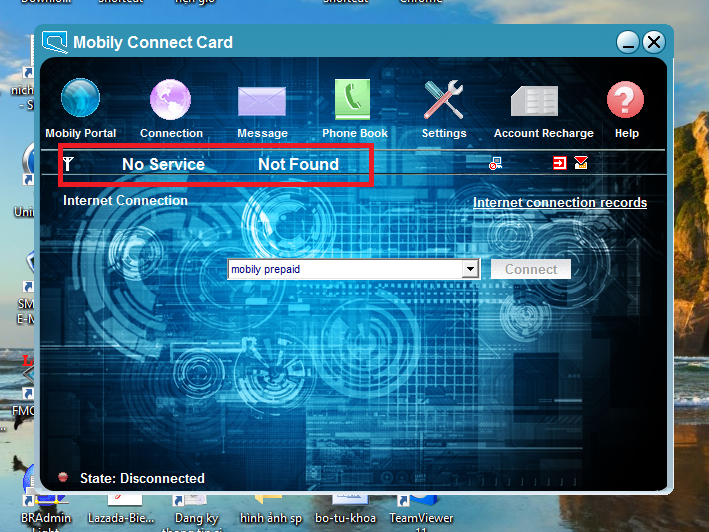
Please wait 3 minutes, then the signal bars and network provider (on the top left) will appear. After the signal bars appear, click enter your password and click ok to connect. to connect and access the internet.
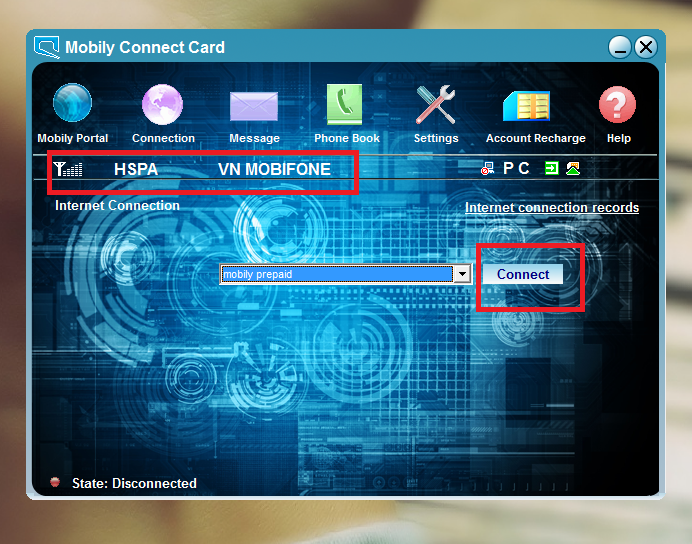
If the signal bars and network provider do not appear, you need to wait another 3-4 minutes. If it still doesn't work, you need to restart your computer.





