


 English
  Tiếng Việt
 Google Translate is a software or web product of Google for the function of translating world languages into many different languages. With high technology, Google Translate is considered one of the most accurate translation software or websites. Most peopleinstall Google Translate on their phones as an indispensable application.
Google Translate icon
Benefits of the Google Translate method
The Google Translate application allows translation in many different forms. Basically, like a regular dictionary, it translates words; additionally, it allows voice translation and image translation. Besides the classic lookup method, you can speak into your phone's speaker for the software to detect and translate the language. Similarly, you can also use your phone's camera to scan text, and the software will recognize the handwriting and translate it for you into the requested language.
Google Translate is used the most by users
>>> If you want to translate into different languages, please refer to:language translator device
How to install Google Translate on your phone
- Install Google Translate on iPhone
First of all, the iPhone is a product of Apple and runs the iOS operating system. This is a highly secure operating system, so an account is required for installation. Google Translate has been updated on the iOS store.
You just need to go to the App Store application on your device, which is pre-installed. This is a predefined store available on every iPhone. Then, you press search and type "Google Translate". If you have an account, you just need to press download and enter your password if prompted. This depends on your account settings. After installing the application on your phone, you can translate many languages freely.
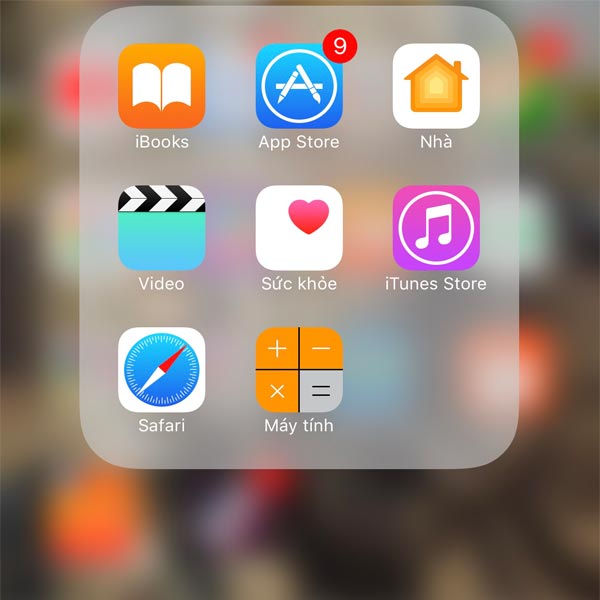
iPhone app store
>>> If you want to use the internet when abroad, check out:international wifi rental
Install Google Translate on Android phones
The Android operating system is used by many phones such as Samsung, Oppo, etc. The way to install Google for Android phones is also very simple. The first step is to go to the phone's store, the store's name is CH Play. Then, similar to the iPhone, you need to search for Google Translate and download it. After installing it on your device, you use it based on its available functions.
One thing to note is that to use the Google Translate software, your phone must be connected to the internet. This can also cause inconvenience in some cases where the phone has no internet connection.
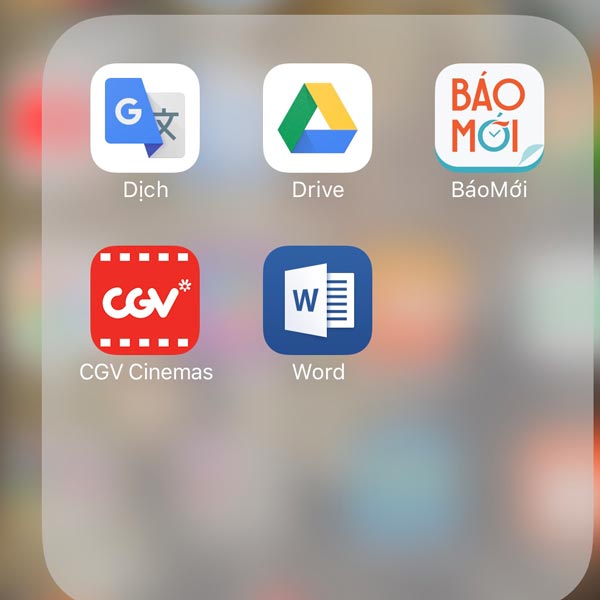
Google Translate app on iPhone
Video tutorial on translating with phone camera and Google Translate
Conclusion
So, installing Google Translate for your phone is very easy. You just need to follow the steps above to have the smartest translation software on your phone. Additionally, to best support you in learning foreign languages or communicating with foreigners, you should refer to the topics and grammar of that language to use it accurately.





