


 English
  Tiếng Việt
 How to install and use 3G USB in general and Viettel 3G USB in particular are similar and very simple, you just need to read the article how to use Viettel USB 3G by 3G WIFI below once to be able to install it yourself.
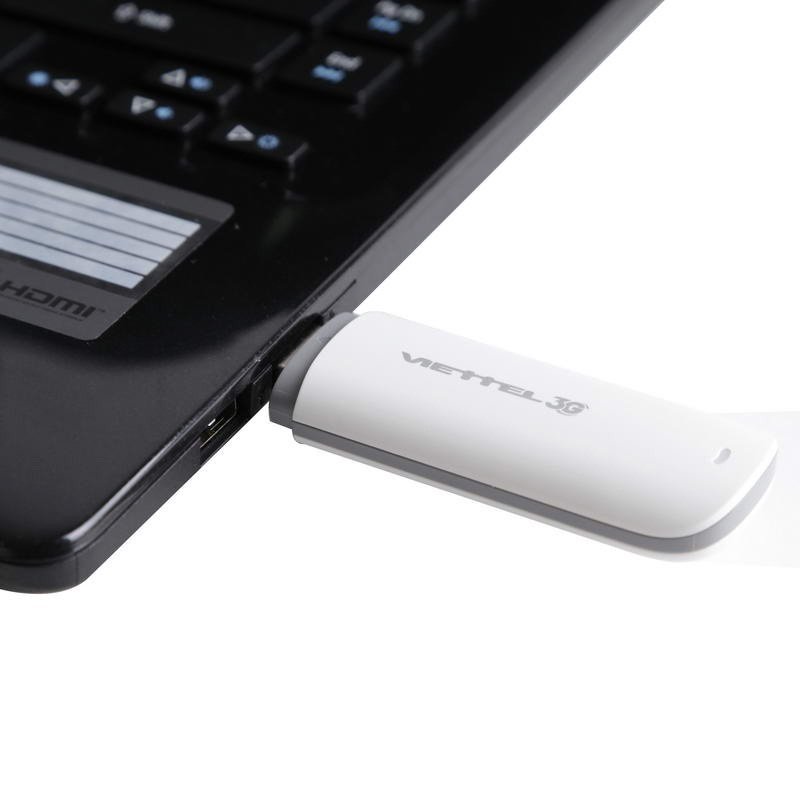
How to use Viettel USB 3G
The installation and use of Viettel USB 3G has the following steps
- Step 1: Plug the Viettel USB 3G with a pre-installed 3G Sim into your computer
- Step 2: Wait for the computer to recognize the USB 3G
- Step 3: This step is very simple, just click Next to let the computer install automatically
- Step 4: After installation, the computer needs about 30s to recognize all the Drivers of the Viettel USB 3G
- Step 5: Now your computer screen will display the connection interface of the USB 3G. You just need to click the Connect button to connect to the Internet
Note: If you lose the Driver of the Viettel USB 3G and cannot install it, please Download the Driver again at: Latest Viettel 3G Dcom Driver
Then proceed to install as in that article
Video tutorial on installing Viettel USB 3G
How to use Viettel 3G USB save data
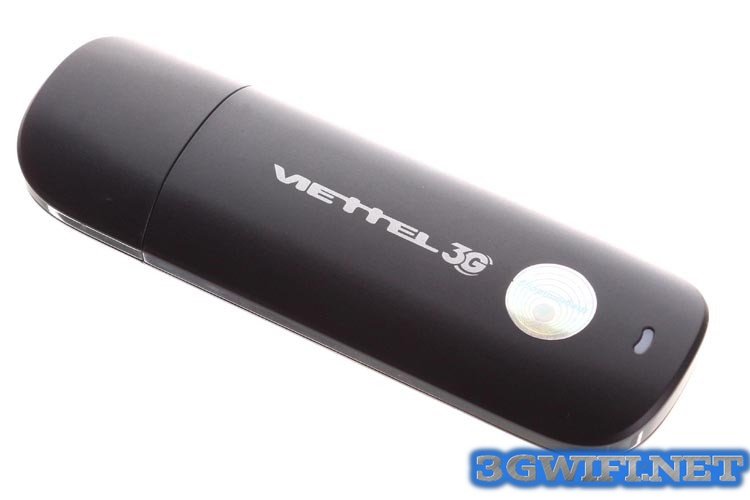
How to use Viettel 3G Dcom to save data
The data capacity of Viettel 3G Dcom is the data capacity of the 3G SIM you use in the 3G Dcom, so how to save data for the 3G SIM? Please continue to read the article: How to use 3G SIM without losing Data
The following is the complete guide on how to use Viettel 3G USB correctly for maximum efficiency. We wish you the best product experience.
Article edited and updated on 27/12/2019





