


 English
  Tiếng Việt
 Desktop computers are a type of computer that usually use traditional network connections. So the question arises, can desktop computers connect to Wi-Fi? Strictly speaking, desktop computers do not support Wi-Fi broadcasting. However, there are still some ways to help desktop computers connect to Wi-Fi. Let's find outhow to connect to Wi-Fi for a desktop computer
How to connect to Wi-Fi for a desktop computer
Method 1: Use a Wi-Fi USB
This is the most convenient method for desktop computers. The way to use this Wi-Fi USB is similar to using a 4G modem. You just need to plug it into the computer through the USB port on the computer. Then install the Driver according to the USB. You can refer to Google for how to install the driver. Then the desktop computer can connect to Wi-Fi like a laptop.
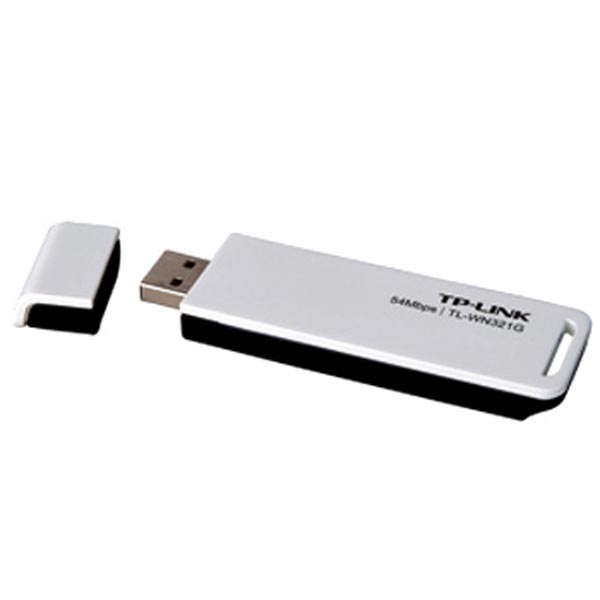
How to connect to Wi-Fi for a desktop computer
>>> Use a portable Wi-Fi hotspot to take anywhere, for high-speed Wi-Fi, check out: 4G Wi-Fi Router
A small note is that when the computer is in sleep mode, the connection will be lost. So to connect all day, you should turn off the computer's sleep mode.
Method 2: Use a Wi-Fi Card
To use a Wi-Fi card, you need to remove the CPU tower and connect it directly to the computer's motherboard. Wi-Fi cards have slots, so they are very convenient when the computer has limited USB slots. Because it is installed directly into the machine, it provides great stability.
However, its portability is not high. Inferior to Wi-Fi USB.
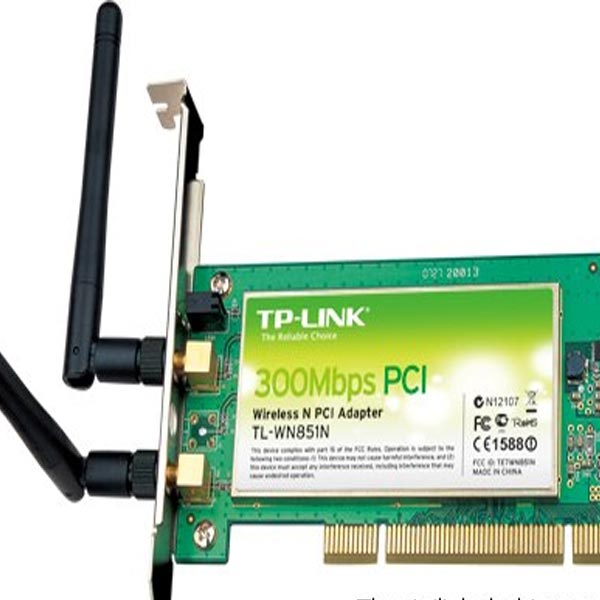
how to broadcast Wi-Fi for desktop computers
>>> Use a USB to connect to the internet for your desktop and broadcast Wi-Fi to mobile devices, check out: 4G USB
Method 3: Use a motherboard with built-in Wi-Fi
This is a method considered good for connecting Wi-Fi to a desktop computer. This method is for those who need to upgrade their computer. At the same time, add Wi-Fi reception and broadcasting features to the computer. This method is quite costly and if you are not convenient to upgrade your computer, you should not use this method.
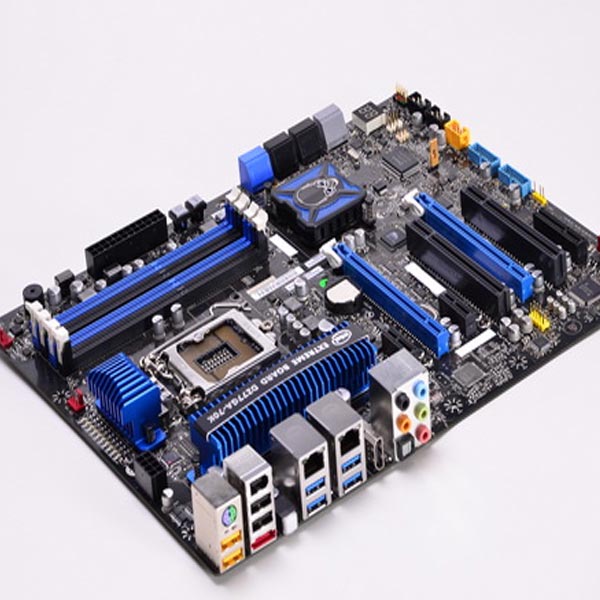
See how to connect to Wi-Fi for a desktop computer
One thing to note is that when using supporting tools to receive and broadcast Wi-Fi for desktop computers, you should pay attention to the Wi-Fi standard. Prioritize Wi-Fi connection devices with high-speed transmission lines.
Conclusion
So there are many ways to support a desktop computer to connect to Wi-Fi. Above are some methods for your reference. Hope you have chosen a suitable method.





