


 English
  Tiếng Việt
 Most households, remote shops, and stores are using quite old wifi routers, with many security vulnerabilities, and the transmission line and coverage are not guaranteed. Not to mention that the origin of these products is unclear or they are manufactured in China. You need to understand that genuine quality routers usually have a very long lifespan, don't be stingy with money, considertips for buying a wifi router good.
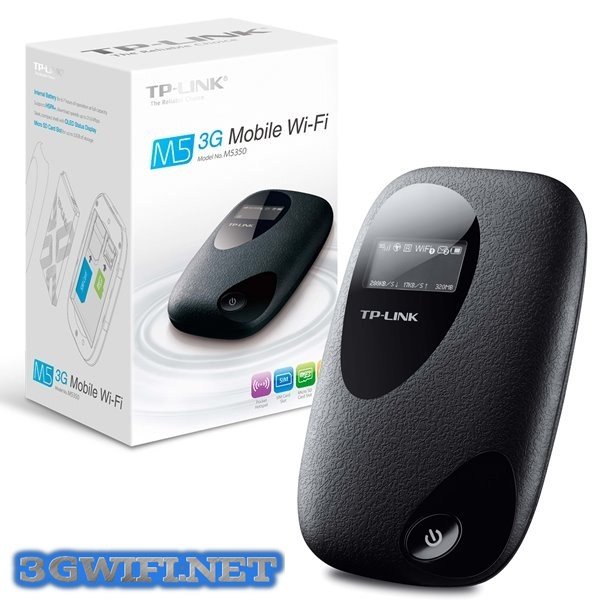
Criteria for buying a wifi router (router)
Before buying any router, you need to read reviews from users who have already purchased the product, because those reviews are very objective. To be more sure, you can type the product name on Google to get more information about the origin and quality of the product. However, wifi signals are also affected by many external factors such as weather and signals with the same 2.4GHz frequency from phones or microwaves...
1. Determine your needs
For users who only need to read daily news, surf the web, read newspapers... there is no need to be too picky about choosing a high-end wifi. Just choose a normal wifi router, with the simplest settings possible.
As for gamers, businesses, or those with high internet usage needs, you should choose a better, more secure router. However, you also need to consider carefully because many more expensive products have more settings but not faster transmission speeds. Most reputable router manufacturers currently support 300Mbps wifi. Only a few special product lines reach 450Mbps.
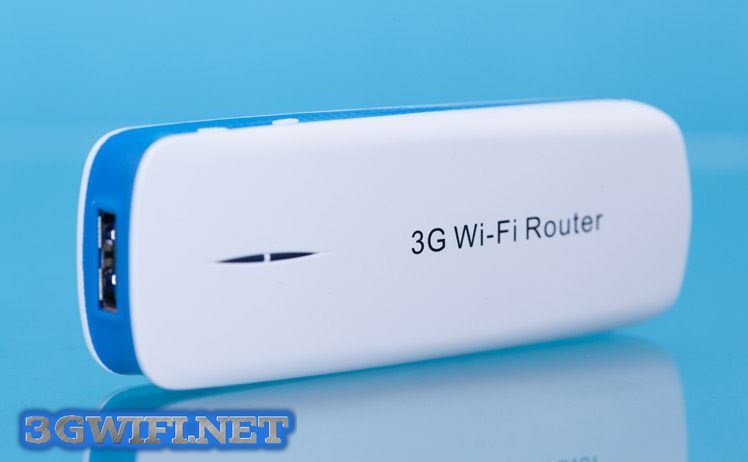
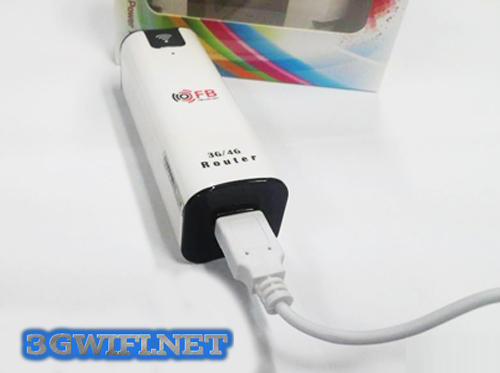
>>> In addition to the above devices, some 4G USB devices can also be plugged into the modem to broadcast wifi
2. Single-band or dual-band, 1-antenna or multi-antenna router?
Older routers used to force you to choose one of two frequency bands when setting up the router. But now, that problem has been solved. Engineers have succeeded in allowing both bands to operate simultaneously.
Current routers use two frequency bands: 2.4GHz and 5GHz. The 2.4GHz band has a longer coverage range, so it is used a lot, leading to signal interference, resulting in slow internet connections. At this point, you can choose to switch to the 5GHz band, and the network will surely be more stable.

A typical router will have two main functions: receiving signals and broadcasting signals. If it uses antennas, both the receiving and broadcasting signals will go through one antenna. At that time, the chip has to process both signal streams, leading to electromagnetic signal congestion.
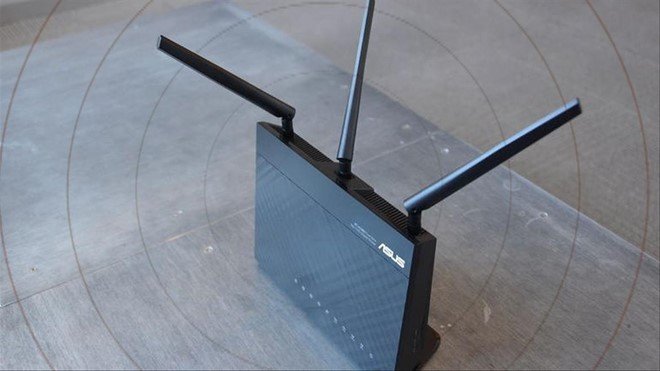
A router with two antennas allows the two signals to pass through two dedicated antennas, so the processing will be better. Therefore, if you have high demands, choose a wifi router with 2 or more antennas to ensure the transmission line. Further information for you is that currently engineers in the US are creating chips that can process 2 data streams on the same antenna, but it will probably take a very long time to mass-produce.
3. Compatibility with other devices
Currently, to increase the versatility of their devices, manufacturers are producing products with quite high compatibility, which can connect to most common devices. But if you use products from the same brand, the connection quality will be better. If not, it won't affect much, so you can rest assured about this issue.
4. Router Bandwidth and Coverage
This is very important, you must consider your internet connection speed and the size of your house before making your decision. If your network has a transmission speed above 50MB and you buy an N-standard router, it can only broadcast Wi-Fi with a bandwidth of 50Mb, which would be a waste. If you buy a router with too narrow coverage, some areas of the house will not be able to receive the signal. Coverage that is too wide can create opportunities for uninvited guests to use Wi-Fi for free.

5. Information Security
Most routers manufactured in the last 4 years support WPA/WPA2 security. When configuring your router, you must choose WPA/WPA2 security because WEP security is obsolete; a simple hacking software on the network can easily obtain your Wi-Fi password. With WPA/WPA2 security, no one has been able to hack it yet.
>>>It is recommended to refer to Wi-Fi routers with extremely high security:cheap 4g sim wifi hotspot device
6. Router Connection Type
In reality, wired connections are much faster and more stable than wireless ones. Routers often have an advanced setting called QoS for user authorization, which adjusts the priority of users currently using Wi-Fi. If you think that a router with a bandwidth of 300Mbps can still provide 300Mbps speed with 10 users, you are completely wrong.
When those 10 people connect, the network will be divided depending on your QoS settings. Higher priority means higher bandwidth, lower priority means lower bandwidth. Therefore, Ethernet (wired connection) networks have now reached 1Gbps, which is much higher. For AAG fiber optic networks, this number will be 10Gbps, and some specialized research rooms can reach up to 100Gbps.
Hopefully, the above sharing will help you choose the most suitable Wi-Fi router for yourself.





