


 English
  Tiếng Việt
 Mục lục
- 1. Features of the universal 3G USB WiFi hotspot
- 2. Features when buying a 3G USB WiFi router at 3gwifi.net
- 3. Best multi-function 3G USB WiFi routers currently available
- 3.1. HAME A11W 3G WiFi Router
- 3.2. Genuine Cheap WR6200 3G WiFi Router High Speed
- 3.3. MPR M1 3G USB WiFi Router - Cheapest Price
- 4. How to use a 3G USB WiFi router
Universal 3G USB WiFi hotspot will help you solve all problems such as: Your phone is out of battery but you have an important call, your home wifi signal is weak, or simply you want to broadcast wifi from ADSL but hate the complexity and messy wires... There are many other functions gathered inthe 3G USB WiFi hotspot with a design that fits in the palm of your hand.
See more other devices at: 3G WiFi hotspot
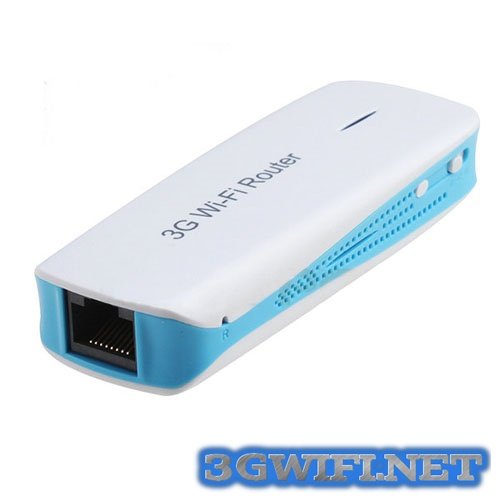
Universal 3G USB WiFi hotspot
Features of the universal 3G USB WiFi hotspot
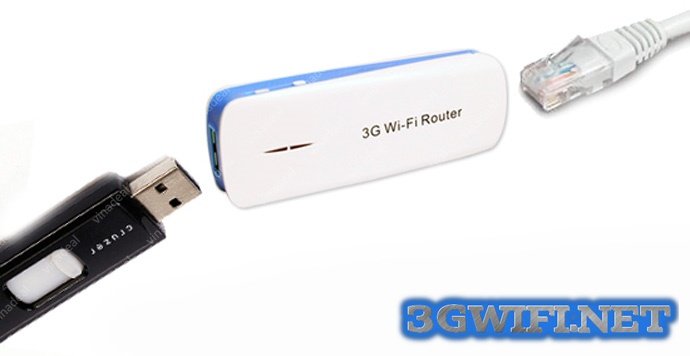
- Can receive 3G signal then combine with 3G USB to broadcast as wifi
- Can function as a wifi hotspot when connected to ADSL modem
- Function as a power bank for your phone - 1800 mah
- High speed wifi broadcasting
- Can be used withmulti-network 3G modems
Features when buying a 3G USB WiFi router at 3gwifi.net
- 100% genuine product
- Cheapest price on the market
- Free shipping in Hanoi
- Free installation and support consultation for customers in need
- 1-year genuine warranty
Best multi-function 3G USB WiFi routers currently available
HAME A11W 3G WiFi Router
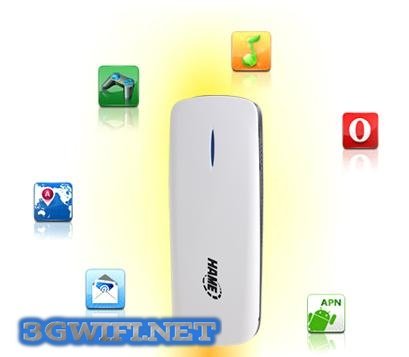
- Can be used withmulti-network 3G SIM cards
- Strong signal, supports multiple 3G devices
- Genuine product
- 12-month warranty
See product details:HAME A11W 3G WiFi Router
Genuine Cheap WR6200 3G WiFi Router High Speed
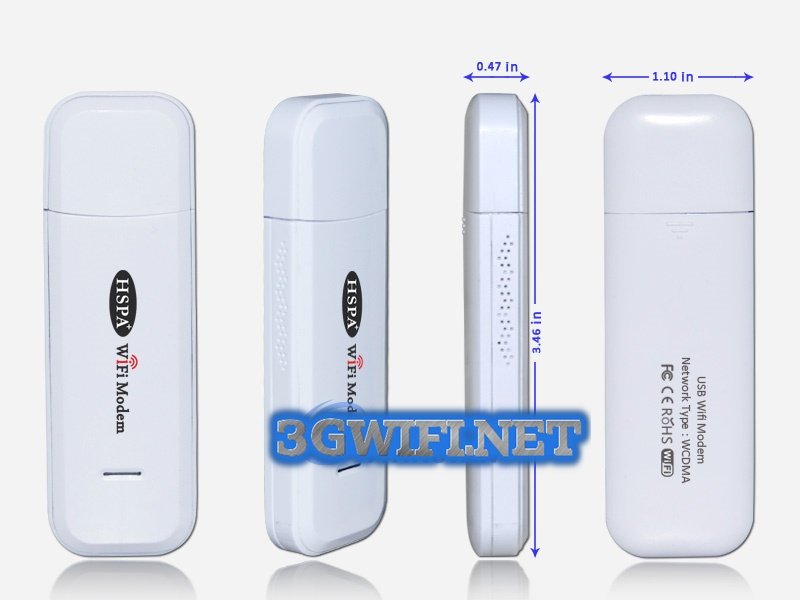
- Can be used with multi-network 3G SIM cards: Viettel, Mobifone, Vinaphone
- Stable speed
- Genuine product
- Nationwide genuine warranty
See product details:WR6200 3G WiFi Router
MPR M1 3G USB WiFi Router - Cheapest Price
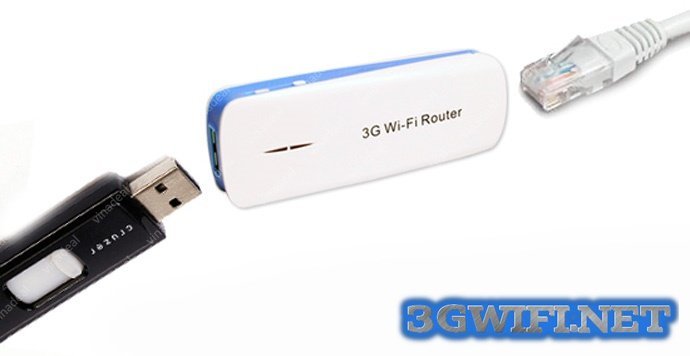
- Compatible with the following operating systems: IOS, Android, Windows...
- You can plug the network cable directly into this 3G USB WiFi device to broadcast WiFi for other devices.
- The 3G WiFi router has a built-in battery and can operate continuously for 3 hours.
- Additionally, the product has a power bank function to charge your phone.
See product details:MPR M1 3G WiFi Router
How to use a 3G USB WiFi router
- Turn on the device to the 'R' light (Do not plug in the 3G USB device or network cable yet).
- A WiFi network named Mifixxxxxxxx will appear on your laptop.
- Connect to this WiFi network with the password found on the back of the WiFi router.
- After connecting, open Internet Explorer.
- Enter the address: 192.168.100.1 and press Enter.
- If a password is required: enter 'admin'.
- Once inside, navigate to Wireless -> Wifi Setting to change the WiFi network name and new password (if needed) -> Then click Apply to reset the modem automatically.
That's all you need to know about using a 3G USB WiFi router. Hopefully, it will be very helpful for you.





