English
  Tiếng Việt
 Mục lục
3G Wifi hotspot or also called 3G wifi router is a device that broadcasts wifi, helping customers access the internet at high speed. Using a 3G wifi router safely and maximizing its functionality is not something everyone knows. To explain how to prevent the 3G wifi hotspot from overheating during use, please refer to the article below.
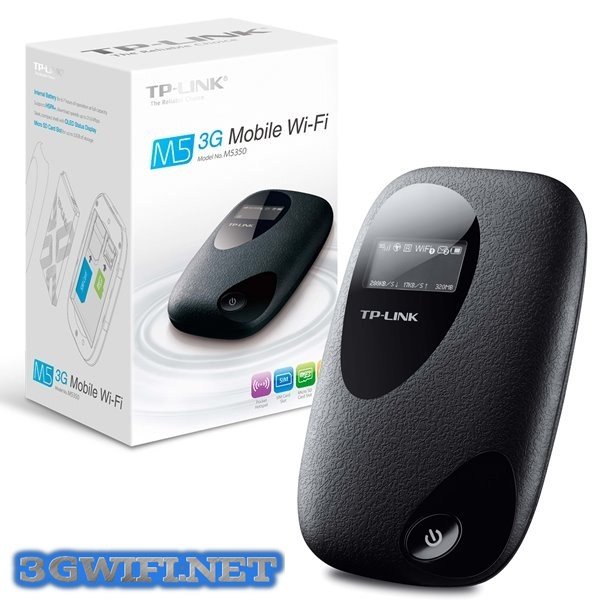
Genuine 100% M5350 3G Wifi Hotspot
Reasons why the 3G wifi hotspot overheats during use
A typical 3G SIM wifi hotspot, if used correctly, will not overheat or automatically disconnect. If customers use the device and find it overheating for a long time, you definitely need to review your usage habits.
How to fix the overheating issue of the 3G wifi hotspot
- Let your wifi hotspot rest for a while by turning off the power to let the device cool down, then restart it.
- Set up a sleep mode for your wifi by setting it to automatically turn off after 5 minutes if customers do not access the internet. This will save battery usage time and prevent your device from overheating continuously.
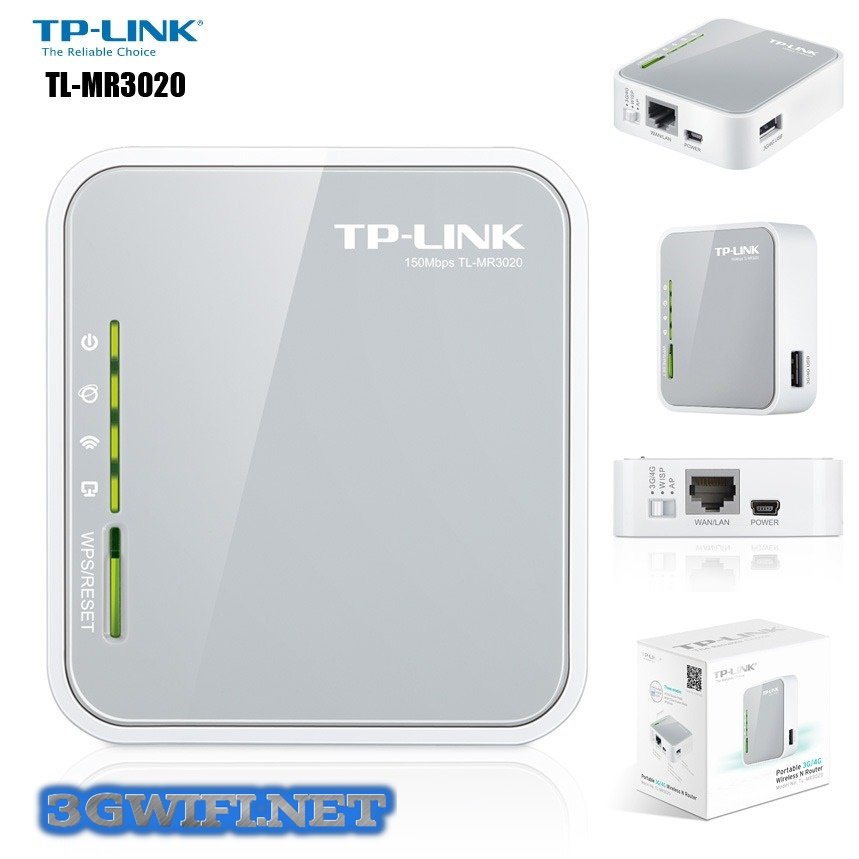
- Change the location of the wifi hotspot. The current location may affect the broadcast quality of electromagnetic waves, causing the device to overheat. Avoid placing it near refrigerators, microwaves, TVs, as these locations have strong magnetic fields that interfere with the signal and affect transmission quality.
- Control network bandwidth: as the device can broadcast to 10 devices simultaneously. Therefore, you need to check what the users of the device are doing and whether they are consuming bandwidth. It should not be surprising if your device overheats because a user is downloading dozens of movie or game tabs on Chrome or via IDM.
- The area where you are using the wifi hotspot has signal boosters. In this case, your wifi hotspot will be limited, gradually reducing through walls, causing the device to overheat.
- When the device constantly overheats, it may be due to a hardware error. Your solution may be to exchange the device or seek technical support to resolve this issue.
The above are some reasons why your 3G device overheats. You need to identify and fix the problems that occur with your wifi hotspot. We wish you success!