


 English
  Tiếng Việt
 - 1. Factors affecting wifi broadcast speed: ping, upload speed, download speed
- 1.1. 1. Ping Connection
- 1.2. 2. Download Speed
- 1.3. 3. Upload Speed
- 2. Commonly used wifi speed test methods
- 2.1. 1. Wifi speed test application Speedtest.net
- 2.2. 2. Wifi network speed test application Internet Speed Meter Lite
- 2.3. 3. Wifi speed measurement software Internet Speed Meter Lite
- 2.4. 4. Wifi speed measurement application Internet Speed Test
- 2.5. 5. Wifi speed test software 4Gmark (3G/4G Speed Test)
- 3. Video Tutorial on How to Test Wifi Speed Most Accurately
Our country is developing day by day, racing with the era of science and technology, the era of Industry 4.0. Therefore, with every transformation, people must also change to keep pace with that transformation. Wifi has become an indispensable companion for everyone, and tasks will be solved quickly and easily through each wifi device you are using. But not everyone knows how to check wifi speed, what factors affect wifi speed, and criteria to evaluate stable wifi speed. We will answer these questions and introduce: wifi speed test apps.
What factors affect wifi broadcast speed
>>> Want high-speed wifi with unlimited data, use our service: wifi hotspot rental
Factors affecting wifi broadcast speed: ping, upload speed, download speed
1. Ping Connection
The Ping factor is reflected in the connection between two devices. The nature of the internet is the connection of computers worldwide. Ping time is measured in milliseconds (ms). For how to check wifi speed, typically ping below 50ms for computers in Vietnam is good. Abroad, below 150ms is good. To use the ping command, open the Run dialog box by pressing the Windows + R combination, type cmd, and press Enter. This is the ping indicator.
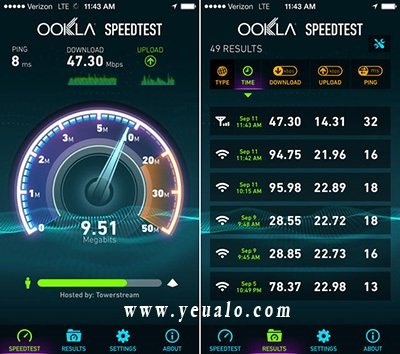
The first factor "Ping" is very important
2. Download Speed
This is the speed at which you download files from the network to your computer. The unit is usually MBps (Megabytes). Your home network download speed above 2Mbps is stable.
3. Upload Speed
This is the speed at which you upload files from your computer to the network. Upload speed is always lower than download speed. The unit for upload speed is MBps (Megabytes). An upload speed of around 1MBps is stable.
Note: You should also pay attention to the following influencing factors:
Location, geography, terrain, weather: for example, networks in rural areas and mountainous regions will be slower than networks in major cities.
-Line: the farther you pull the dây or the farther you catch wifi, the weaker the network will be
-Virus: of course. The nature of viruses is to destroy, so a machine infected with a virus also reduces network speed
Therefore, when performing wifi speed measurement methods, wifi speed test methods (how to check wifi speed), you should pay attention to the above information to be able to see the most accurate wifi speed.
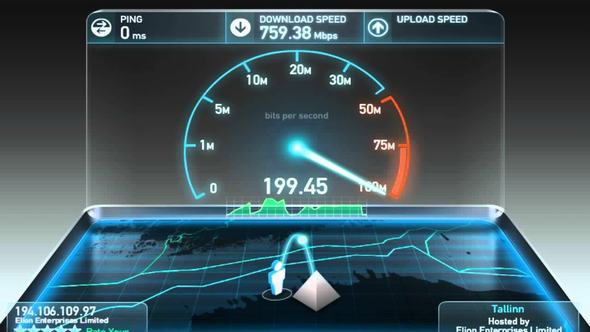 3 parameters determine the standard wifi transmission speed
Commonly used wifi speed test methods
1. Wifi speed test application Speedtest.net
Built on a web-based platform, Speedtest is gradually becoming the most popular and accurate network speed measurement application today. This application will help users check FPT network speed and other networks such as download, upload, and ping. Not stopping there, the characteristic of this application is that it saves data from different measurements so users can compare network stability or share with friends. This application is currently trusted by many people.
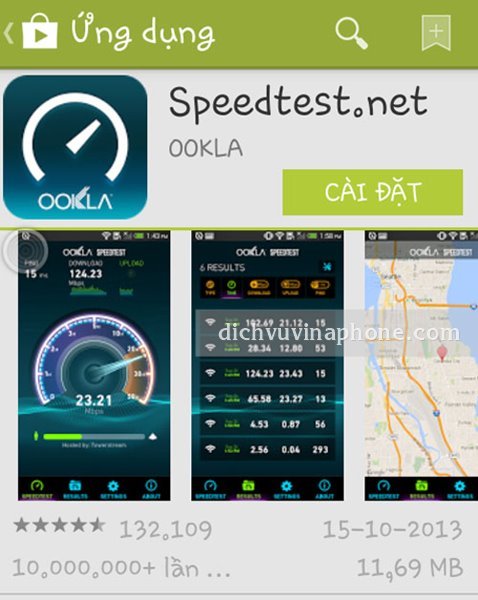
Speedtest.net application with simple installation
2. Wifi network speed test application Internet Speed Meter Lite
Simple, easy to use are what you will feel when using the wifi connection speed test method with the Internet Speed Meter Lite application, you don't need to put in too much effort to interact with the application. Just install it and the application will automatically display network speed parameters 24/24 right at the notification bar. In addition, this wifi test software also helps users track and control the amount of internet used (3G/Wifi) daily, weekly, or monthly.
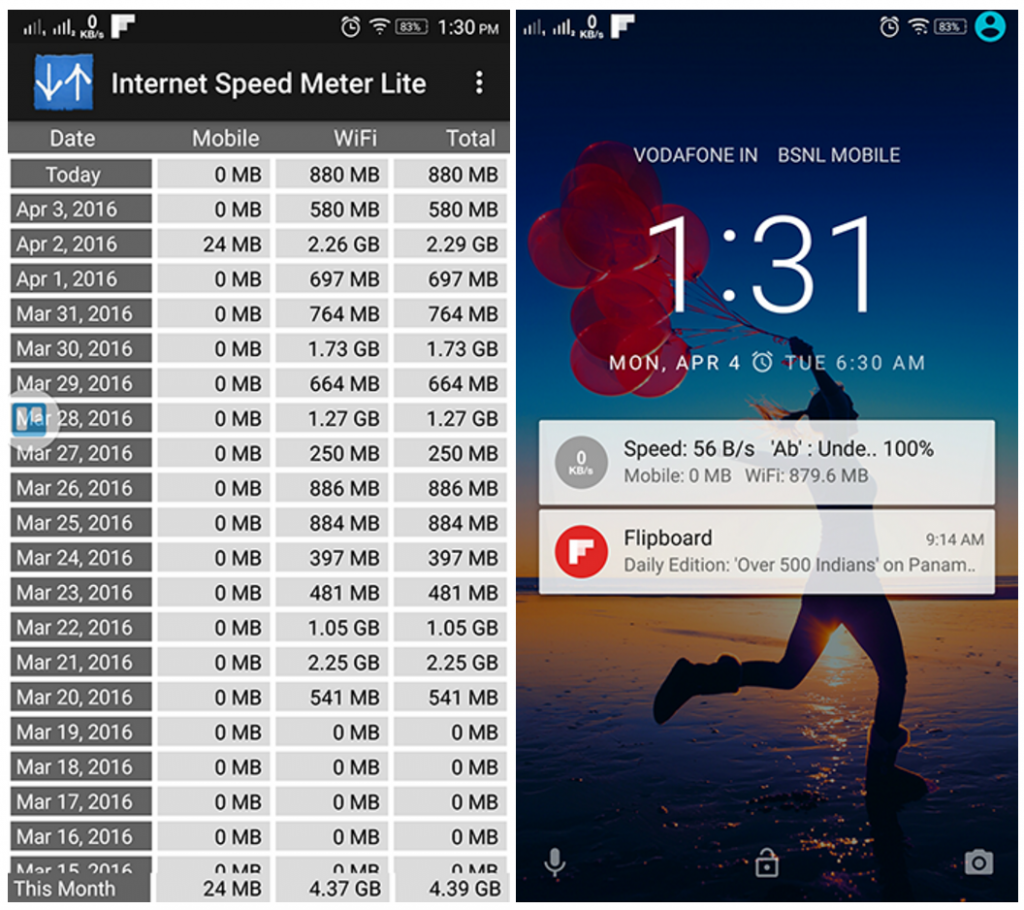
With easy download and user-friendly interface
3. Wifi speed measurement software Internet Speed Meter Lite
Internet Speed Test Light is also a simple application to monitor internet connection speed in the fastest way. Similar to the method of checking wifi signal with Speedtest.net, checking wifi traffic with this application provides complete upload, download speeds, and ping for users. By applying a smart network monitoring mechanism, the Internet Speed Test Light application can adjust the internet speed monitoring method according to different connection types: Wifi, 2G, 3G, 4G. This is also a wifi test method that many people love.
4. Wifi speed measurement application Internet Speed Test
Internet Speed Test is similar to Internet Speed Test Light but offers more features. Features available on Internet Speed Test include:
Check Download/Upload speedMeasure latency in data conversion (latency, ping)
Provides 2 speed measurement units (kbps, Mbps)
Automatically adjust technical parameters for speed testing for each connection type (2G/3G/Wifi)
Provides basic connection information (IP address, network provider name, and Wifi connection name)
Internet speed test result filter
Easily share test results via social networks (Facebook, Google+, Twitter)
Good compatibility with old and weak devices.
5. Wifi speed test software 4Gmark (3G/4G Speed Test)
Unlike other network monitoring applications, instead of measuring network speed directly, 4Gmark provides mini-tests, from which it derives download and upload speeds. Immediately after getting the results, you can quickly compare them with other devices using the same connection or with other users at the same location as you.
 The beautiful interface of the 4Gmark application





