


 English
  Tiếng Việt
 If you just want to listen to music instead of watching the entire video on Youtube, you can reduce 3G/4G data usage by up to 90%. This is a tip you shouldn't miss to enjoy music on Youtube with 3G/4G to your heart's content.

Ứng dụng có tên Y Music đây là ứng dụng trên dòng điện thoại smartphone Android nó sẽ cho phép phát video trên Youtube chỉ có phần nhạc mà không hiện hình ảnh bởi vậy mà lưu lượng sử dụng 3G/4G chỉ bằng 1/10 bình thường mà thôi. Thậm chí lưu lượng tốn rất ít nên cũng có thể sử dụng 2G để nghe nhạc. Đây chính là Tips for listening to music on Youtube mà ai cũng cần.
Các lợi ích khi bạn dùng Y Music để nghe nhạc trên Youtube
- Save up to 90% of 3G/4G data compared to just playing the audio with the video.
- Listen to music on Youtube comfortably even with 2G
- Listen to music even when the screen is off and while using another application.
- Supports downloading videos from Youtube to your device
Cách cài đặt Y Music
First, you need to download the Y Music application to your phone.
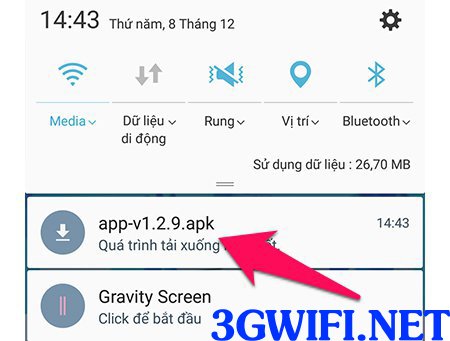
After downloading, install the application on your device as usual.

>>> Purchase a 3G SIM Wi-Fi router to speed up movie and music listening at: portable 4g wifi device
Cách sử dụng ứng dụng Y Music
There are 2 ways to use the Y Music application to listen to music on Youtube.

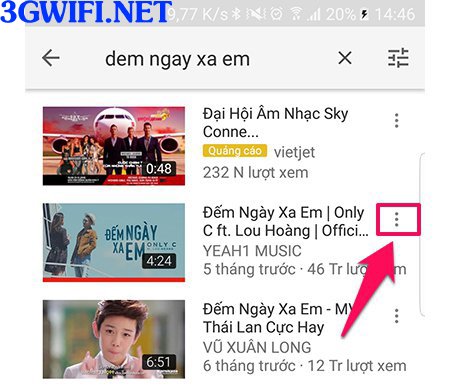
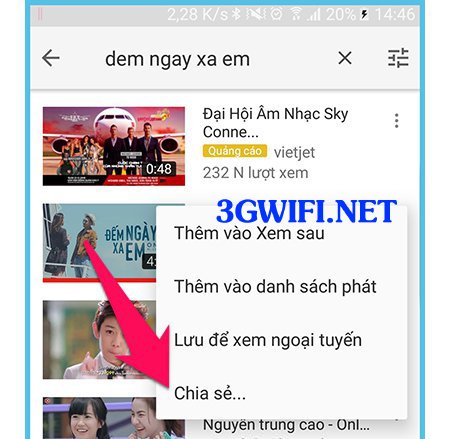
+ Open the Youtube application as you normally would. When you want to open any video in music-only mode without the video, tap the three dots on the right side of the video, then select the Share button.
Select Share. Tap the 1-Listen icon to start playing music.
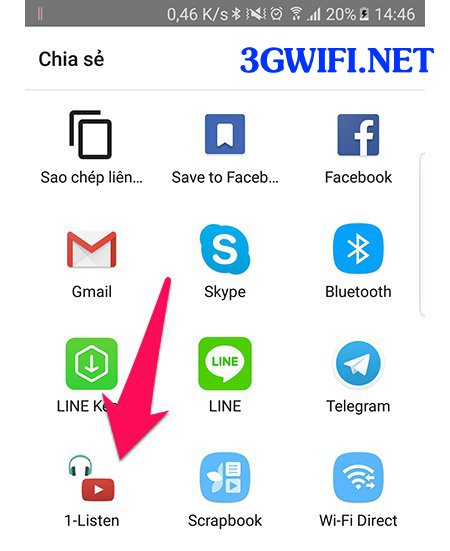
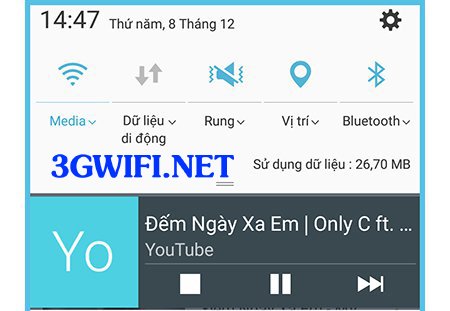
Pull down the notification bar, and you will see the music playback control panel.
Control music on the lock screen.
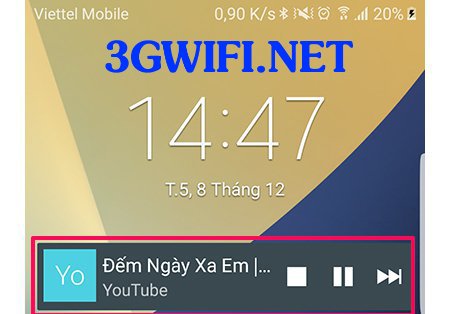
This tip is extremely useful, especially if you want to listen to a music playlist. You can switch songs easily without having to open Youtube to find each song individually.
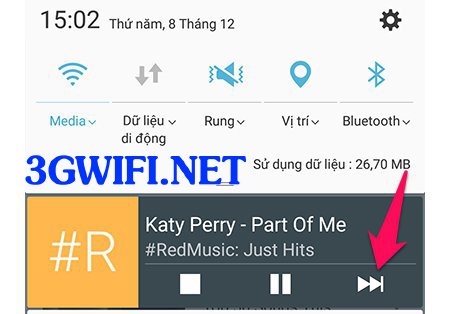
+ However, this method still has a drawback in that it requires quite a few steps and is not maximally efficient because it has to download thumbnails for each video. You can use the Y Music application directly to find and listen to songs.

>>> Watch movies on Youtube comfortably with: Huawei 4G wifi transmitter
The interface and operations are quite simple, you just need to enter the song name in the search box and then click the result to start playing music.Besides, this software also makes it easy to add songs to the playlist for automatic playback.
If you want to save 3G/4G data to the maximum, download this application right away. If you have any further questions related to this article, please comment below the article for us to answer your questions.





