English
  Tiếng Việt


The Emobile GL10P 3G/4G WiFi hotspot battery is not charging, and the battery drains very quickly. Your device's battery is likely worn out or damaged. You should purchase a new pin Gl10P to replace the damaged battery to ensure safety and avoid damaging the device. This is because a worn-out or damaged battery can cause swelling, leading to potential fire hazards and short circuits.

GL10P Battery
Causes of GL10P Battery Damage
There are many reasons why your device's battery may be worn out, damaged, and unusable. Here are some of the common causes of battery damage:
- The device has been used for a long time, causing the battery to wear out and reach its expiration date.
- The device is left plugged into the power source for too long, causing the battery to wear out and damage the device.
- The charger is not compatible with the device's input power.
- Frequently letting the device run out of battery before charging.
- The battery has exceeded its lifespan due to prolonged use.
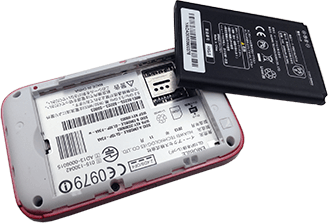
Worn-out battery needs replacement
To resolve issues with a worn-out or damaged battery, you need to purchase a new battery to replace the old one. Since the Emobile GL10P battery is removable, it is very easy to replace. Simply buy a new battery and replace the device's damaged one. Come to us to purchase a genuine R209 battery. We offer a 3-month warranty for the battery.
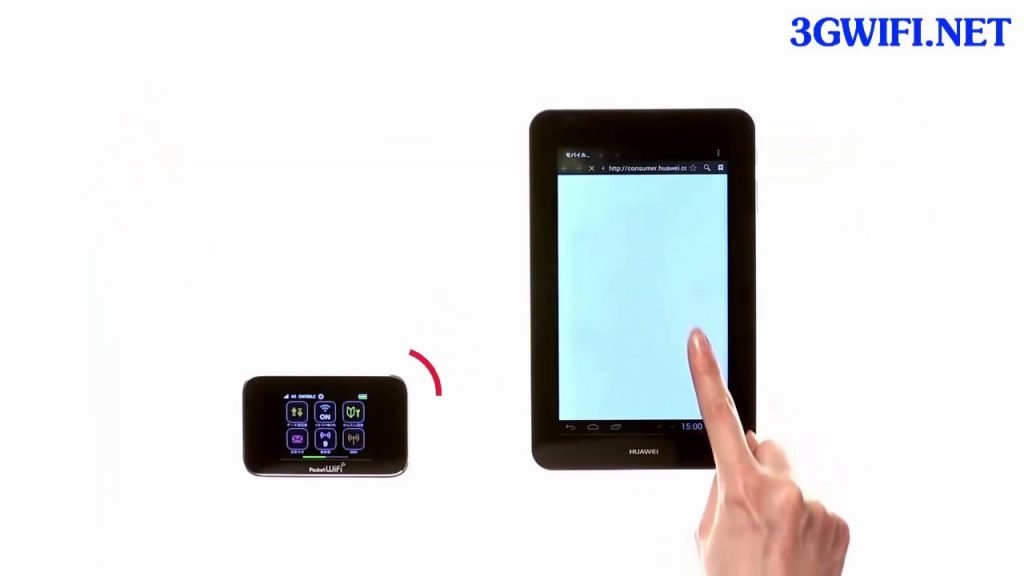
3-month warranty after purchasing a new battery
GL10P Battery Specifications
A standard Emobile GL10P battery has the following specifications:
- Battery capacity: 2400mAh
- Usage time: 8 to 10 hours of continuous use
- Rated voltage: 3.7V – 3.8V. The maximum rated voltage is 4.2V – 4.35V, compatible with the charging currents of various charging cables and adapters on the market today.
- Power: Approximately 5.6Wh – 5.7Wh
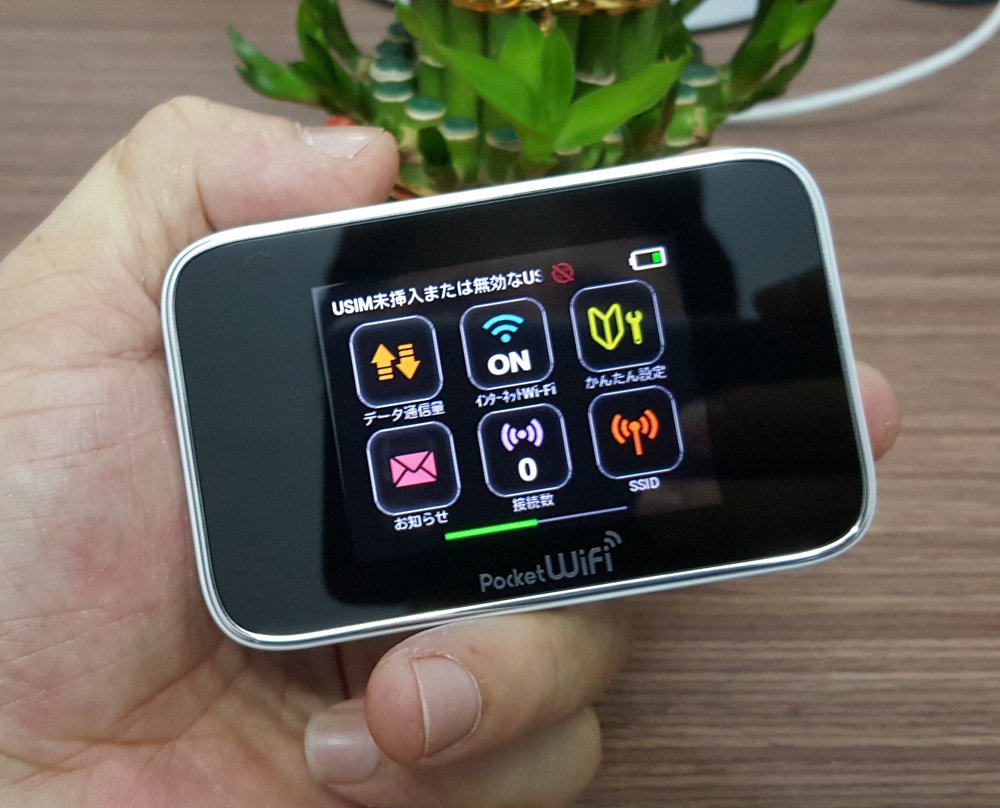
Emobile GL10P Device
How to best use the Emobile GL10P battery.
To keep the GL10P battery and the device itself lasting as long as possible, please consider the following when using the device:
- Do not use while charging
- When not using Wi-Fi, turn off the Wi-Fi router
- Do not disassemble or alter the battery's structure
- Avoid overcharging the battery; unplug it once fully charged
- Do not place in humid environments
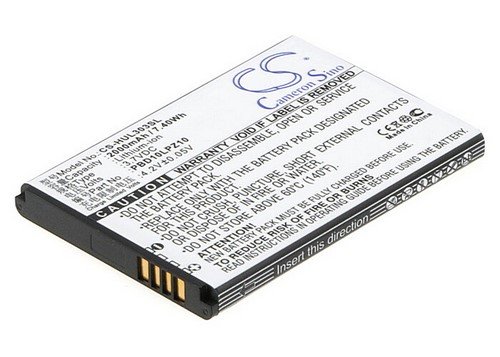
We hope you find the perfect GL10P battery to replace your damaged one at home. Please keep the information we provided above in mind to ensure your device remains as durable as possible. Thank you for visiting our store.