


 English
  Tiếng Việt
 You want to buy a translator but are worried about how to use it. You shouldn't worry about this because the machine is very easy to use. You can see the translator user guide below. We guarantee you will master it in under 3 minutes.
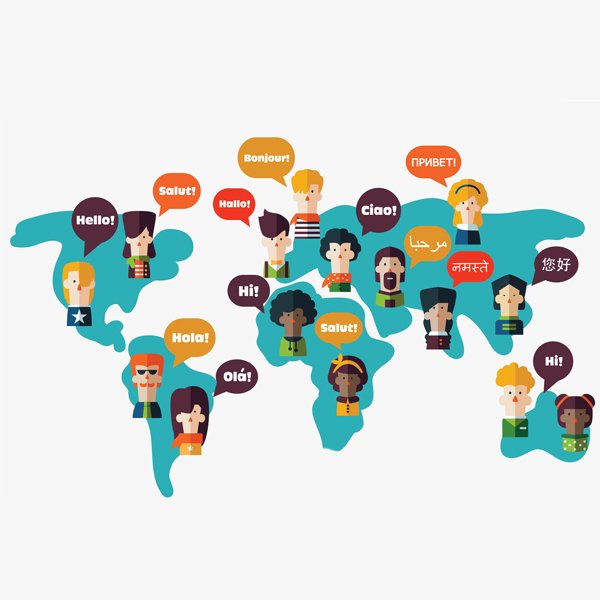 Translate languages easily with a translator
>>> Genuine translator with quality, translates many world languages, check it out: translator
How to use a translator correctly
There are many types of translators with different structures and specific features, but the usage is mostly similar. This is due to the operating principle of language translation devices.
First, you need to press the power button to start the machine. Using the language translator is very simple: press the button and speak into the machine's microphone. The machine will then automatically translate into your desired language. Some machines may require pressing an additional button to speak.
For models that use a mobile app, you need to turn on Bluetooth to connect the translator to your phone. Then, open the app and select the spoken language and the language to translate into. Then, press the button to speak for the machine to translate. A conversation will appear on your phone showing the translation.
You need to speak clearly and not too quickly so the machine can hear and translate accurately. If you speak too softly, use local dialects, or mispronounce words, the translation results will be incorrect.
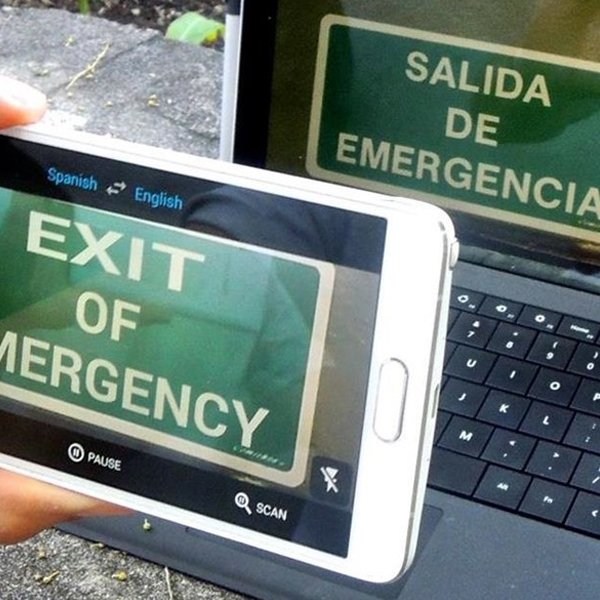 Translators can even translate text from images
>>> To use a translator when traveling abroad, you need to buy: international SIM card
Notes for effective use of the translator
First, you must carefully read the user manual for the language translator. Because each model has a different structure, the above is only a general guide on how to use the translator. Furthermore, for models that use an app, you must download the correct app.
You should also follow the manufacturer's recommendations for charging the machine. Because translators are all battery-powered. If you plug in the wrong power source, you will damage the battery and the machine, or charging too often will shorten the battery life.
You should minimize background noise when using the translator. Because noise and sounds can cause the machine to misinterpret and translate incorrectly.
Some models require an internet connection for translation. You should ask the seller what your purchased device needs to operate properly. Some translation devices use Wi-Fi or 3G/4G SIM cards depending on the design.
You should not let the device get wet, subject it to strong impacts... Such cases will significantly slow down the device and make it difficult to get warranty service.
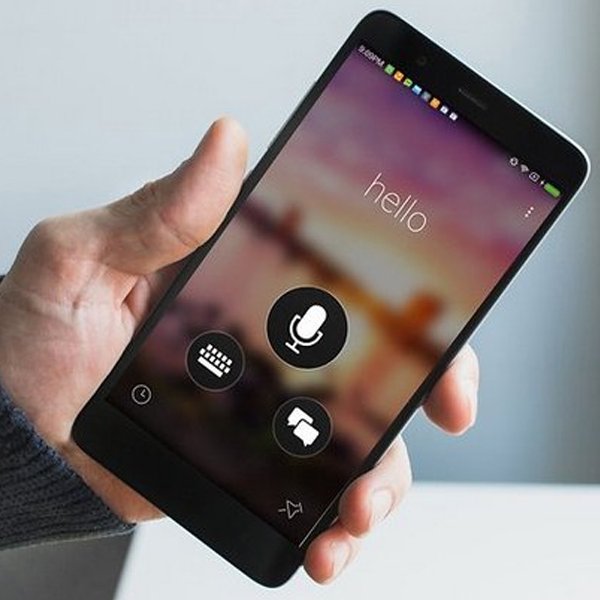 You just need to speak and the device will translate automatically
The above is a basic user guide for translation devices. This knowledge will help you understand more about the operating principles and how to use them. Once you grasp this, you can easily use any language translation device.





