


 English
  Tiếng Việt
 The technology has been developed in new directions since the advent of 4G technology. Developed with the best technology today, it allows users to connect to the internet in the most powerful way. You have just bought a D6606 wifi hotspot and are struggling with how to use and set it up? Then follow our article on how to use the D6606 wifi hotspot right below.
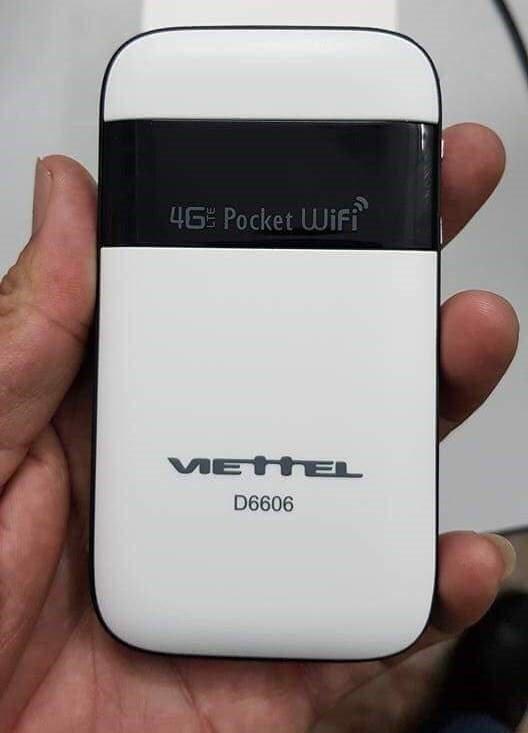
How to use the D6606 hotspot
Great functions of the D6606 wifi hotspot
Surely those who have chosen to use the device have already researched its features. If you are still vague about its uses, please see the uses we provide below:
- Viettel D6606 is a wifi hotspot officially provided by Viettel with the most guaranteed quality.
- The device's connection speed is extremely stable with a speed of 150Mbps, browsing the web at a very high 4G speed.
- The Viettel wifi hotspot can connect up to 8 devices at the same time with guaranteed speed.
- The radius to access wifi from the device is 100m, you can still comfortably access wifi from the D6606 wifi hotspot.
- Battery with a huge capacity of 2300mAh can be used for many consecutive hours without recharging.
- The wifi hotspot is designed to be compact with white as the main color, bringing elegance and convenience. You can easily take the device wherever you want.
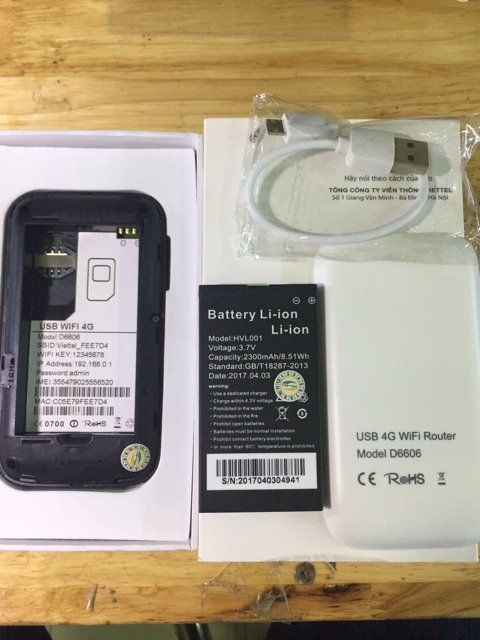
D6606 with many outstanding features
How to use the D6606 wifi hotspot
The way to use the Viettel D6606 wifi hotspot is as follows:
Step 1: Please open the cover of the wifi hotspot then . Please read the instruction manual included in the device package for guidance.
On the device cover, there is the wifi name and password, remember those characters to log in.
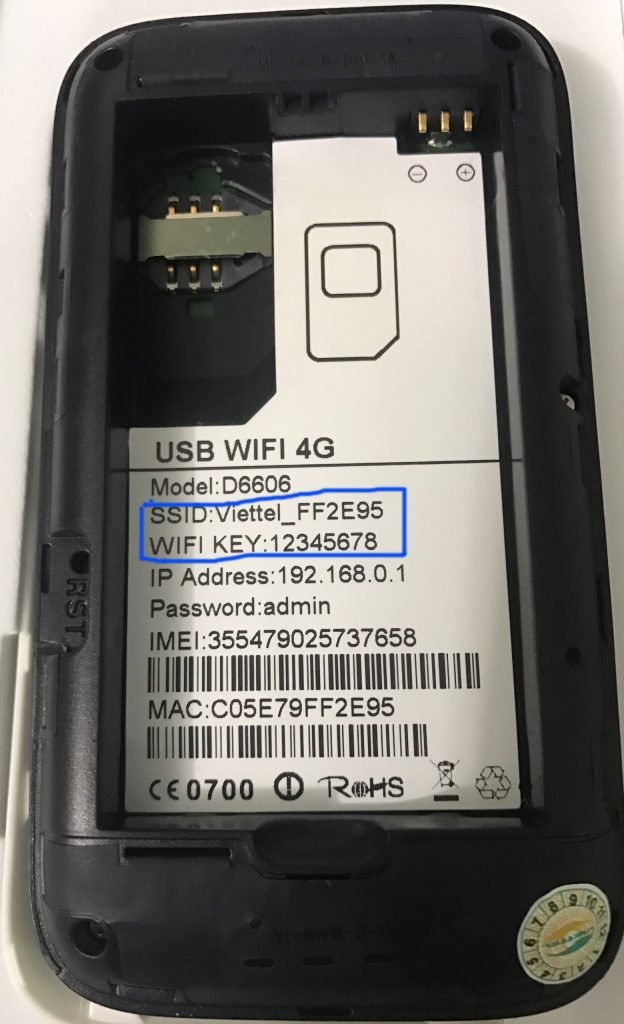
Step 2: Next, insert the SIM card into the SIM slot and install the battery into the device.
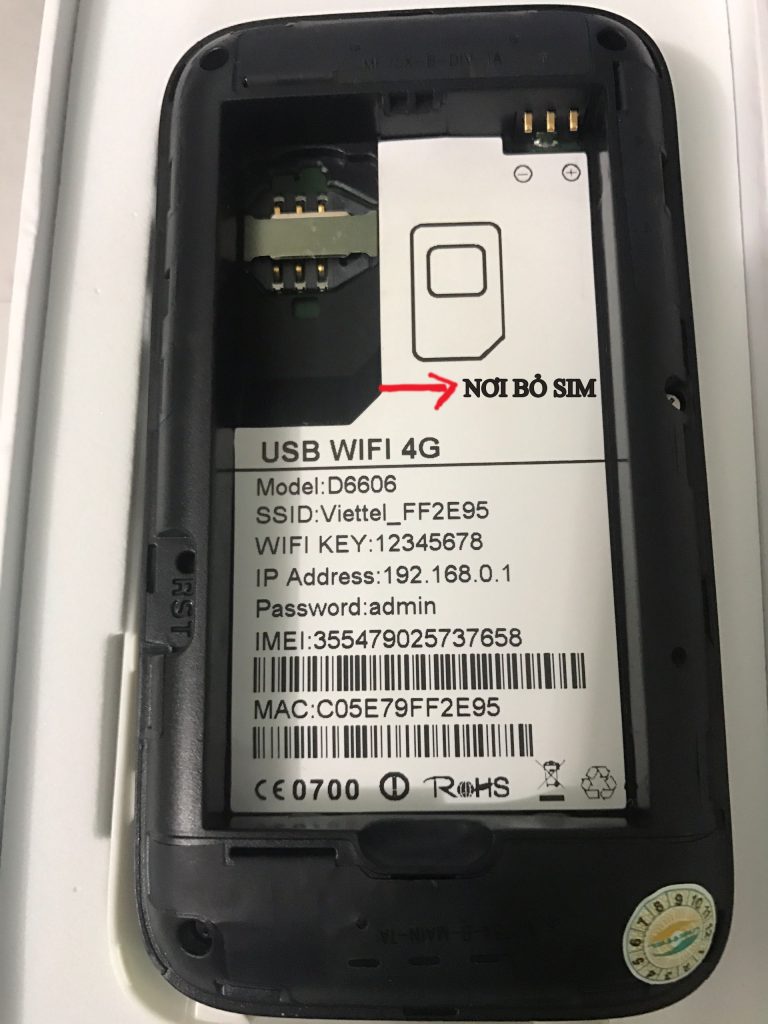
Step 3: Plug the battery charger into the power supply for 1 minute to charge the device and start testing.
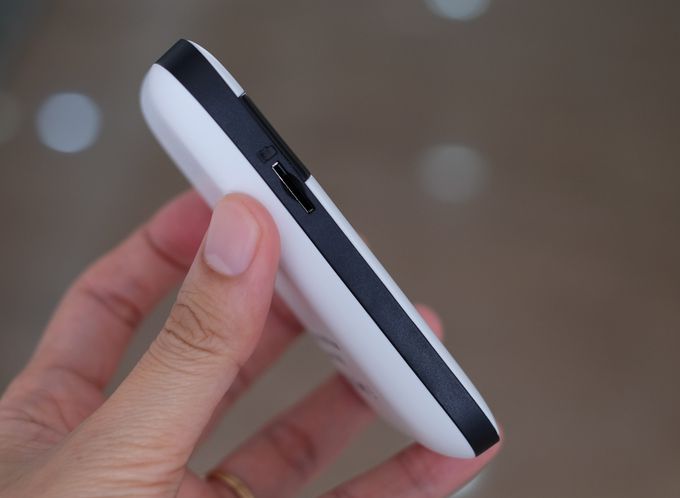
Step 4: Turn on and hold the power button to start the device. When the power icon turns green, start the setup.
Step 5: Use your phone to access the Wi-Fi network of the router using the name and password found on the lid underneath.
How to set up the name and password for the D6606 Wi-Fi device
To set up the modes for the Wi-Fi device, follow these steps:
After connecting to the Wi-Fi from the router to your smartphone device.
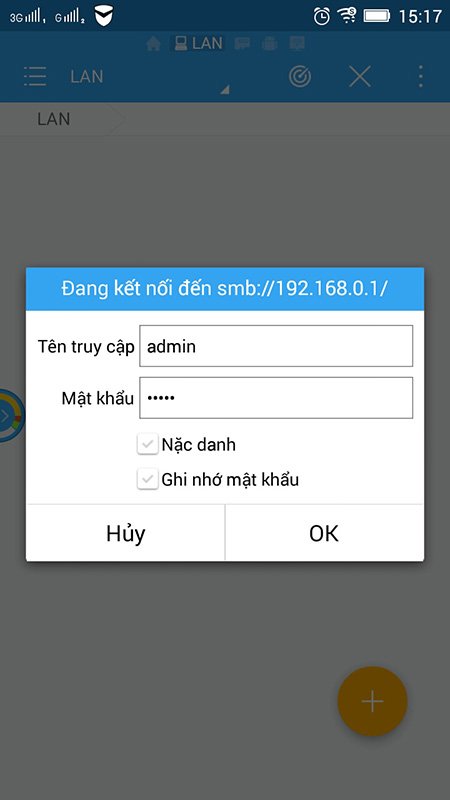
From your smartphone device, open a browser and type:192.168.0.1to access the Wi-Fi device settings.
For the account, log in with the username:ADMIN, and leave the password blank.
Now you have logged into the device's login section. Change the name and password according to your preference to ensure you can easily log in and prevent other devices from logging in without your permission.
We hope the information we have provided above has equipped you with the necessary skills on how to use the D6606 Wi-Fi device. We wish you a great experience with this line of Viettel's Wi-Fi devices.





