


 English
  Tiếng Việt
 - 1. However, as far as we know, researchers have not yet tested this approach in practice, for a long time and in a large population community, interacting in various environments. Wi-Fi can be useful for high-resolution mobile tracking of entire populations... and thus inferring the subjects people are interacting with, not just their locations.
- 2. The most popular web browsers today, such as Chrome, Edge, Firefox, Internet Explorer, Safari, and Opera, all have private or incognito browsing modes. Enabling this feature means your browser will ignore cookies, including ad tracking cookies, and will not record your browsing history. It makes you almost "invisible" online.
- 3. Private browsing will keep your browser safe from casual snoops. If someone hacks into your computer, they won't be able to know where you've been.
To use the internet, choosing Wi-Fi seems to be the best way to save mobile data. But there's a problem: some people say sharing Wi-Fi can lead to tracking? So the question is, "can sharing Wi-Fi lead to tracking?" All your concerns will be answered by us right below.Can sharing Wi-Fi lead to tracking?The truth about sharing Wi-Fi being tracked?

Can sharing Wi-Fi be tracked? This is a question many people ask when using it. This can be done by researchers in Denmark. It was created to track people.
However, as far as we know, researchers have not yet tested this approach in practice, for a long time and in a large population community, interacting in various environments. Wi-Fi can be useful for high-resolution mobile tracking of entire populations... and thus inferring the subjects people are interacting with, not just their locations.
Experts warn that many external applications have access to this sensitive information, which can be considered a violation of privacy.
According to the research team, the issue is likely to affect Android users, as most apps on the Google Play store request access to Wi-Fi information, including requests to scan the system regularly, every 15 seconds. However, the latest version of Android has added a requirement for apps to request permission to receive Wi-Fi scan results, although most currently running Android devices have not yet received this essential update.

Can sharing Wi-Fi be tracked and how to prevent it?
You can protect yourself from tracking with a simple trick that makes your browser much simpler.
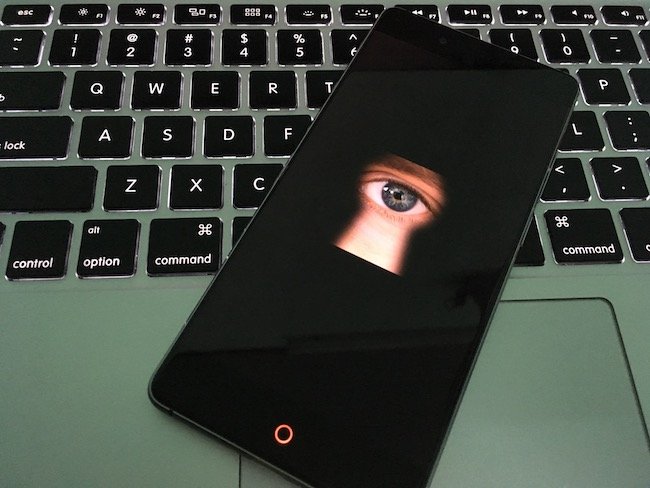
The most popular web browsers today, such as Chrome, Edge, Firefox, Internet Explorer, Safari, and Opera, all have private or incognito browsing modes. Enabling this feature means your browser will ignore cookies, including ad tracking cookies, and will not record your browsing history. It makes you almost "invisible" online.
To enable private browsing mode, simply press CTRL + SHIFT + P (CTRL + OPTION + P on Mac). This applies to all browsers except Chrome. In Chrome, the shortcut is CTRL + SHIFT + N (OPTION + SHIFT + N on Mac). You can also enable private browsing from your browser's main menu.
How to browse anonymously on Chrome browser
When your browser is in private browsing mode, it will display a special icon. If you don't see the mask icon in Firefox, the spy icon in Chrome, or "InPrivate" in IE and Edge, then you are not yet in a secure browsing state.

Private browsing will keep your browser safe from casual snoops. If someone hacks into your computer, they won't be able to know where you've been.
Khi trình duyệt của bạn ở chế độ duyệt riêng tư, trình duyệt sẽ hiển thị biểu tượng đặc biệt. Nếu bạn không nhìn thấy biểu tượng mặt nạ (mash) trong Firefox, biểu tượng gián điệp (spy) trong Chrome hoặc "InPrivate" trong IE và Edge, thì bạn vẫn chưa được đặt trong trạng thái duyệt web an toàn.
Duyệt web riêng tư sẽ giữ cho trình duyệt của bạn an toàn khỏi những kẻ rình mò (snooper) thông thường. Nếu ai đó đột nhập vào máy tính của bạn, họ sẽ không thể biết được bạn đã ở đâu.
More professional “snoopers” can find out by looking at your browser’s cache. This place can still store images and codes from websites you have visited. A program like CCleaner can wipe these details for you.
Of course, your internet service provider still knows where you go, and the government can request that information from providers. There are several ways to solve this problem. The simplest is with a web-based proxy like KProxy. Load any website within Kproxy’s URL bar and the website will be requested that you will be performed through another computer.

Hopefully, the information we have just provided has answered your question aboutsharing wifi being tracked. You won’t have to worry about someone tracking you anymore.





