English
  Tiếng Việt
 MobiFone 3G USB helps you connect to the internet via 3G USB using a MobiFone Fast Connect SIM. You need to have a SIM card that has registered a package to access the internet.
If you have lost your driver and are looking for the Driver for Mobifone Fast Connect 3G modem to install, the good news is you have found the right place. This article summarizes all the latest DriverMobifone 3G Modem for today.
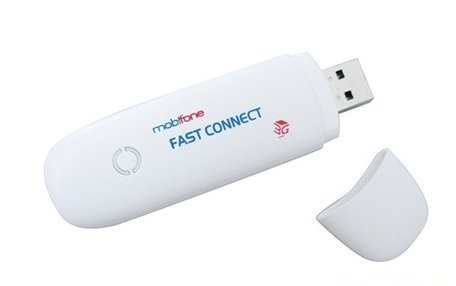
MobiFone Fast Connect 3G USB
Download Driver for Mobifone Fast Connect 3G Modem
- Driver USB 3G MF190 for Mobifone, Vinaphone has added network operator configurations such as Mobifone 3G, Viettel 3G, Vinaphone 3G, EVN 3G
Download Link: Driver USB 3G MF190
Unzip Password: 3gwifi.net
- Driver USB 3G E173u-1 for Mobifone, Vinaphone, Huawei
Download Link: Driver USB 3G E173u-1
Unzip Password: 3gwifi.net
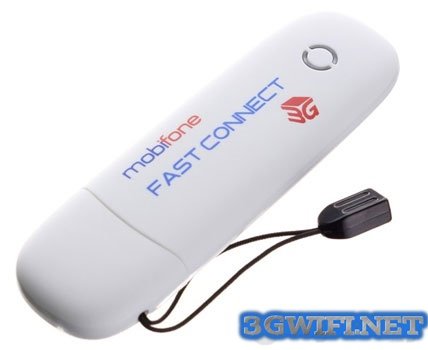
Mobifone Fast Connect 3G Modem E173u-1
How to install MobiFone 3G USB
Simply insert your SIM card into the MobiFone 3G USB, then plug it into your computer or laptop. Then wait for the computer to recognize the USB and start opening the installer. After that, you just need to click Next continuously to install. After installation is complete, the indicator light and signal strength indicate that you have finished installing the Mobifone 3G USB driver.