


 English
  Tiếng Việt
 Nowadays, people use wifi to connect to the internet. Security issues are always the most concerning for everyone. Your home wifi device has been lagging a lot recently, you suspect that some people are using your wifi without permission. So how to block them? Let's read our article about how to block wifi users on your phone. 
How to block wifi on your phone
Ways to block wifi users on your phone.
1. How to identify and detect unauthorized wifi users in your home.
This method of blocking wifi users currently requires a computer. Many people think it's impossible to block wifi users with a phone. But you are wrong, you can still block them on your own device. To detect users, follow these steps:
Step 1: Download and install the Fing application for your Smartphone. For iPhone devices, download the app via Safari, for Android devices, download the app via the Play Store.
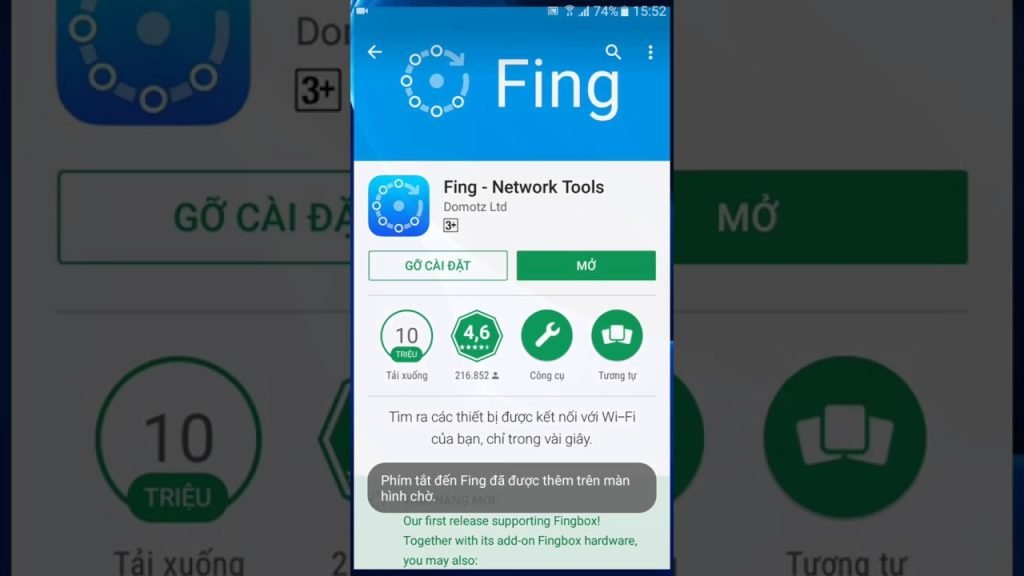
Download Fing App to your phone
Step 2: After downloading the app to your device, launch the application.
Step 3: In the Fing application interface, you will see the devices currently accessing your home wifi.
Note: To proceed, you need to note the MAC address of the device you want to block. The MAC address is displayed below each device's name and has 12 characters.
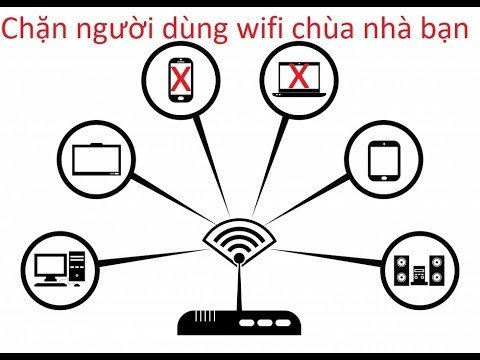
Using Fing to block wifi users
2. Proceed to block unauthorized wifi users in your home on your phone.
Step 1: Open the Netcut for Android application that you downloaded to your device above.
Step 2 : When you open the application, the program will ask the user to grant usage permission, click Allow
Step 3 : Then a usage notification table will appear, you can click OK to confirm.
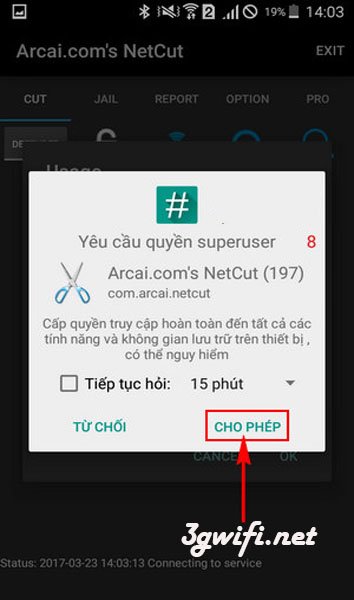
Step 4 : Next, you can track the user accessing your home's free Wifi by the MAC address found in section 1, and click the Wifi icon as shown below.
Step 5 : A form will appear for you to choose, here you can choose the level of access to use the data network of this user by dragging the horizontal bar.
Step 6 : When you drag to 0%, it means you have successfully blocked the user of your home Wifi on your phone, and this device will no longer be in this list.
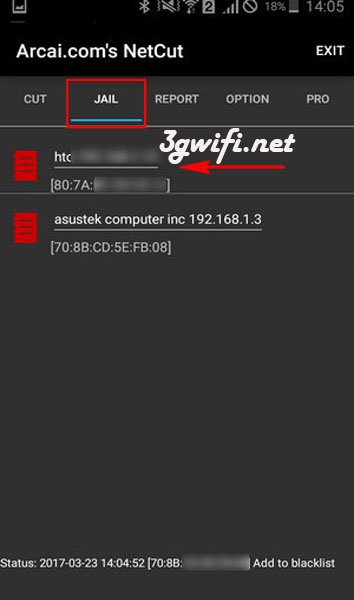
Step 7 : To check the blocked devices, we select the JAIL tab.
Hope the information we provided above has helped you with how to set up to block wifi users on your phone. Just follow our instructions and you will be able to block unwanted wifi connections to your home. Wish you success.





