


 English
  Tiếng Việt
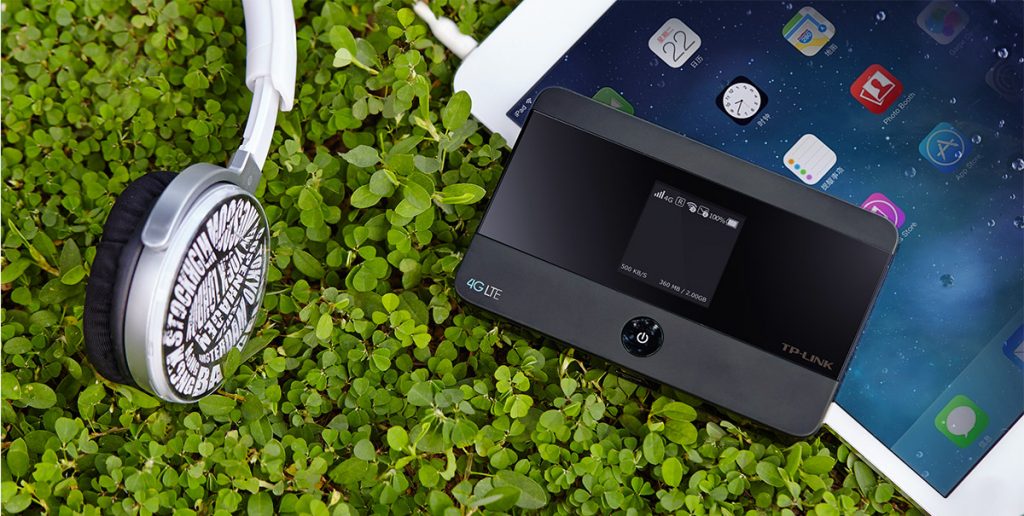
 Using Tp Link wifi routers is a popular choice for mobile wifi devices. With excellent quality, it is widely used. You have just chosen a TP Link wifi router but are struggling with how to set it up and use it? Then refer to our article about how to use a TP link wifi router right after this.
How to use a TP link router?
Amazing benefits of TP link wifi router
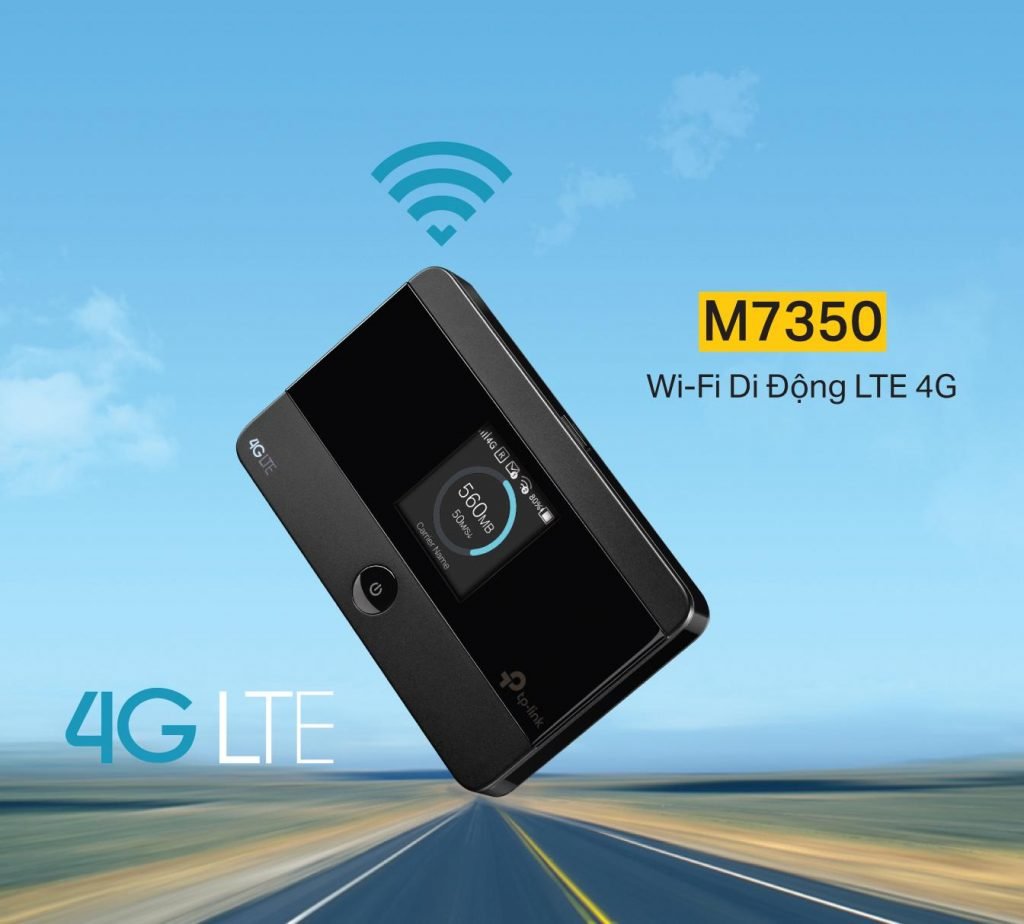
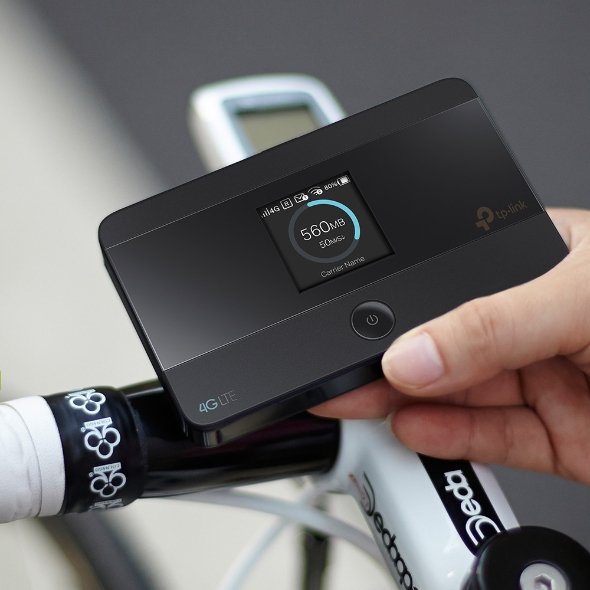
TP Link devices are used with two wifi routers available on the market: MF7300 and MF7350. These models have the following outstanding features: - The device is designed with an extremely high connection speed of 150Mbps, providing a stable 4G internet connection. - The router is integrated with the latest technology, allowing connection to 10 devices simultaneously. - With a 2000mAh battery capacity, it operates for 10 hours without interruption. - Extremely compact size, you can take it anywhere you want. - Simply insert the SIM card to use, simple and easy-to-use design. Supports memory card up to 32GB for convenience, assisting you anytime, anywhere. With a defense capability against security threats.
How to use a Tp Link wifi router
Many people find it difficult to use when they first start. People often struggle with how to use it, how to set it up?
How to log in to the wifi of the wifi router
Step 1
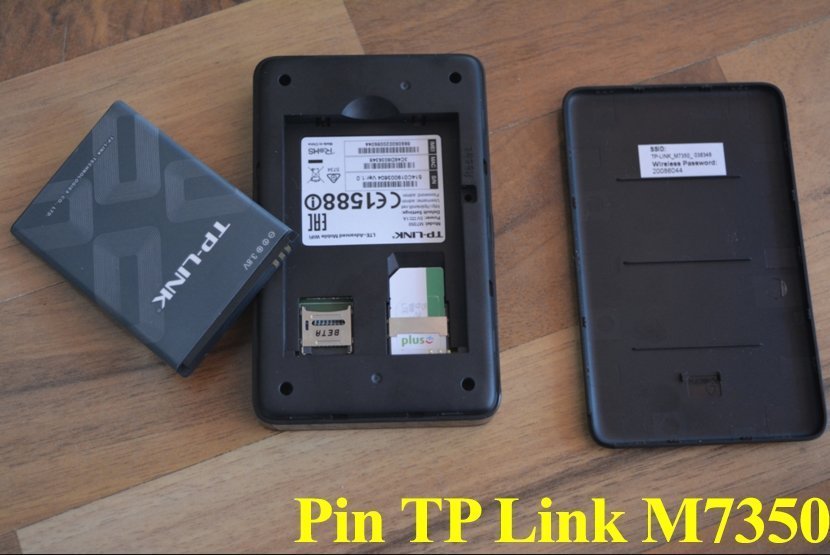
: For a newly unboxed device, install all accessories such as the battery and SIM card into the device.
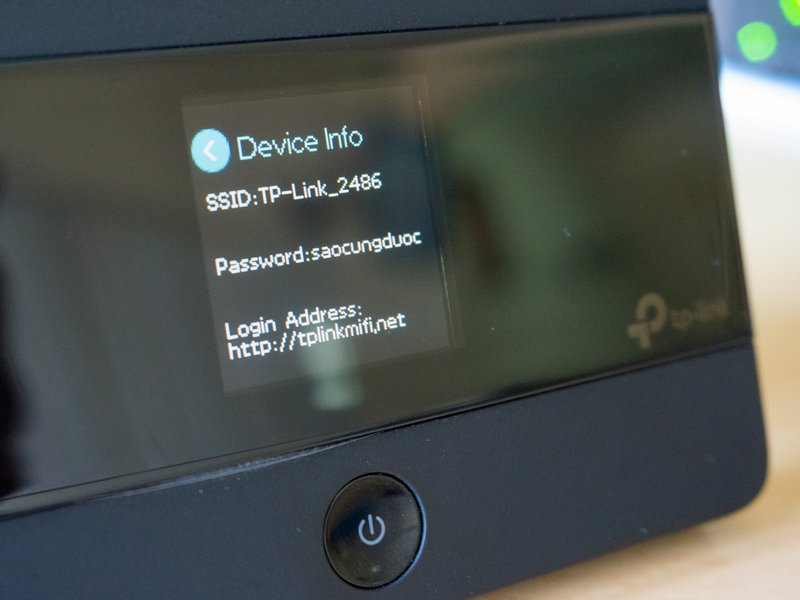
Note: check the name and password on the device cover and remember it.
Step 2
: Charge the device to ensure sufficient battery capacity for operation.
Cách đăng nhập vào wifi của cục phát wifi
Step 1: Từ thiết bị đã được bóc hộp mới hãy lắp tất cả các phụ kiện như pin và sim vào thiết bị.
Lưu ý hãy xem dòng tên và mật khẩu ở nắp của thiết bị và ghi nhớ nó.
Step 2: Sạc cho thiết bị để có dung lượng pin để thiết bị hoạt động.
Step 3: Turn on the power on the side of the device to use it. Press and hold the power button for about 5s when the device shows a blue light, the device is starting to operate.
Step 4: Take your smartphone to connect to the Tplink device. The name and password are what you noted in step 1.
- How to set up Tp Link wifi router
To set up the router, follow these steps:
Step 1: Connect to the device
- Turn on the device's power. From your laptop, smartphone, etc., connect to the wifi broadcast by the device (default wifi password is on the back cover of the device)
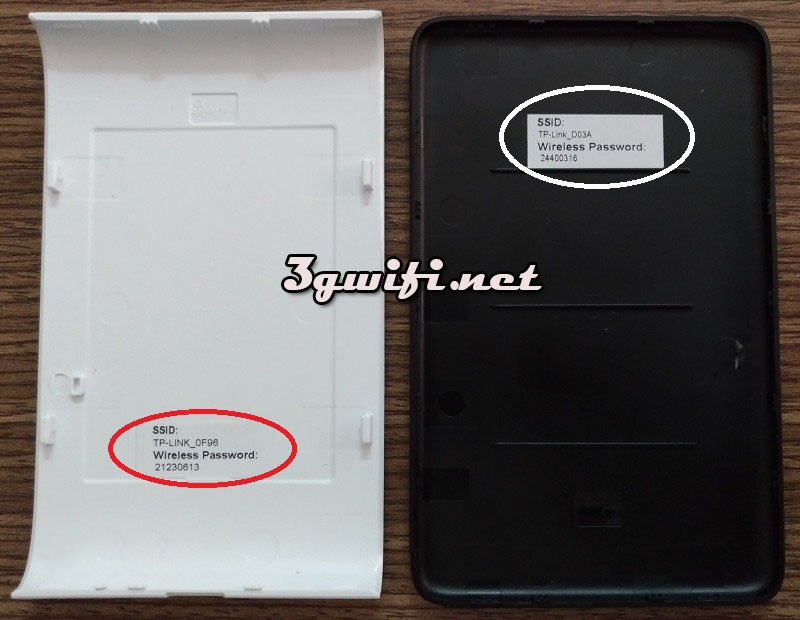
- Then open a web browser (IE, Cốc Cốc, Chrome, ...) and type192.168.0.1 into the address bar and press Enter.
- In the section, enter Password as admin, then select Login.
Step 2: Settings
1. Go to Advanced
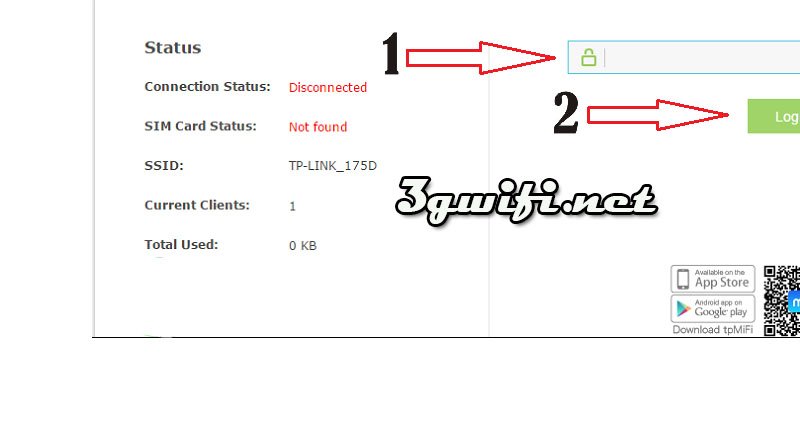
2. Under Wireless, select Basic Settings.
3. Enter the desired wifi name in the Wireless Network Name (SSID) field. The wifi name cannot have spaces or special characters.
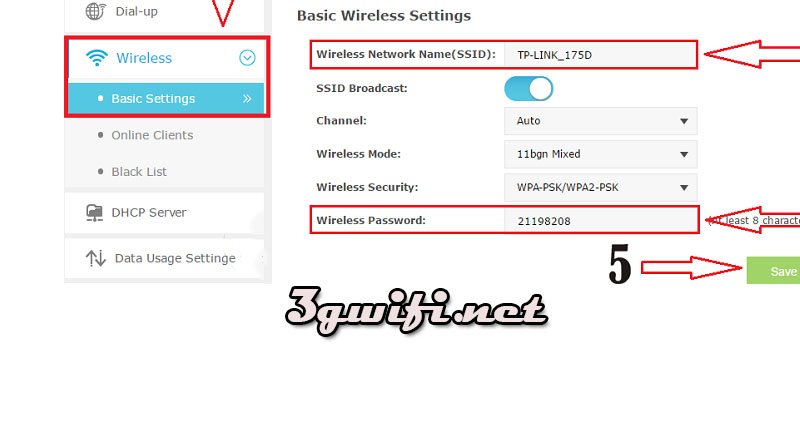
4. Enter the desired wifi password in the Wireless Password field. The minimum length is 8 characters, including both numbers and letters.
5. Then press Save to complete the setup process.
After a few minutes, you can connect to the device with the wifi name and password you just created to use it.
Video about tp link mf350 router
The article we just provided above has provided information about using the wifi hotspot device for TP Link products. You can apply it to the setup of M7300, M7350 devices... We wish you great experiences with current wifi hotspot devices.





