


 English
  Tiếng Việt
 You feel your 3G/4G speed is too slow to meet your needs. Read the 3G speed-up tips below. With just a few very easy steps you will maximize 3G speed .
Effective ways to increase 3G speed
Install the Opera Max speed-up application
Opera Max allows users to effectively control the data consumption of each application and optimize web browsing speed while maximizing data savings. In the latest updates, Opera Max has also added modes to help with privacy (Privacy mode). This feature will help protect personal information and block malicious code as well as spyware when you use Wi-Fi in public places, and data will be optimized by about 23%.
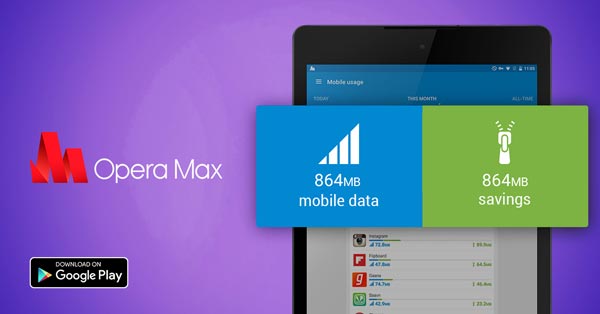 Opera Max app
>>> Experience high-speed multi-network browsing with: cheap 4g usb
Use the Facebook Lite app
Facebook Lite is a version that uses very little data and is suitable for low-spec phones. Besides, the interface of this software is not much different from the Full version. However, it has removed a few features as they have been cut down and enhanced the experience as well as optimized connection speeds with 3G wireless networks.
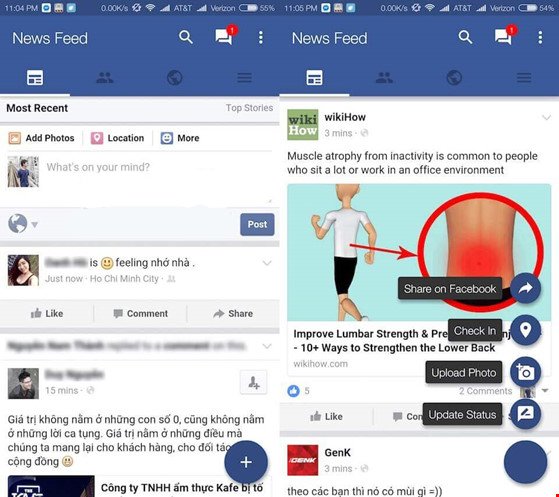
Facebook Lite
Additionally, you can also try installing other apps that have similar functions such as Metal for Facebook, SlimSocial For Facebook, Swipe for Facebook…

Disable images…
Disable images when browsing Web

To have the fastest Internet browsing experience, you can also use the browser in text mode in the settings. Please note that not all browsers support these features.Besides, you also need to install some browsers that have data compression features or the browser
Opera mini.
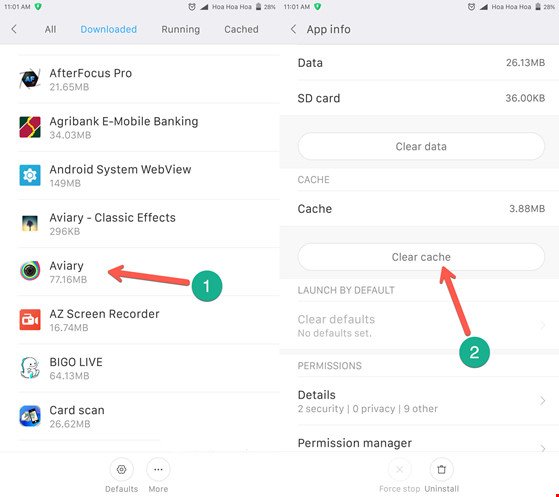
Clear cache
If the above measures still do not improve the connection to 3G, the problem may lie with the device and not the network. To fix this, you need to go to Settings > Apps, then select the cache clearing option and choose Clear Cache.

>>> Are you looking for: affordable 4g wifi router
If you want to save maximum time and make operations easier, you just need to download the Cache Cleaner App.
Change preferred network mode
By default, smartphones are selected with GSM/WCDMA/LTE in auto mode. However, 4G in Vietnam is still new, so 4G is not available everywhere, but 3G is almost everywhere.
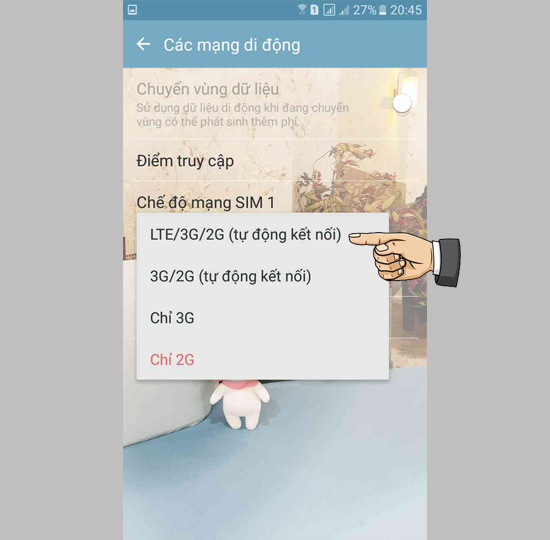
Therefore, you need to switch to GSM/WCDMA auto settings to bypass 4G connections and only use 2G and 3G to achieve the best speed when using.
Above are the tricks to help you maximize your 3G speed. Increasing by 20-30% is quite a lot, but if you still find it slow, use a 4G SIM and 4G connection devices. Wish you success!





