


 English
  Tiếng Việt
 Mục lục
Product FB Link 3G/4G wifi router allows users to convert 3G waves into wifi waves for use with multiple devices. These Fb link wifi routers generally operate very similarly to a normal wifi ADSL Modem but are more convenient as they only require a 3G SIM card from any network provider to function.
You can refer to more products at: 3G wifi hotspot
Features of FB Link 3G/4G wifi router
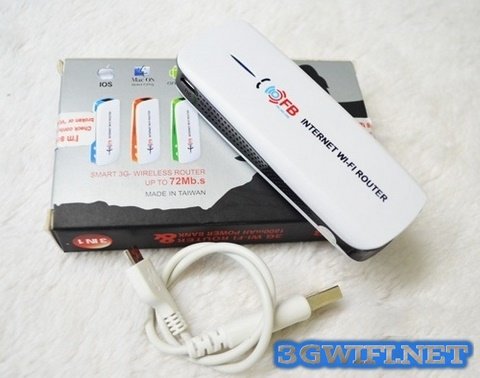
- Extremely strong and fast wifi broadcasting speed
- Broadcasts to multiple devices simultaneously with stable speed
- Compatible with operating systems such as iOS, ANDroid, Windows...
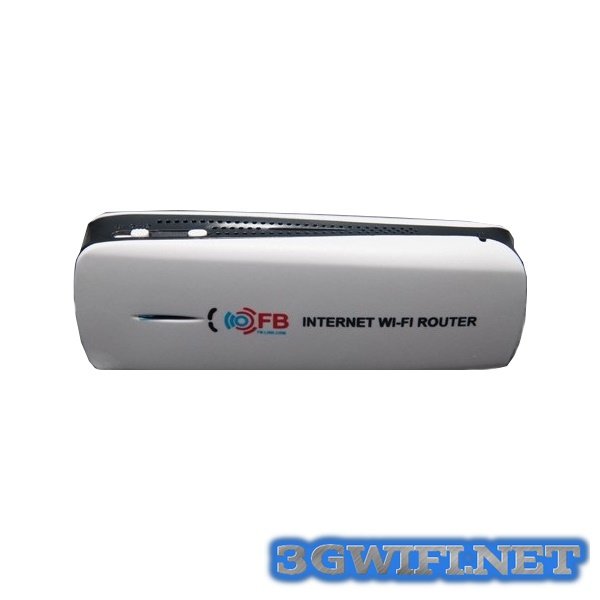
- Has integrated phone charging function
- Has a network cable port and broadcasts wifi like an ADSL modem
- Durable battery makes FB Link 3G/4G wifi routerruns continuously for 3h
Instructions for using FP Link 3G/4G Wifi Router
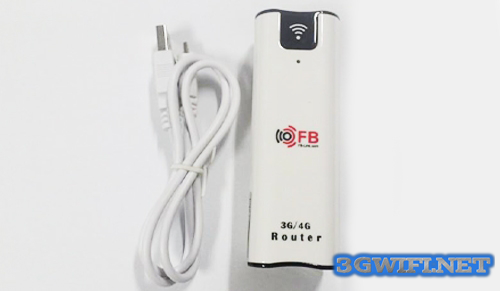
Instructions for using FP Link 3G-4G Wifi Router
- Turn on the device until the letter R appears (without plugging in the 3G Dcom or network cable)
- The laptop screen displays a Wifi network named Mifixxxxxxxx or 3G - Router
- Connect to the network with password 12345678
- Connection successful, run Internet Explorer
- Enter the address 10.10.10.254 and press Enter
- If it asks for a password, enter admin
- Once inside, go to Wireless → Wifi Setting to change the wifi network name and new password (if needed) → Then
- Apply to reset the modem automatically.
- Then log in again to the Wifi network using the new name and new password you just changed
- Connect the ADSL cable or 3G USB and use.
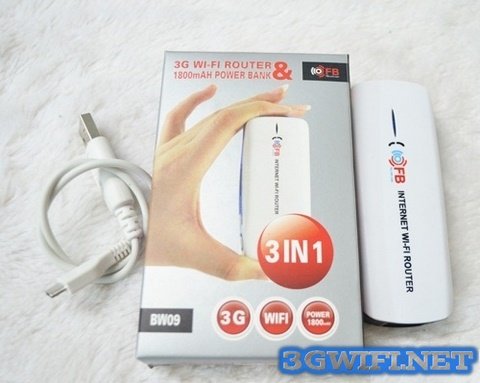
>>> Reference product:3G Wifi hotspot WR6200
Above are all the information about the FB Link 3G/4G wifi hotspot. Have you decided to buy this product yet? Wish you a correct purchasing decision.





