English
  Tiếng Việt
 3g wifi router also known as wifi router is a device that broadcasts wifi through mobile waves. It helps consumers access the internet in places where wired connections cannot reach at high speeds. But many people still don't know how to use this 3G wifi hotspot. This article 3G wifi will guide you on how to use a wifi hotspot with a 3G Sim.
In general, almost all wifi devices have the same structure and function, only differing in technical specifications.
Here are some basic functions of the wifi hotspot:
- Simple, compact, fashionable
- Easy to use, suitable for all ages
- Can use 3G sim multi-network
- Supports Mcro SD card
- Download and upload speeds are relatively stable
- Has a built-in modem with 3g sim slot
How to use a 3G wifi hotspot with a 3G sim
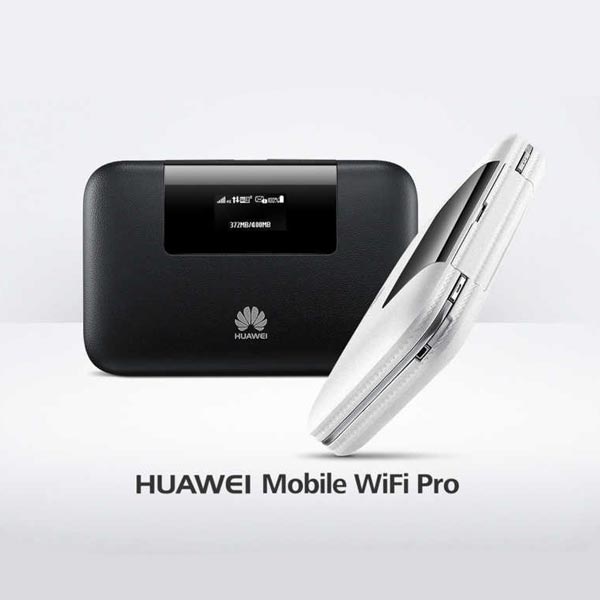
For 3G wifi hotspots with a battery and display screen
To use the 3G wifi hotspot with a 3G sim for your computer, please follow these steps:
- Open the device cover, record the characters (code) of the wifi key, insert the sim card with the metal contact facing down and the cut corner facing outwards, then gently press the sim card to the end.
- The operating system will automatically detect and recognize the new device and complete the installation process
- When the client machine connects to wifi, please find the wifi name and IP address, then re-enter the wifi key characters taken above
- After completing the procedure, the customer presses connect to access the Internet.
>>> Summary 3G USB genuine multi-network latest
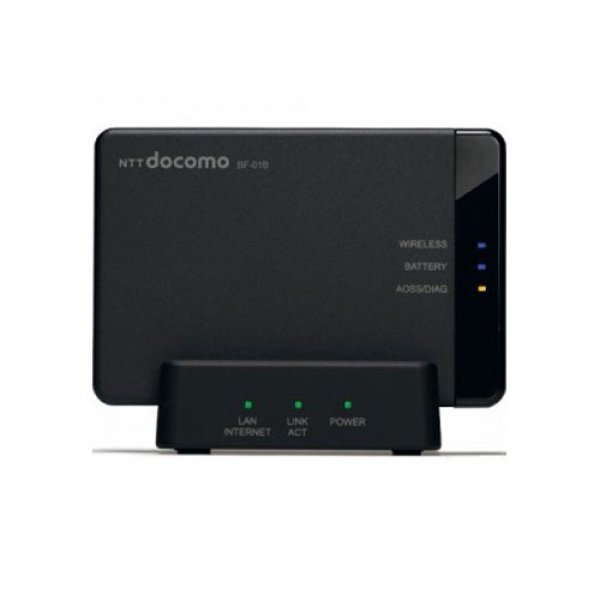
For 3G wifi hotspot devices without a screen
- Open the device cover, record the characters (code) of the wifi key, insert the sim card with the metal contact facing down and the cut corner facing outwards, then gently press the sim card to the end.
- Plug the 3G USB directly into the power source or plug the 3G USB into the computer's USB interface
- The operating system will automatically detect and recognize the new device and complete the installation process
- Connect to the device, then enter the wifi key code recorded above and press Connect
- When not in use, disconnect
>>> Summary 3G wifi hotspot latest today
To change the wifi Key password, log in to: 192.168.0.100 and follow the instructions.
Hope that with the above instructions, you can use your 3G wifi hotspot most effectively and durably. Good luck
Article was edited and updated on 12/27/2019