English
  Tiếng Việt
 Which customers after buying the product and using it, they always encounter problems with how to use it, how to install it. With the product Vinaphone 3G Usb MF667, we also understand what customers need after buying our products. Therefore, we have made an article about instructions for installing and topping up for usb 3g vinaphone mf667, surely after reading this article, our customers will know how to use their products in the best way.
Instructions for installing usb 3g vinaphone mf667
To install this device, you need to plug the device into your computer. Please follow the instructions below:
Step 1: Plug the 3G USB into your computer
Step 2: The device has integrated drivers, so the operating system will automatically detect, recognize new hardware and start the installation.
If the program does not install automatically, follow the path: My Computer -> Vinaphone 3G -> Double-click to run the program.
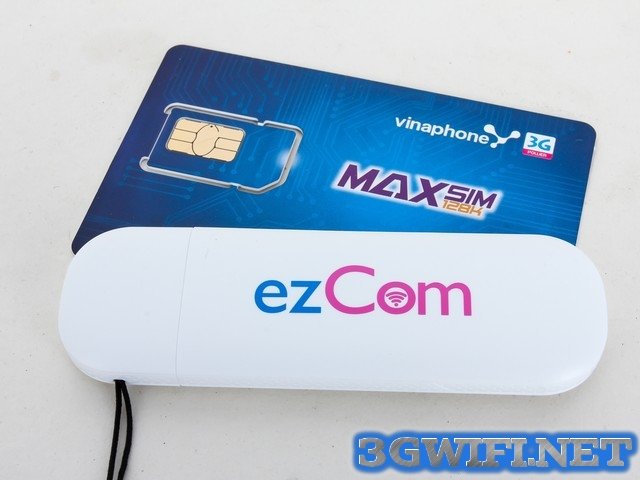
Image of usb 3g vinaphone mf667
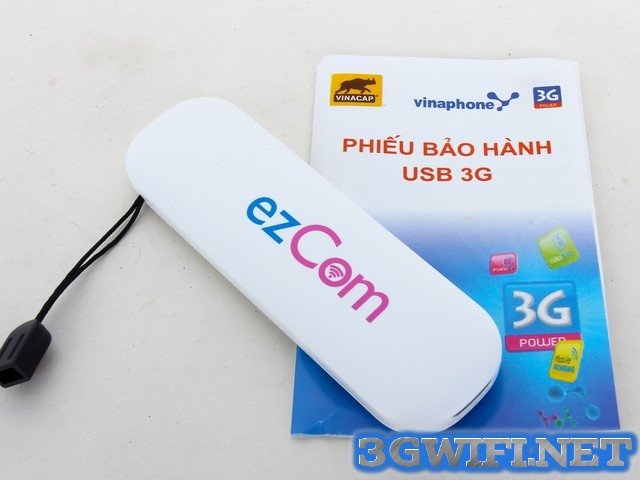
Vinaphone MF667 3G USB 21.6Mbps
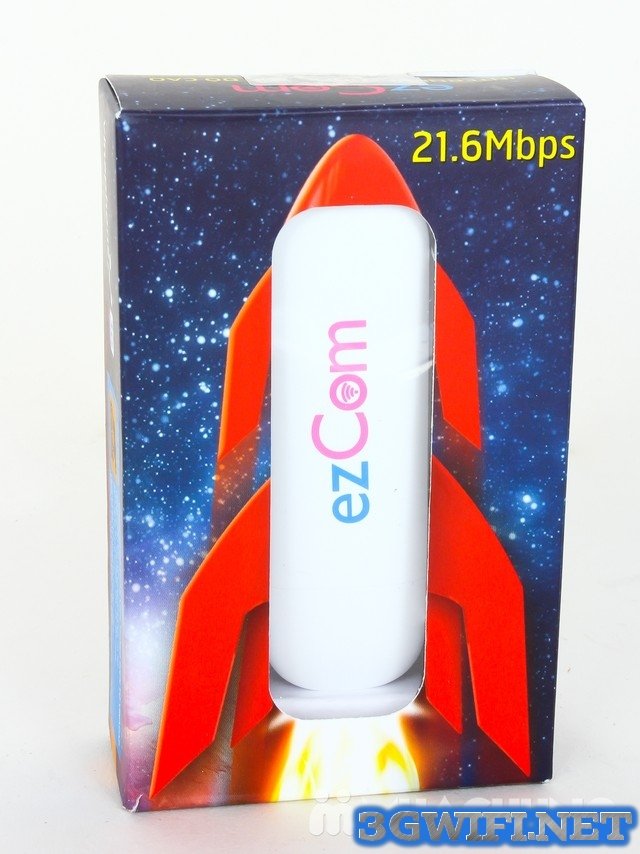
Vinaphone MF667 3G USB highest speed today
Unboxing video 3G USBMF667
Please follow the instructions to complete the installation for the MF667 3G USB device.
Some notes to consider:
When you want to connect to the Internet, you need to plug your device into the computer. The management program will run automatically or you can click on the shortcut for the program on theDesktop. You need to wait a moment for the device to boot up, when theconnect button lights up, it means the program is ready, you just need to click onconnect and wait a moment for your device to be connected via 3G USB.
After you want to exit the program and remove the3G USB from the computer, on the connection interface, please click onDisconnect.
Detailed instructions
The device interface will display the following items:
- Messages: send and read SMS
- Contacts: save and view various contact information
- Settings: configure device parameters
- Data log: connection information
Instructions for topping up and checking account for USB 3G Vinaphone MF667
- To check your account, please dial: *101# and press the call button
- To top up your account, scratch the card and dial: *100*scratch card code# and press the call button.