English
  Tiếng Việt
 Many of you have questions about how to change the name and password of the Netgear 791L wifi hotspot to make them easier to remember, as the manufacturer's default password is too long and difficult to remember. Therefore, today Sahaha will guide you in detail on how to change the name and password of the Netgear 791L wifi hotspot as follows:
Step 1:
Insert the SIM card into the hotspot, then turn on the power. The screen will display many icons. Here, select the wifi icon to display the wifi name and password, and connect to that wifi name.
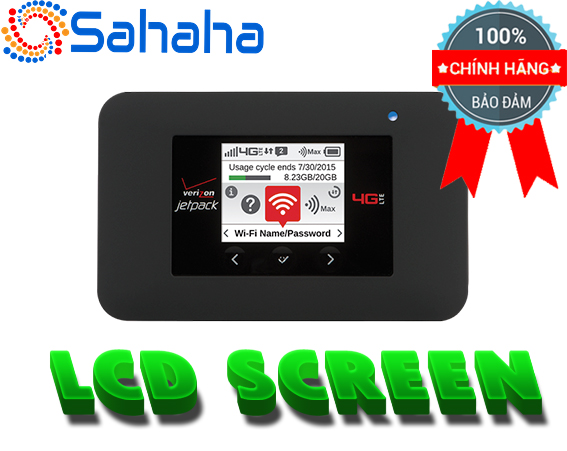
Next, return to the main screen, select the gear icon (setting) -> Advanced Setting. This will display information such as the address to access the administration page: http://192.168.1.1, user: admin, password: 9b6b2ff2 (Note: each device will have its own admin password).
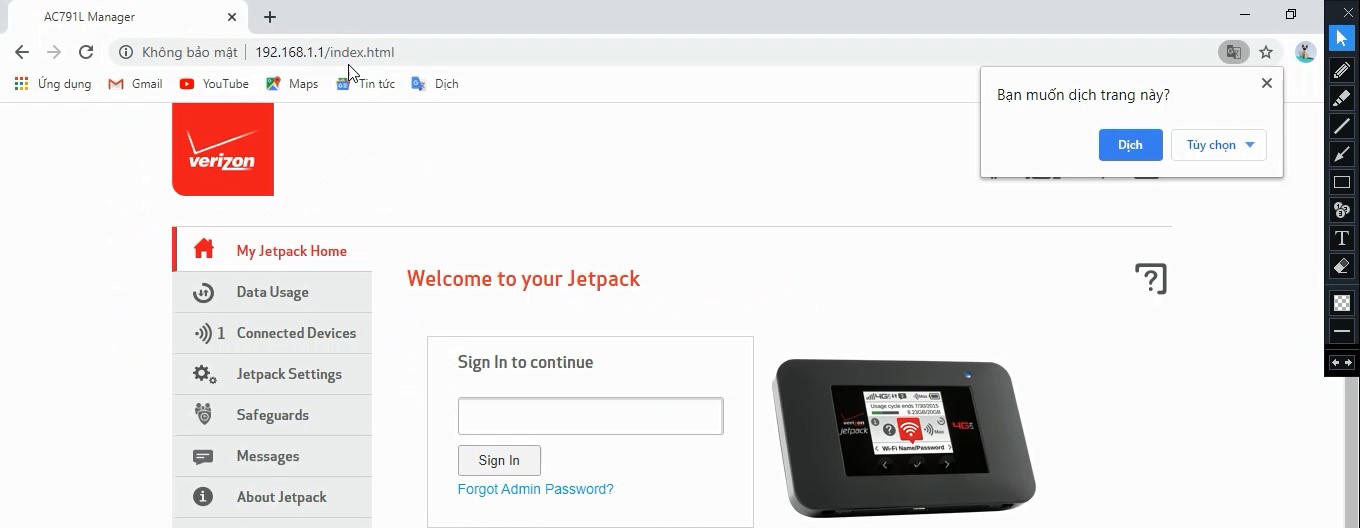
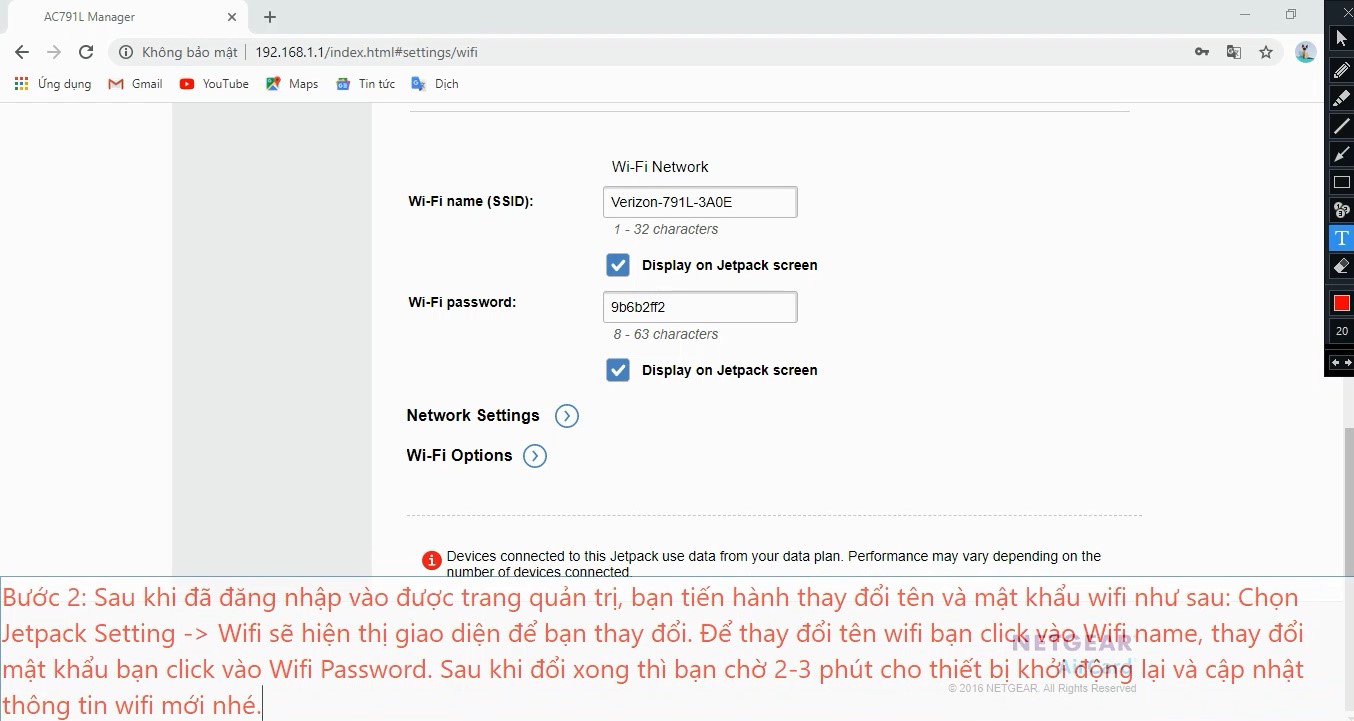
Step 2:
Select Jetpack Setting -> Wifi. This will display the interface for you to make changes.
Step 3:
After you have finished changing, connect to the wifi to access the internet.