


 English
  Tiếng Việt
 When mentioning 3G wifi hotspot devices, you readers are probably familiar and can easily imagine its shape and size. But today, 3gwifi.net would like to introduce a completely new product that still has a normal shape but its features are many times superior to ordinary 2-antenna modems. That is the TP-Link MR3420 3G wifi router. Let's learn about its features and how it works together.
Why choose the TP-Link MR3420 3G wifi router
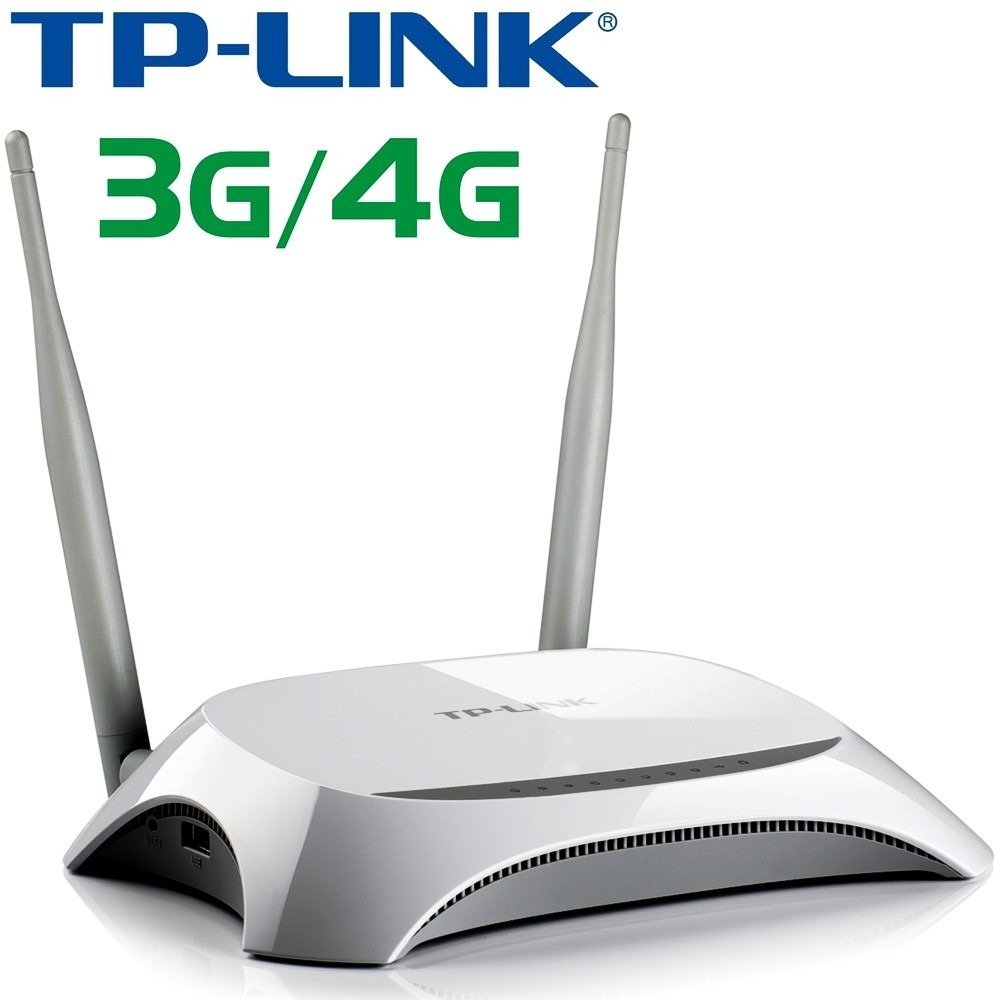
The TP-Link MR3420 3G wifi router is a special product from TP-Link.
- MR3420 is a versatile device that can broadcast high-speed 3G wifi from a 3G USB modem, and can also function as a wired network connection and broadcast wifi like a normal ADSL modem but with higher speed.
- Broadcast speed 150mbps, download 21.6mbps and upload 5.76mbps
- Supports 4G technology in the near future
- Broadcasts wifi for up to 25 devices at the same time with extremely stable wifi signal
- This is considered the best and most powerful 3G wifi device available today.
- Uses direct power supply to operate, so it is always stable.
- You can set a password to control the number of users of that wifi signal.
- When you buy the TP-Link MR3420, you will receive a free 3G SIM card and a 21.6mbps 3G USB modem.
How to use the TP-Link MR3420 effectively
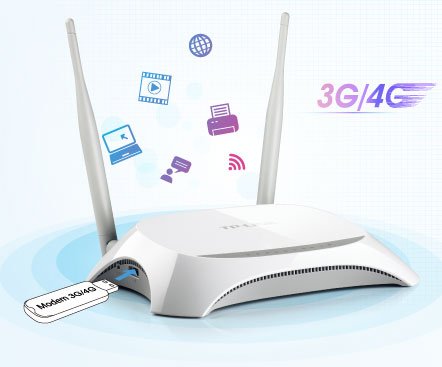
Tp-link MR3420 uses a multi-network 3G USB to broadcast wifi 3G
When you buy this 3G wifi router here, you will receive a complete set including the Tp-link MR3420,Huawei E3531 3G USBand a free 3G SIM card. Your job after receiving this device set is to activate the 3G SIM according to the included instructions, insert the 3G SIM into the 3G USB, then plug the 3G USB into the MR3420, and finally plug in the power to the MR3420 using the included charger. Done, now you just need to use other 3G devices to connect to the wifi router using the username and password on the bottom of the MR3420. You can also change the password and wifi name as you wish by accessing the address 192.168.0.1. Login account admin, password admin -> go to settings -> wifi and edit and save.
Video unboxing and review of TP-Link MR3420 Wifi Router
>> You might be interested in: A summary of the latest4G wifi hotspotavailable today
The above is an introduction and user guide for theTP-Link Mr3420 3G wifi router, hopefully it will help you make the best choice.
In addition, we also provide many other3G wifi hotspot devicesfor your reference:
Article edited and updated on 14/01/2020





